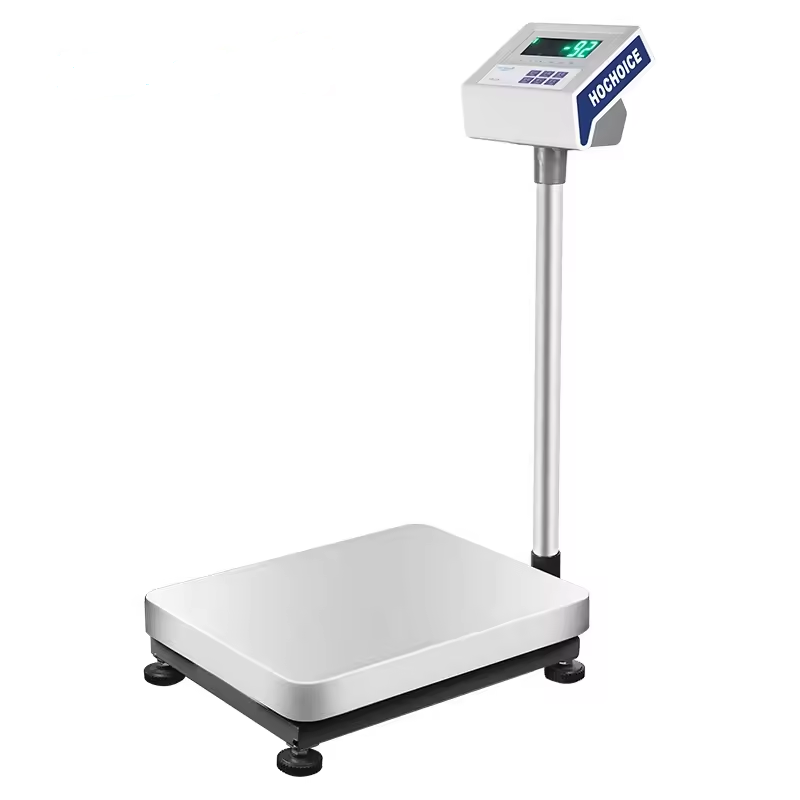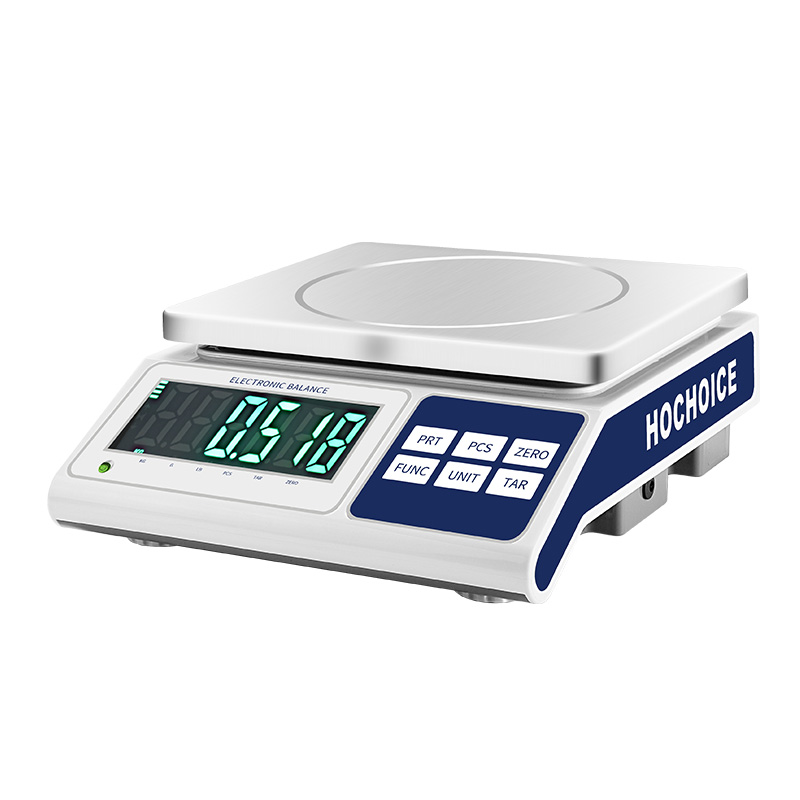

When a digital scale not reading weight correctly or showing unstable readings, most people immediately assume hardware failure. After-sales data shows over 80% of these issues are caused by simple environmental or operational factors, and can be fixed in minutes with no tools.
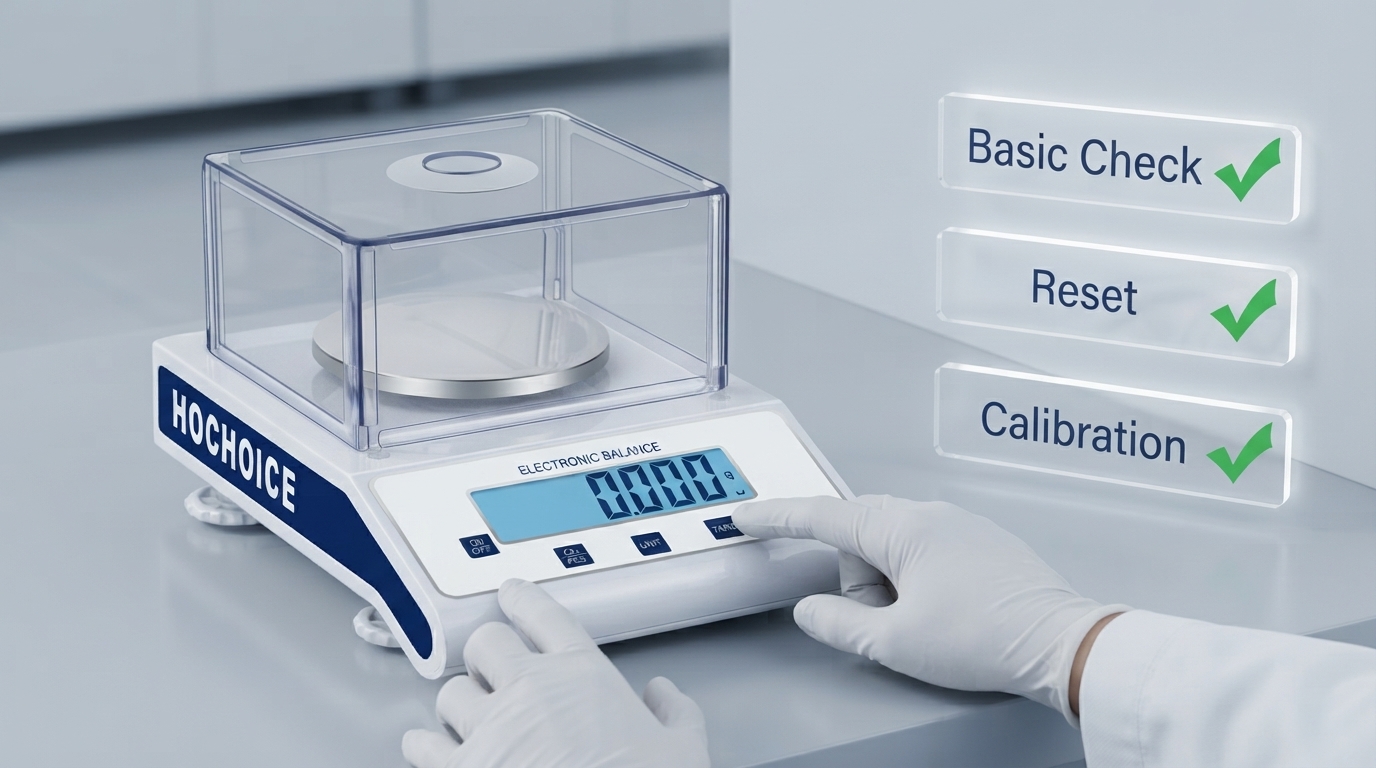
Start here before doing anything else:
Block airflow: Move the balance away from AC vents, fume hoods and open windows. Close all windshield doors. Airflow is the #1 cause of unstable readings.
Clean thoroughly: Spilled sample, dust and fiber residue can jam the weighing pan. Clean the pan, chamber and windshield completely, and check for debris under the pan.
Check level: An out-of-level balance causes systematic error. Adjust the foot screws until the level bubble is centered.
If basic checks don’t work, try standard reset procedures:
How to reset digital scale to zero: Empty clean pan, close windshield, wait for stability, press ZERO. Do not press the key repeatedly.
Power-off reset scale: Turn off power for 30 seconds, then restart and preheat fully. This fixes most temporary software glitches.
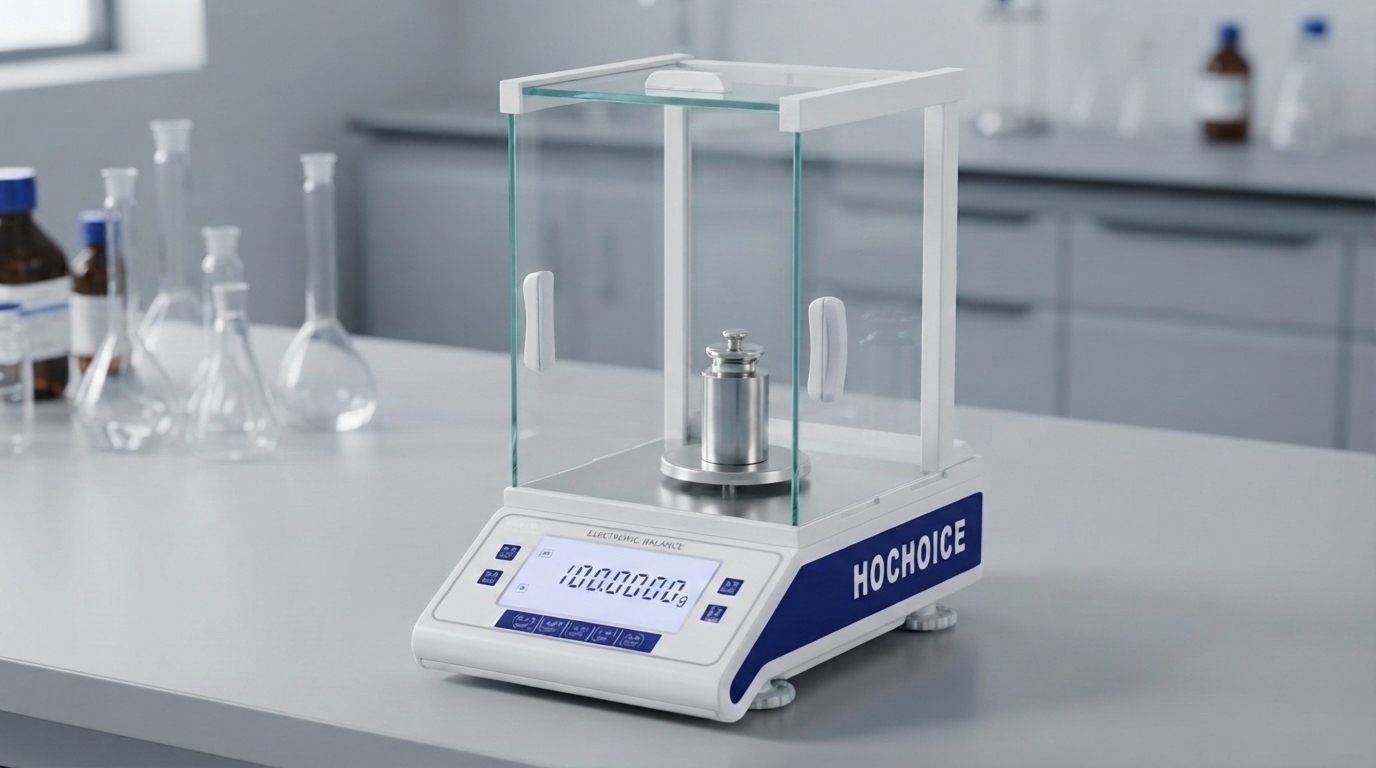
If reset doesn’t work, sensor drift is likely the cause. Perform full balance calibration with traceable standard weights. Verify with multiple weight values to confirm error is within tolerance.
Contact support if:
Display is completely unresponsive
Large error remains after full calibration of electronic weighing balance
Abnormal mechanical noise is heard inside the unit
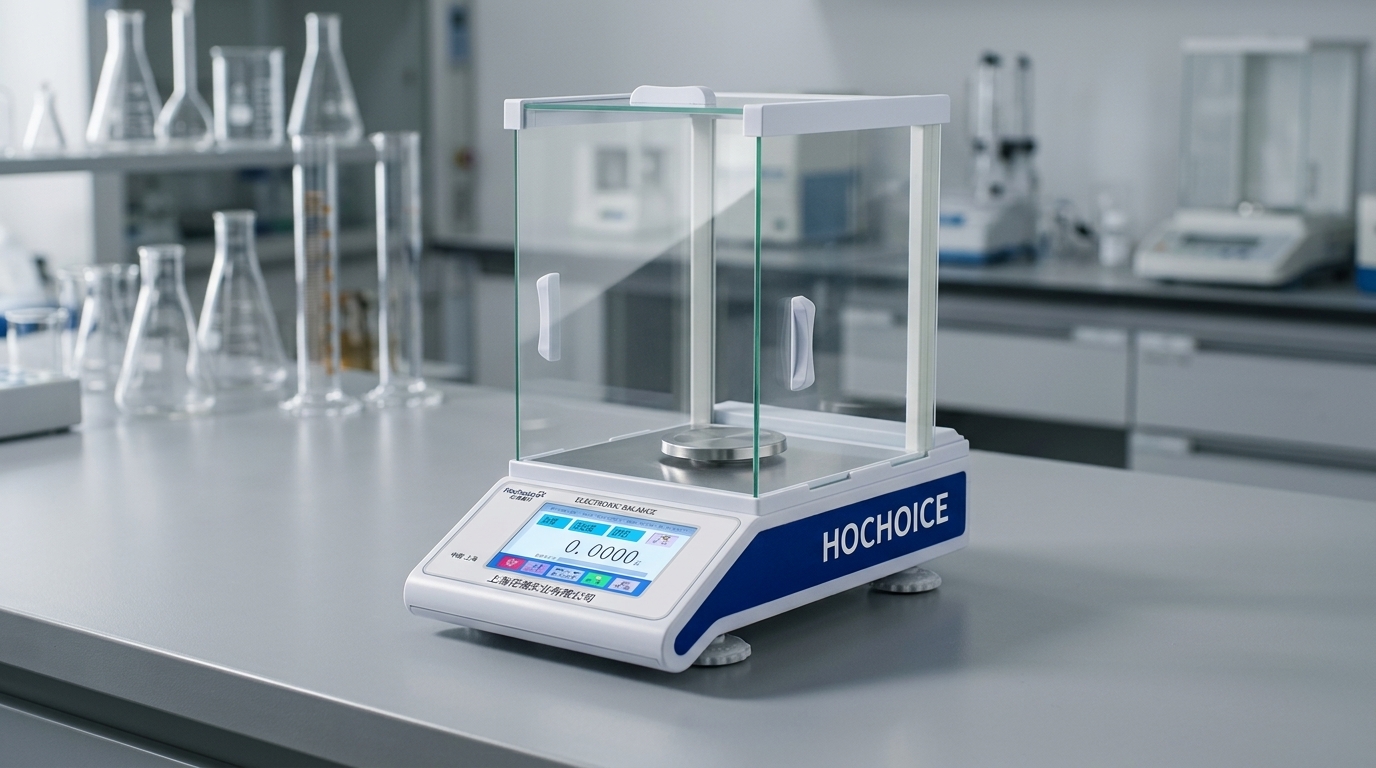
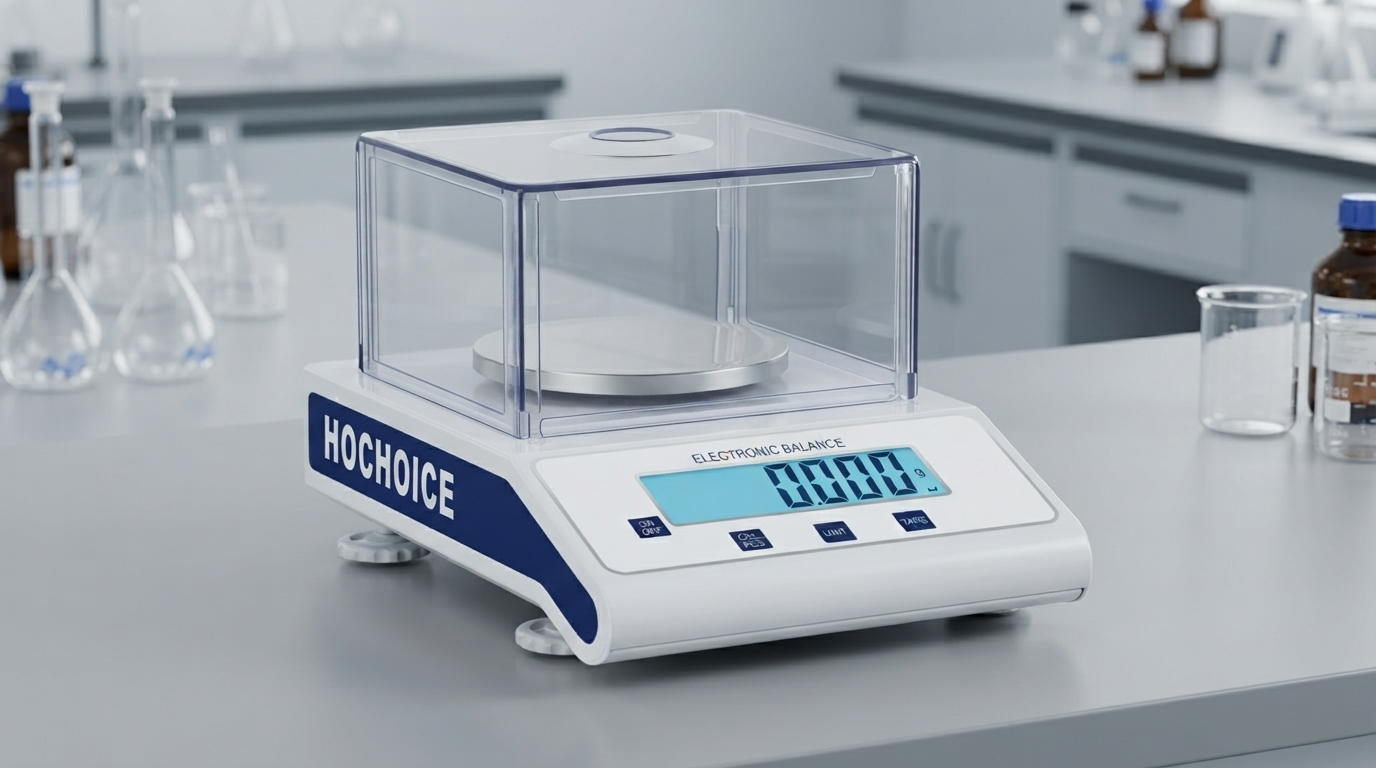
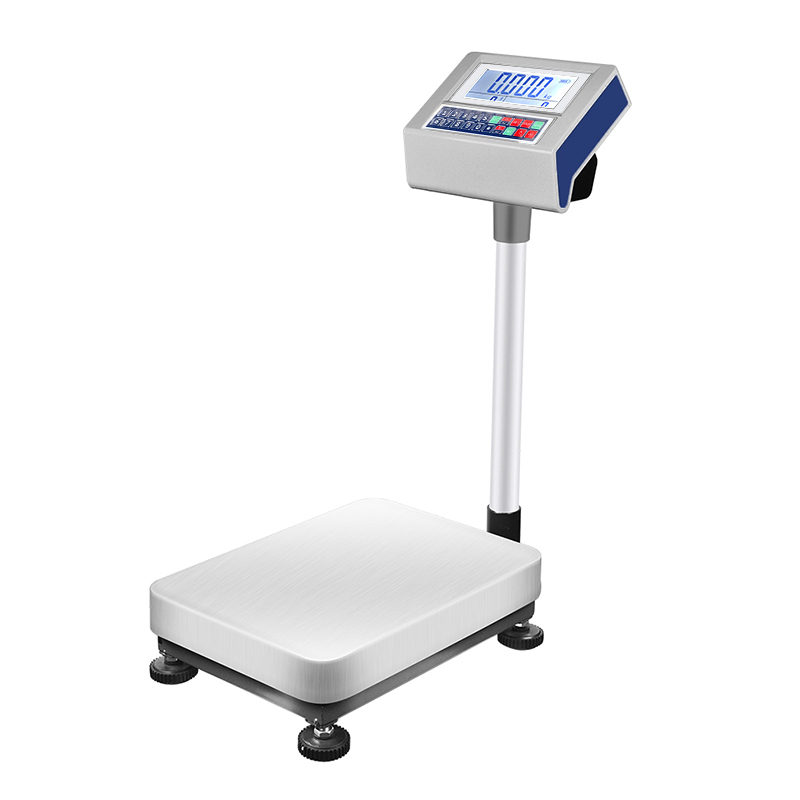
Related Products:Hochoice Precision Balances with Self-Diagnostic FunctionMore Guides:6-Step Electronic Balance Calibration Complete GuideTechnical Support:Get after-sales help for balance faults
Hochoice balances feature built-in self-diagnostic prompts to help you locate faults quickly, and dust-sealed sensor design reduces daily failure rates significantly.