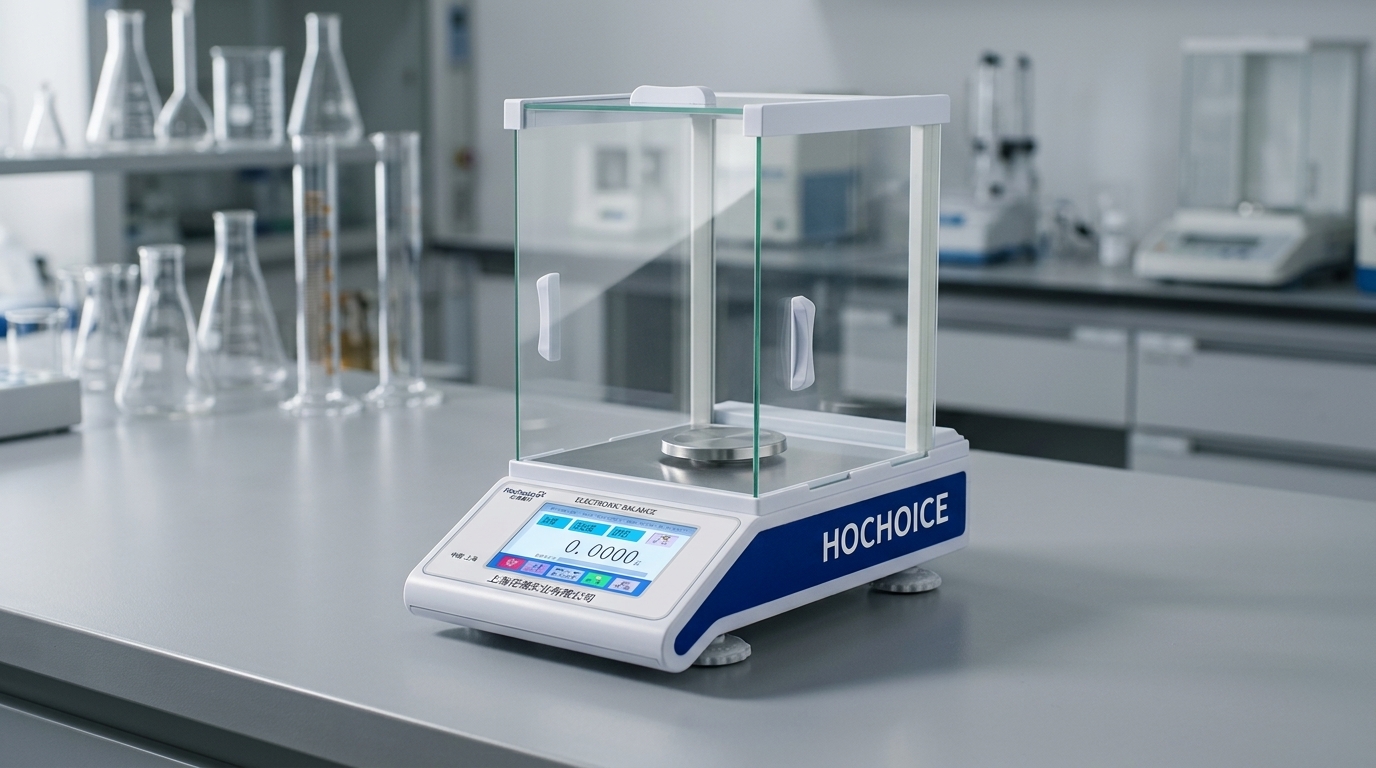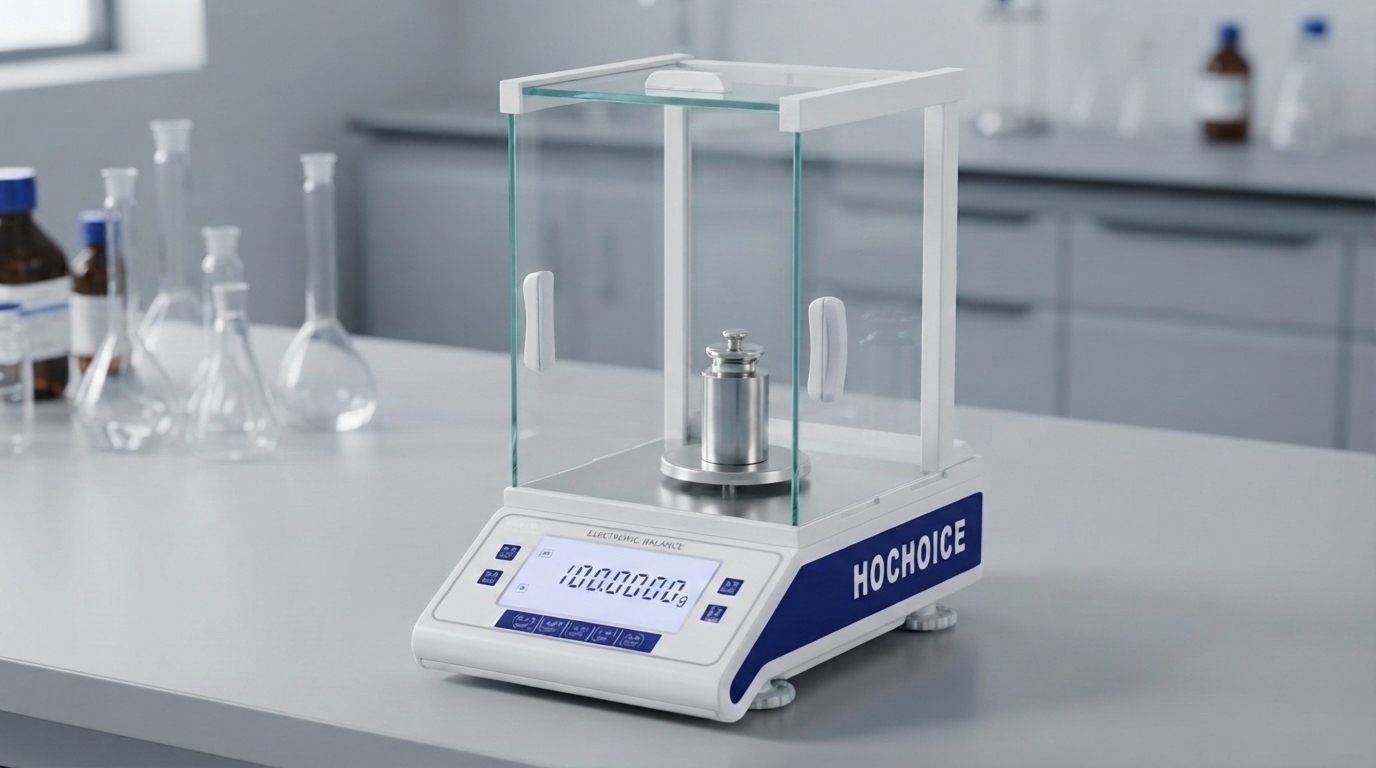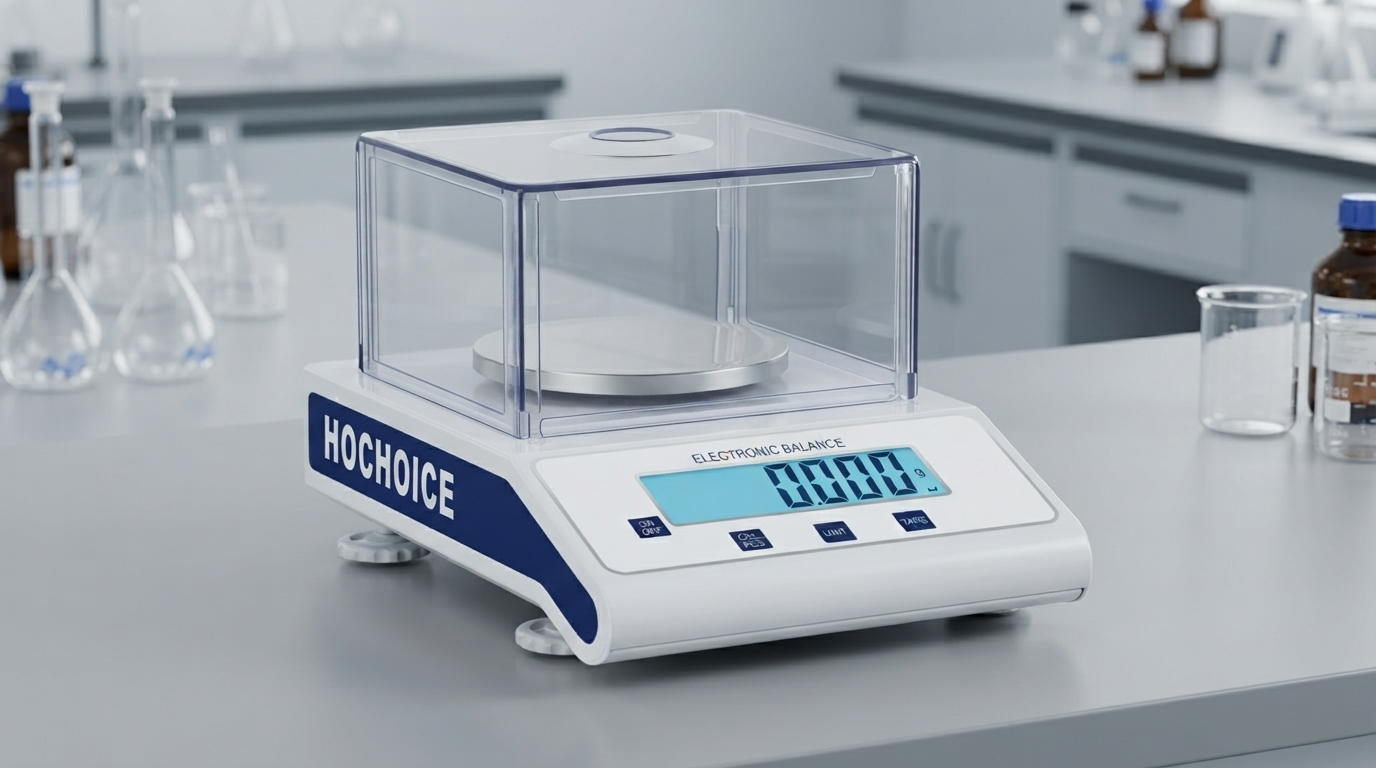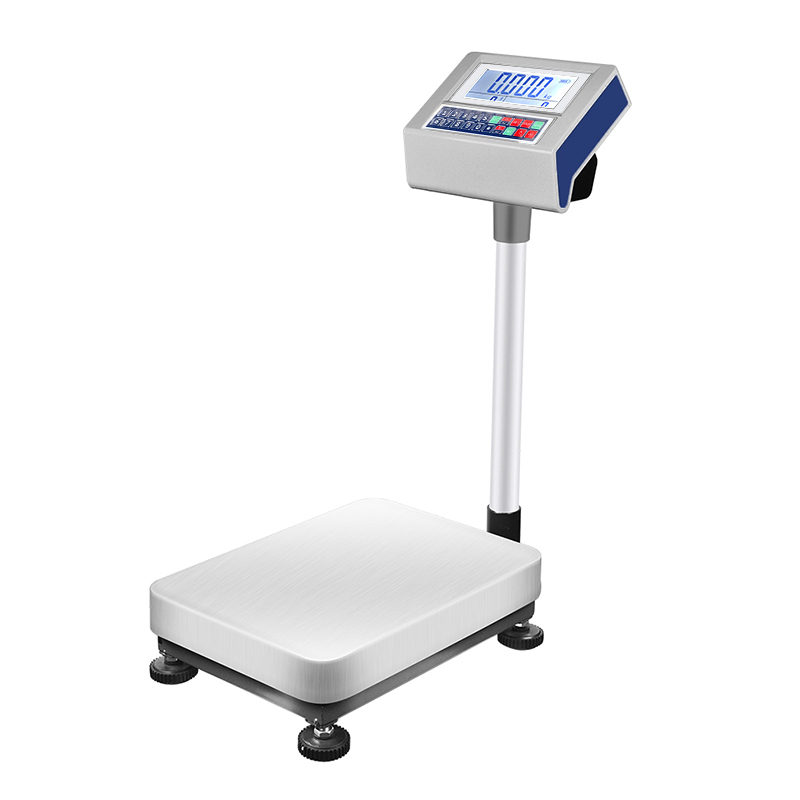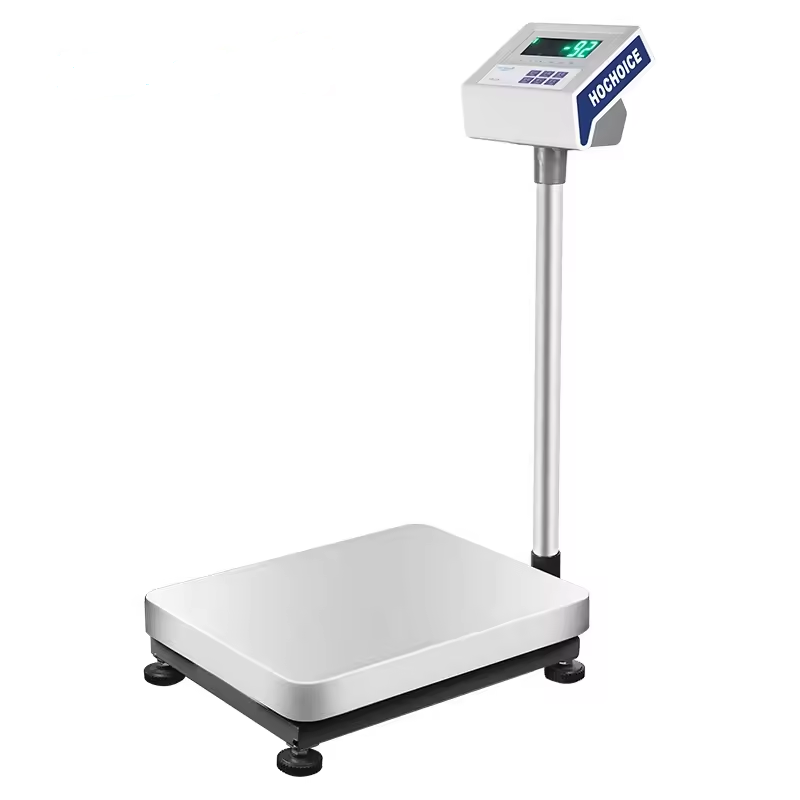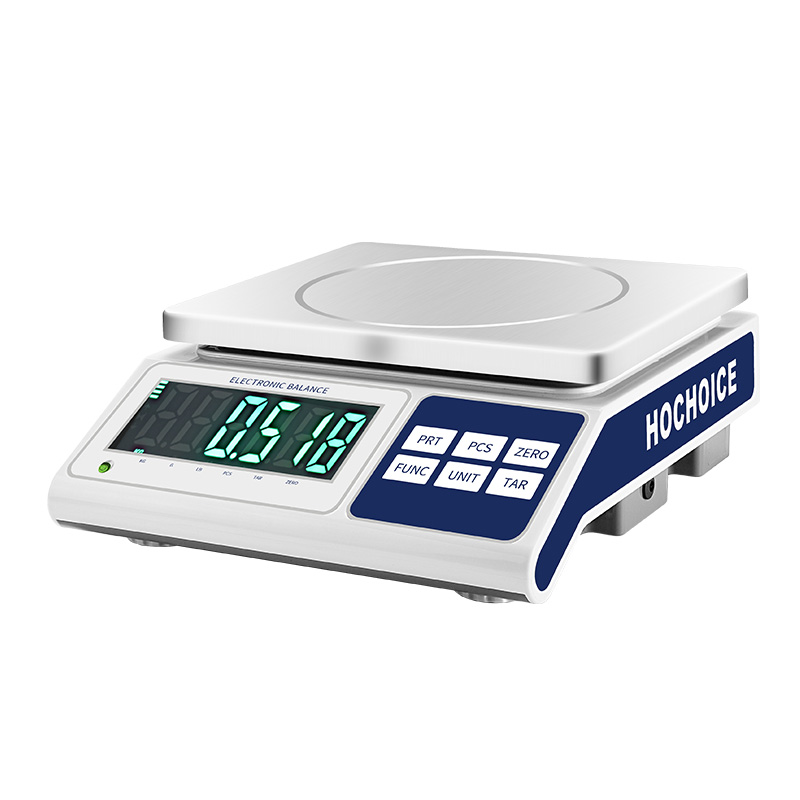

This official Hochoice balance calibration manual provides standardized operation and troubleshooting guidance for all Hochoice precision and analytical balance models. Following these procedures ensures optimal accuracy, long service life and compliance with QC requirements.
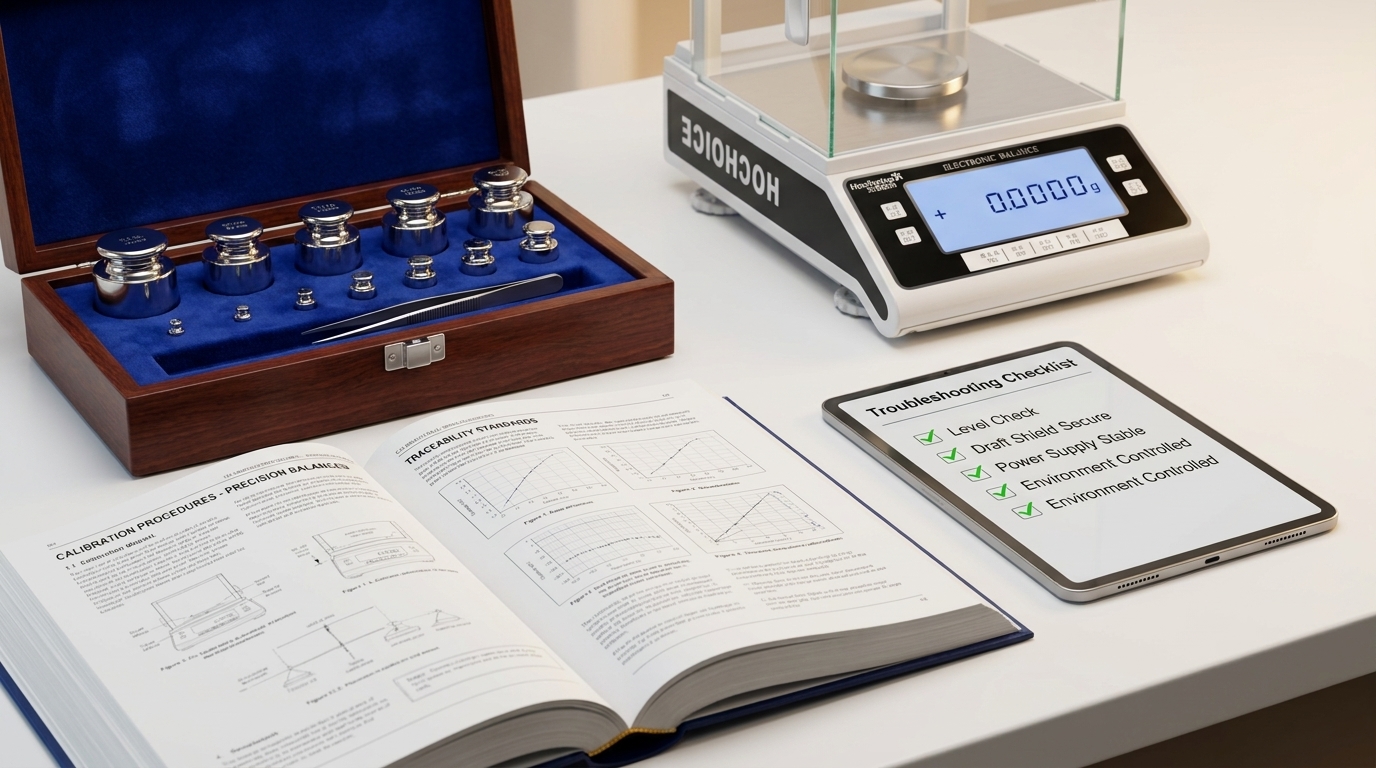
Suitable for all Hochoice electronic balance models. For best results, calibrate monthly for high-usage QC labs, and quarterly for low-usage R&D labs.
Power on and preheat for 30 minutes. Ensure the balance is level and the pan is clean and empty.
Close all windshield doors completely. Wait for the display to stabilize.
Press and hold the CAL key until "CAL" appears on the display, then release.
When the display flashes the required calibration weight value, place the corresponding traceable standard weight at the center of the pan.
Wait for the balance to complete calibration automatically. Do not touch the bench during the process.
When "Good" appears, remove the weight. The balance will return to weighing mode automatically.
Verify zero return and repeat 2–3 times with the weight to confirm accuracy.
Note: For models with auto-calibration, you can set timed calibration or temperature-triggered calibration in the system menu.
Zero: Press the ZERO key with an empty clean pan. Resets the entire weighing baseline. Perform at the start of each session.
Tare: Place a container on the pan, then press TARE. Deducts container weight for net sample weighing. Can be used repeatedly during a session.
Check level and adjust if needed
Clean weighing pan and chamber
Close all windshield doors
Move away from vents and vibration sources
Perform full calibration
Verify sample is placed at pan center
Allow sample to reach room temperature
Check for static electricity buildup
Recalibrate with certified weights
Err-01: Overload. Remove weight immediately.
Err-02: Underload. Check pan is properly seated.
Err-05: Calibration error. Re-calibrate with correct weight.
✅ Clean the pan after each use with a soft lint-free cloth
✅ Check level weekly
✅ Calibrate on schedule with certified traceable weights
✅ Keep the balance plugged in on standby for daily use
✅ Have professional service once per year for high-precision models
Full Product Manuals:Download complete model-specific manuals from our Support page
Technical Support:Contact our service team for on-site calibration and repair
All Hochoice balances are designed for straightforward operation and maintenance, with standardized calibration routines and built-in diagnostic features to keep your lab running reliably.