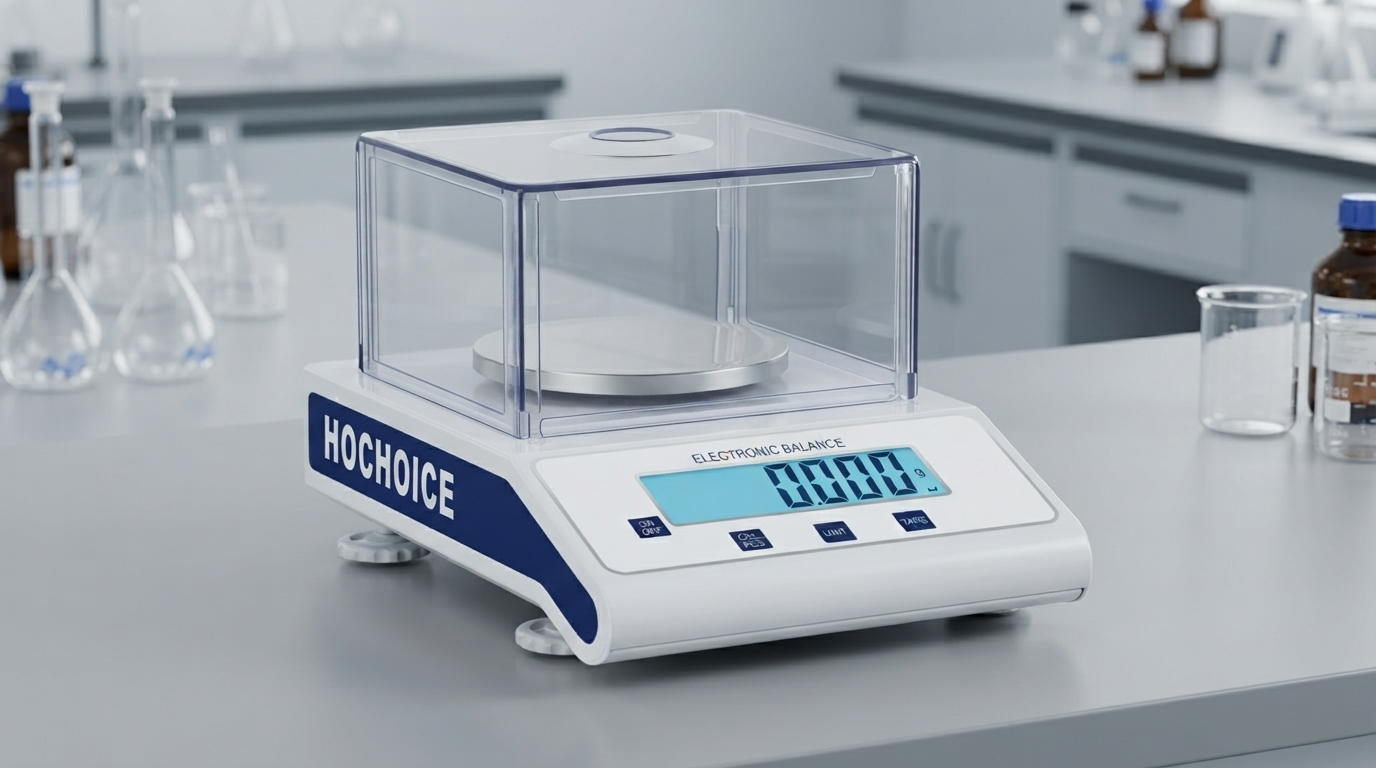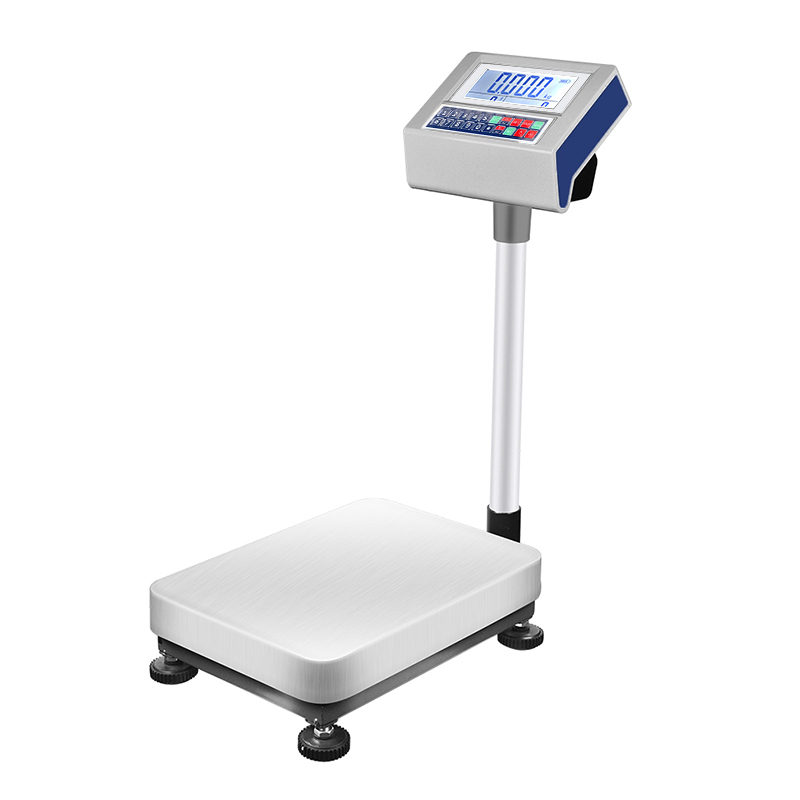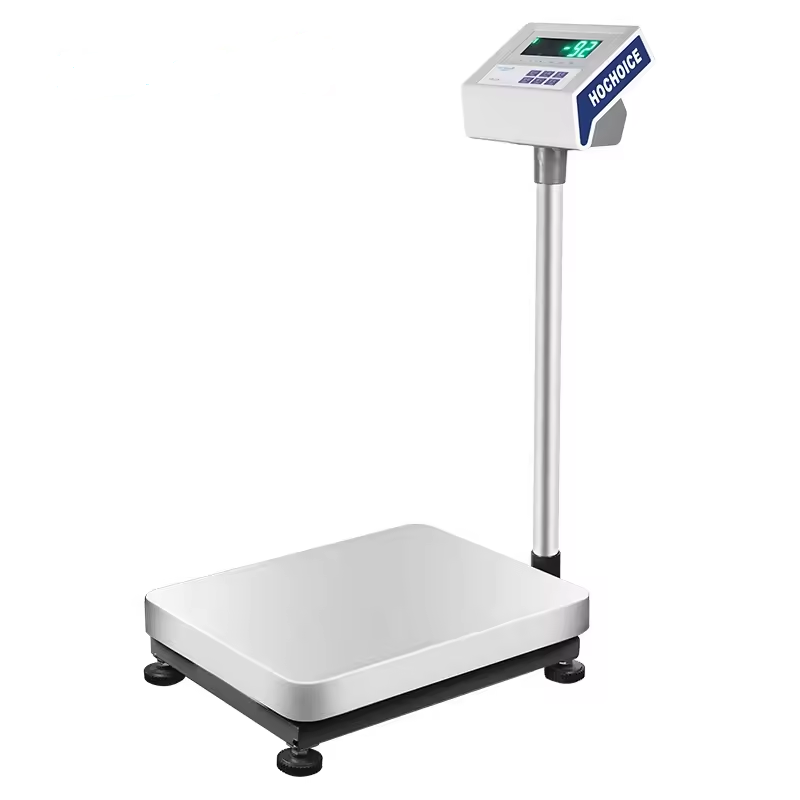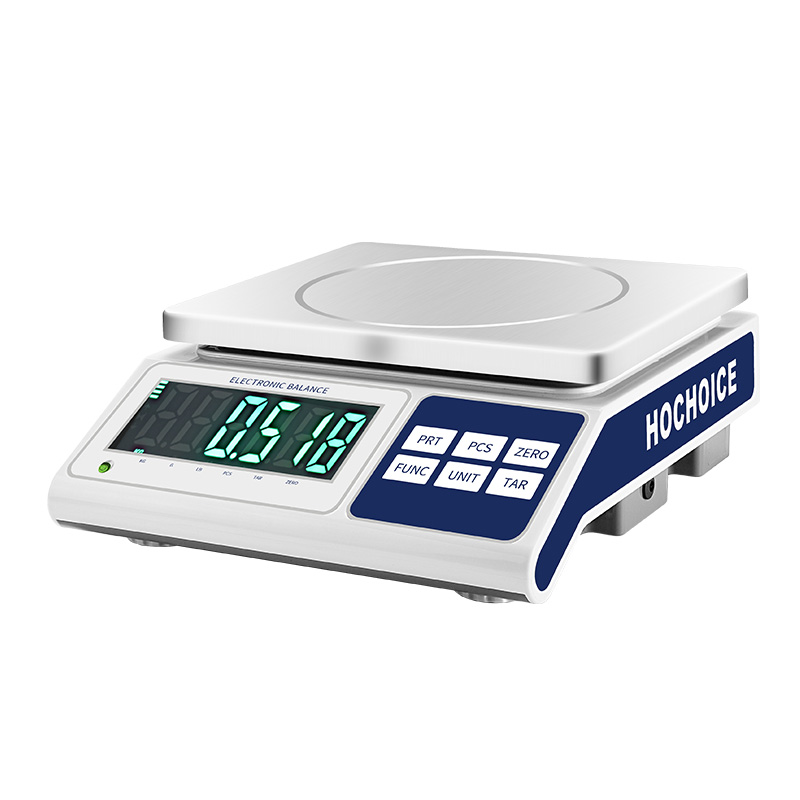

When a digital scale not reading weight correctly, or the zero point keeps drifting, many operators immediately assume sensor failure. In reality, most issues stem from simple operational factors — and incorrect zero reset procedure is one of the most common causes.

Improper zero resetPressing zero repeatedly before the display stabilizes, or zeroing with drafts or debris on the pan, sets a wrong baseline. Every subsequent reading will be off by that offset.
Debris or sample residueSpilled sample, dust or dirt trapped under the weighing pan adds invisible weight and interferes with the sensor mechanism.
Level shiftEven a slight tilt causes systematic error. If the balance was bumped or moved, readings will be consistently off.
Overdue calibrationSensor drift over time causes readings to gradually become less accurate.
Environmental interferenceAir drafts, vibration and static electricity all affect weighing performance, especially for high-precision models.
Proper zero reset is the simplest and most overlooked step in accurate weighing. Follow this procedure every time:
Make sure the weighing pan is clean, empty and properly seated.
Close all draft shield doors completely.
Wait for the display to fully stabilize and the stability indicator to appear.
Press the ZERO or TARE key once only. Do not press repeatedly.
Wait for the display to return to 0.000g and confirm stability.
If zero does not hold, clean the pan, check level and recalibrate before use.
Follow this sequence to eliminate simple causes first:
Remove all weight and perform a full power reset
Clean the weighing pan and weighing chamber thoroughly
Verify the balance is properly leveled
Follow the correct procedure to reset digital scale to zero
Perform full balance calibration if issues persist
Contact technical support if readings remain inaccurate
Related Guide:Balance Calibration: Complete Step-by-Step ProcedureRelated Product:Hochoice High-Stability Digital Precision ScalesGet Support:Contact technical support for persistent reading issues
Most issues with digital scale not reading weight correctly are easy to resolve. Starting with proper zero reset and systematic troubleshooting avoids unnecessary downtime and service costs.