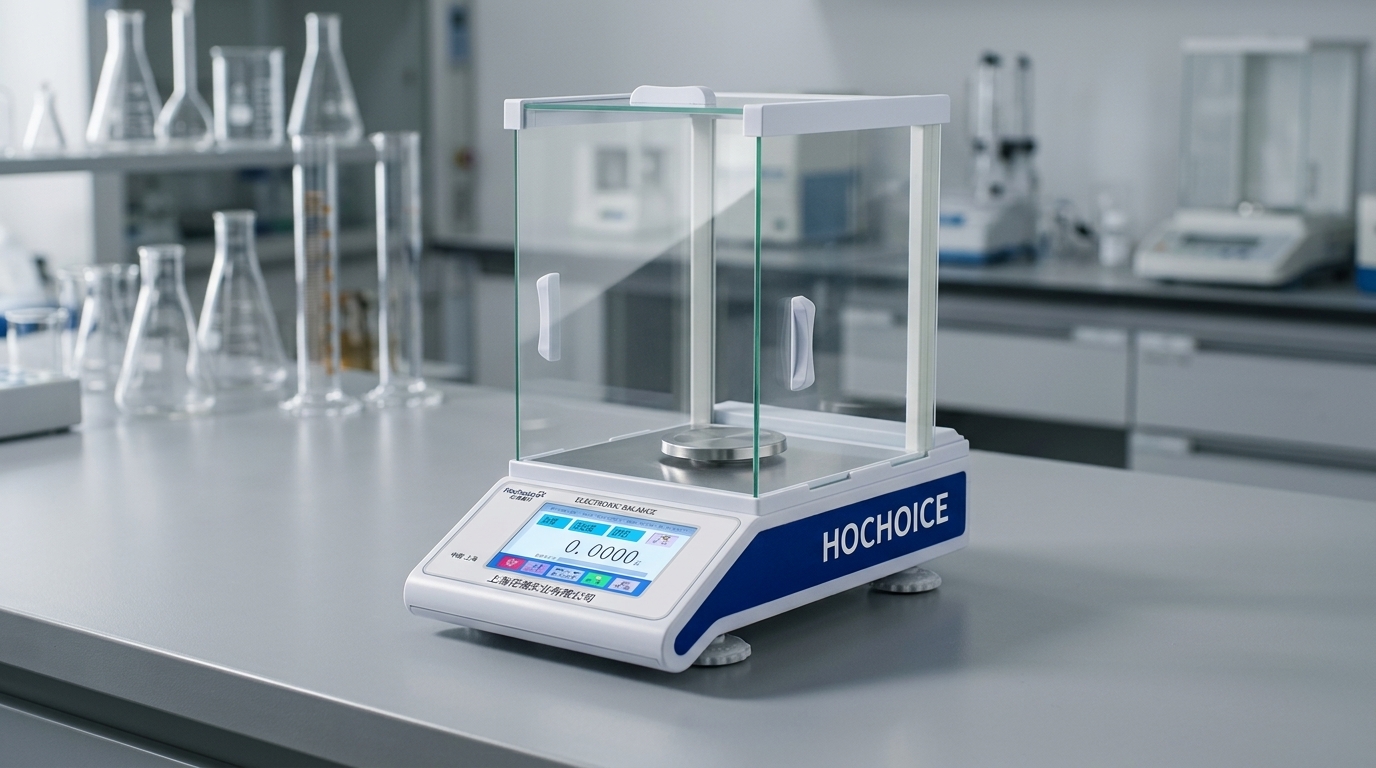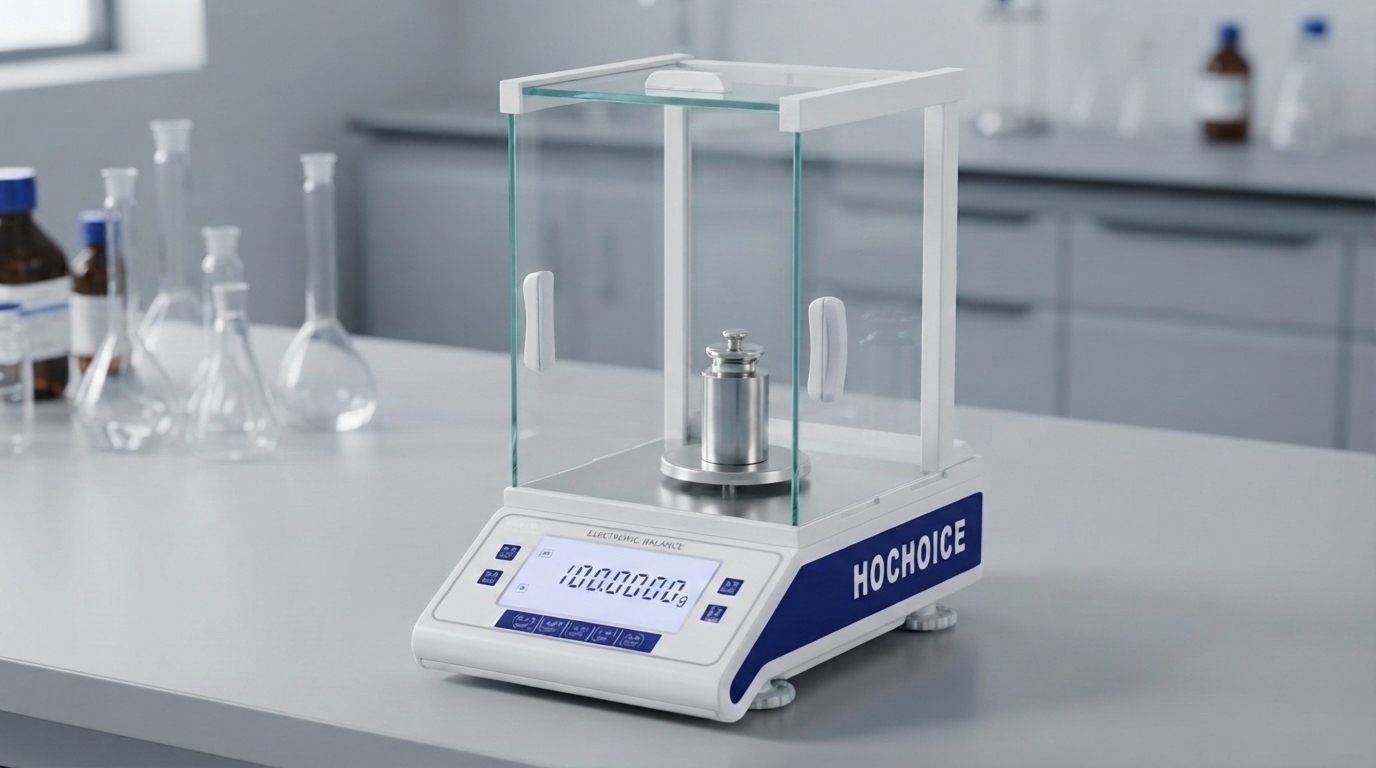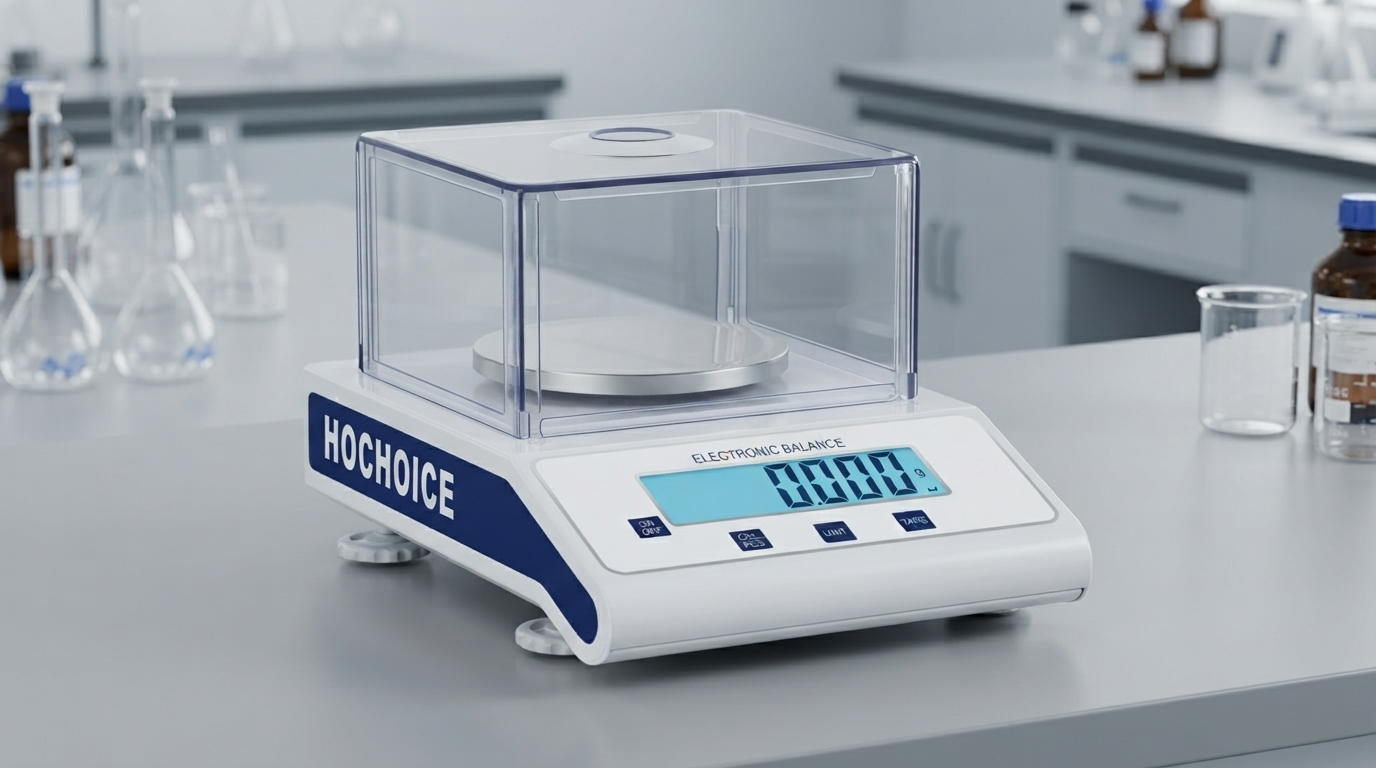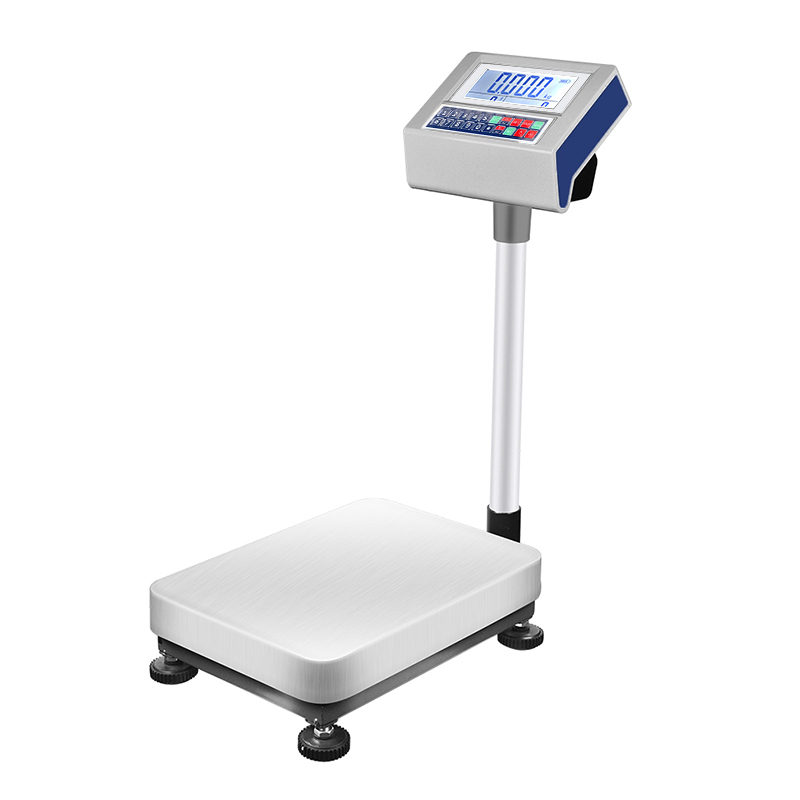

When your digital scale not reading weight steadily, or readings jump back and forth without reason, it’s easy to conclude the sensor is failing. But field service data shows that over 80% of fluctuating readings stem from environmental, operational or setup factors — not hardware damage — and most can be resolved in under 10 minutes.
Fluctuation is different from steady drift. Drift means readings move slowly in one direction; jumping or flickering means readings vary randomly in both directions. This pattern almost always points to external interference rather than sensor failure.

Air drafts and convection currentsThis is the single most common cause of flickering readings. Even very weak air currents from HVAC vents, open doors, fume hoods or people walking past exert tiny forces on the weighing pan. High-precision analytical balances can detect air movement you cannot feel.Fix: Close all draft shield doors. Move the balance away from vents, windows and walkways. Use draft shields for precision models.
Vibration and floor disturbanceVibration from nearby machinery, centrifuges, pumps or even foot traffic causes micro-movement of the weighing pan. This shows up as rapid small jumps on the display.Fix: Place the balance on an anti-vibration table or heavy stone slab. Move away from heavy equipment. Avoid high-traffic areas.
Static electricity buildupDry air, plastic containers and fine powders build electrostatic charge that attracts or repels against the weighing chamber. This causes erratic, random fluctuation in both directions.Fix: Maintain 40–60% room humidity. Use anti-static containers. Ground the balance properly. Use an ionizer for chronic static issues.
Insufficient warm-up timeIf the unit hasn’t reached thermal equilibrium, the sensor drifts and fluctuates as internal temperature changes. This is often mistaken for sensor failure.Fix: Allow full warm-up before use: 15–30 minutes for precision balances, 30–60 minutes for analytical balances.
Loose or damaged pan suspensionA slightly dislodged pan, bent support or loose suspension causes erratic readings that change if you nudge the pan.Fix: Remove and reseat the pan and pan support. Inspect for damage or bending. Replace parts if needed.
Dirt or debris under the panTrapped dust, sample residue or small particles shift slightly during weighing, causing random small weight changes.Fix: Remove the pan and support. Clean the weighing chamber thoroughly. Remove all debris.
Unstable power supplyFluctuating line voltage, loose connections or low battery power causes unstable sensor readings and display flicker.Fix: Test with a different power outlet. Replace batteries. Use a line conditioner for unstable building power.
Temperature fluctuationsRapid room temperature changes or direct sunlight on the balance cause thermal expansion and contraction of sensor components, leading to unstable readings.Fix: Keep away from windows and direct sunlight. Maintain stable room temperature within ±1°C.
Overdue or incorrect calibrationWhile calibration issues usually cause steady offset rather than fluctuation, severe calibration breakdown or severe sensor drift can cause unstable readings.Fix: Follow proper procedure for how to reset digital scale to zero, then perform full balance calibration with certified weights.
Close all draft shields and wait for stability
Check for vibration and air currents
Clean and reseat the weighing pan
Verify power supply
Allow full warm-up and re-zero
Perform full calibration
Contact technical support if fluctuation persists
Related Guide:Calibration of Electronic Balance: Complete Step-by-Step Procedure
Related Product:Hochoice Precision Balances with Draft Shield & Anti-Static Design
Get Support:Professional on-site troubleshooting and calibration service
Most cases of digital scale not reading weight steadily are easy to fix. Systematic troubleshooting identifies the root cause quickly and avoids unnecessary service calls.