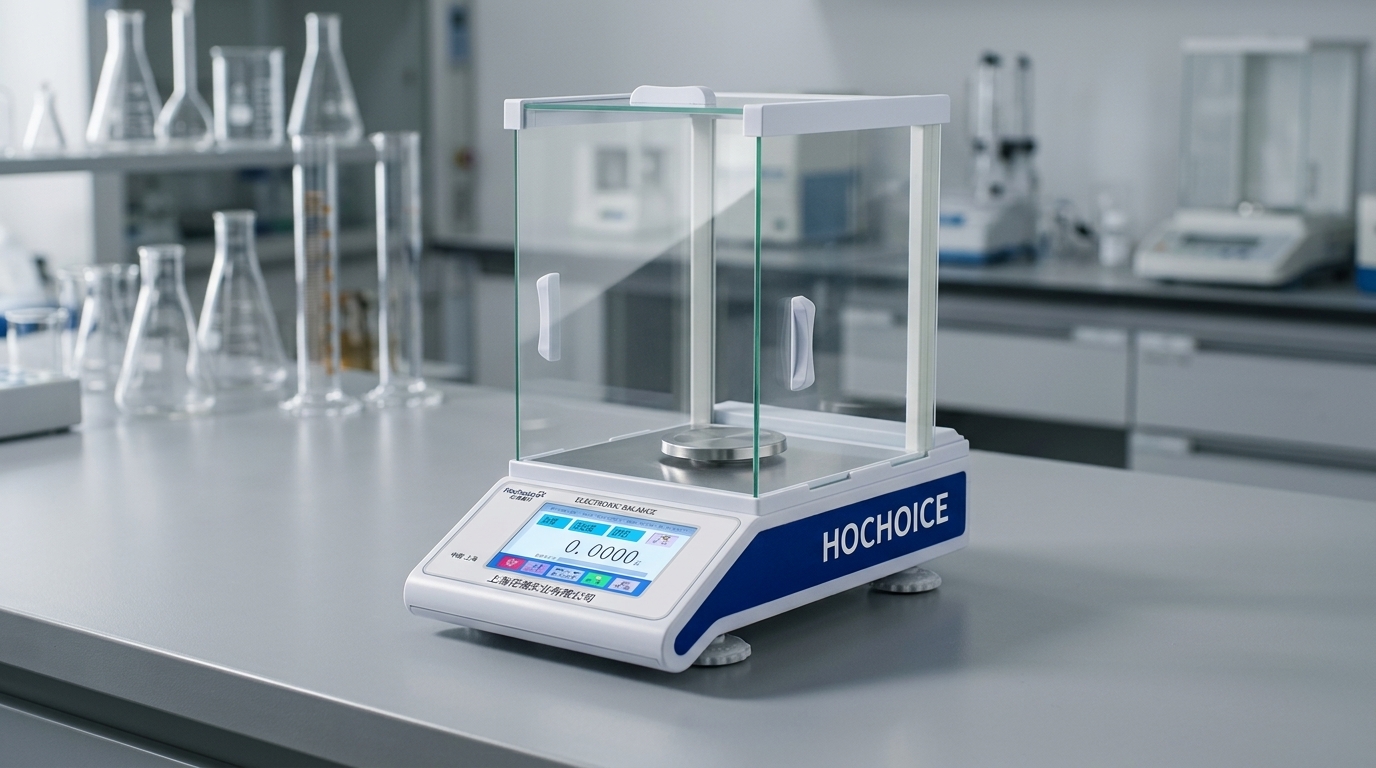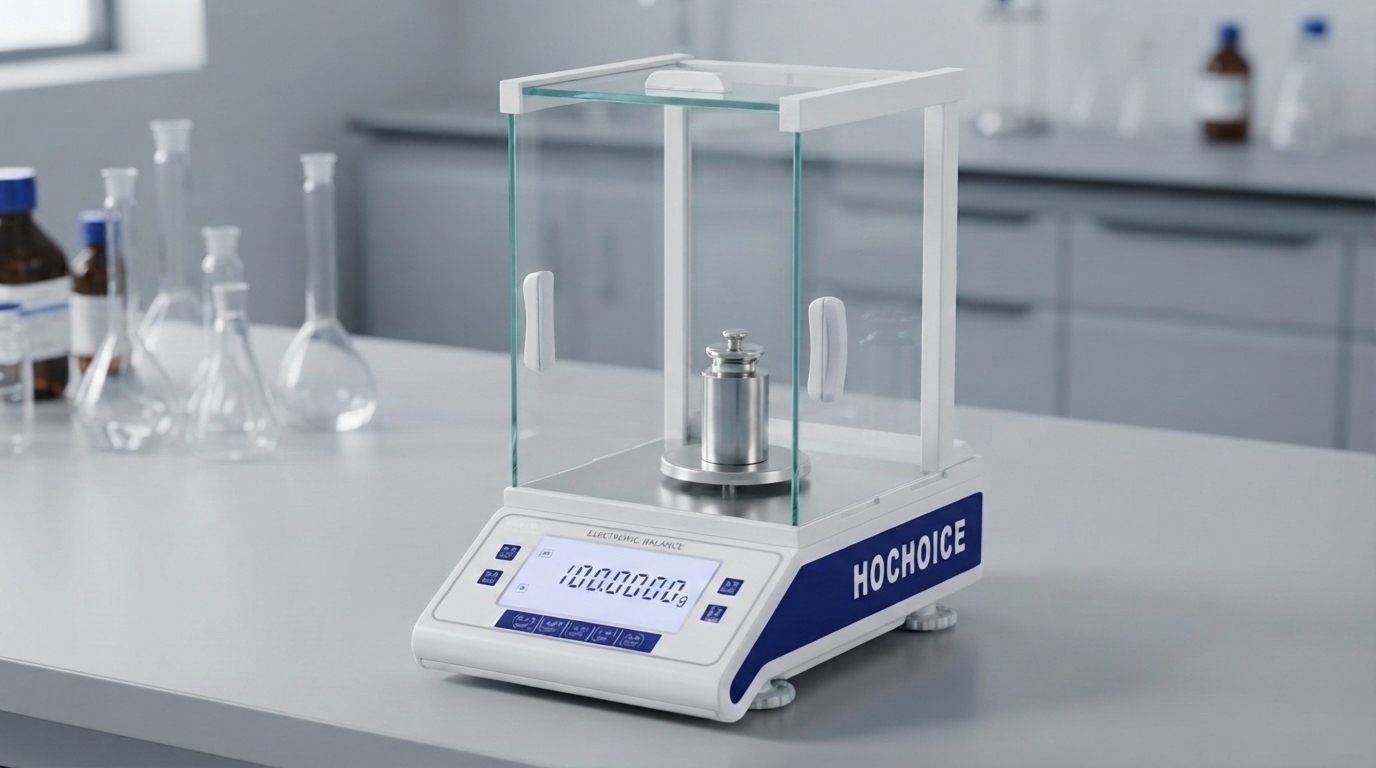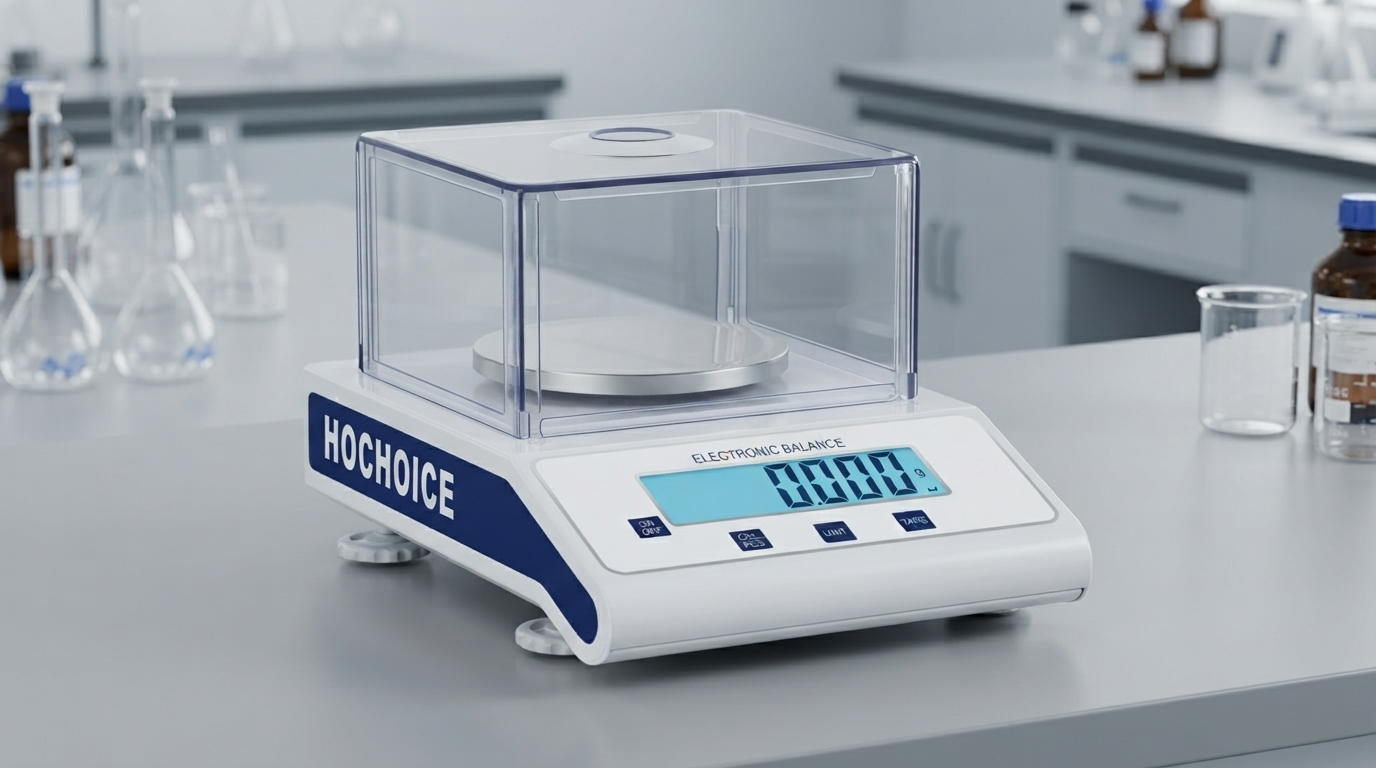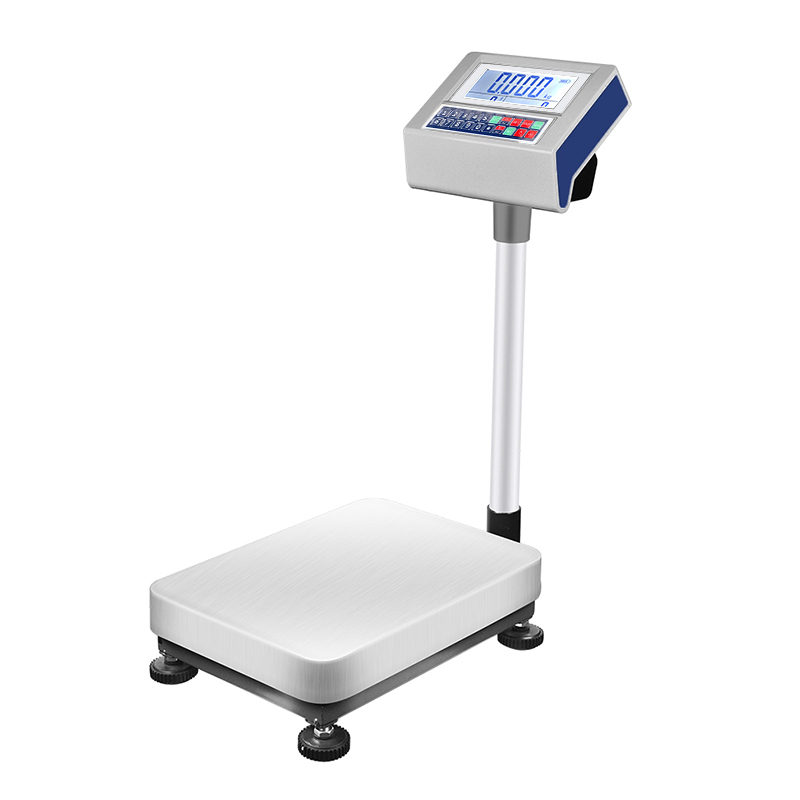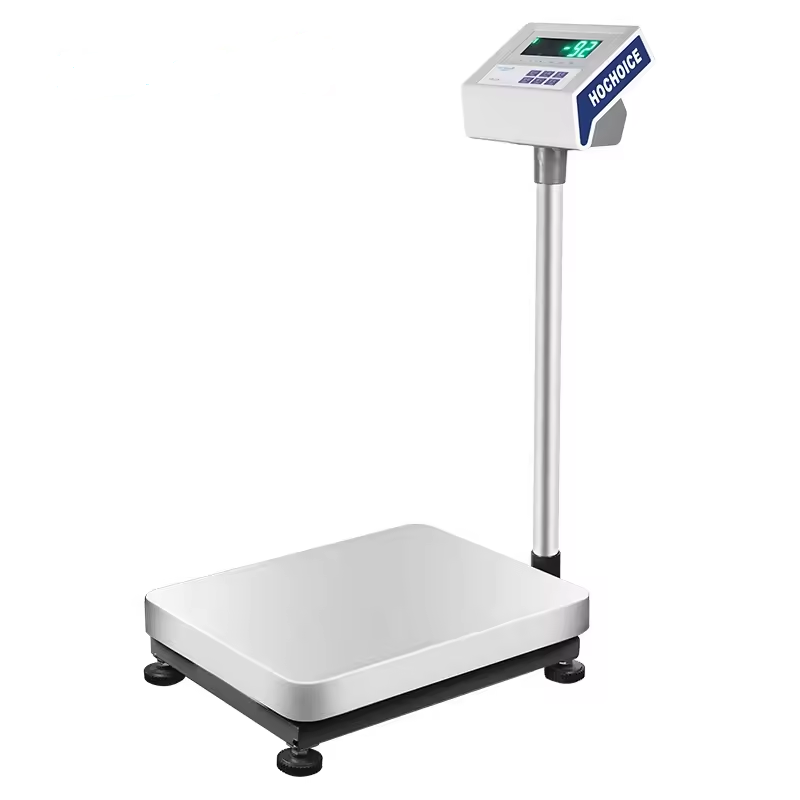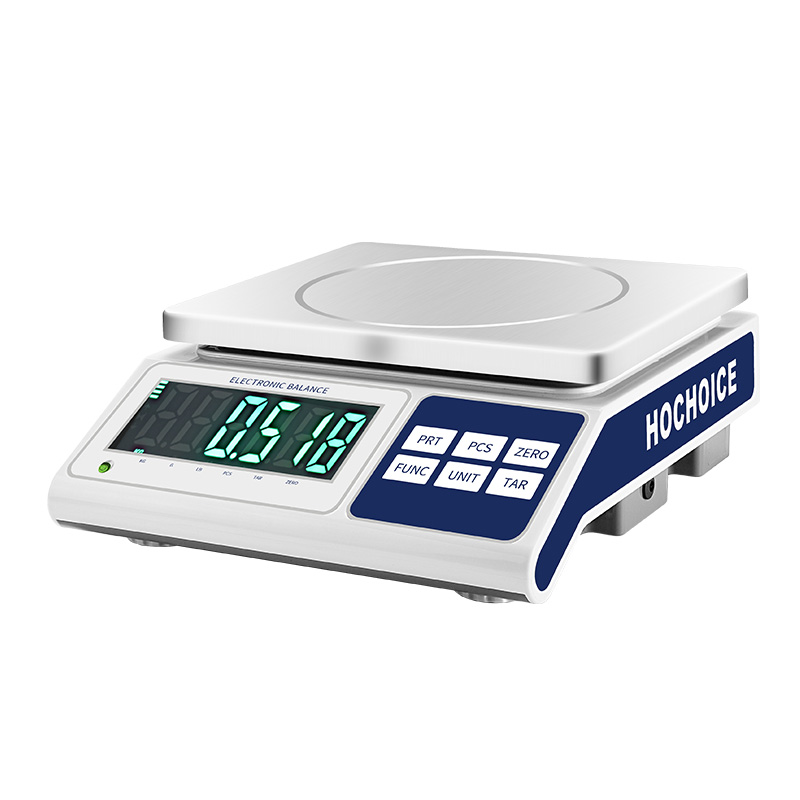

When your digital scale not reading weight accurately, or results differ consistently from expected values, the first instinct of many operators is to run a full balance calibration. But calibration takes time, and in over 60% of cases, the issue isn’t calibration drift at all — it’s caused by sample handling, environment or setup factors that calibration cannot fix.
Running calibration on top of these issues wastes time and often hides the root cause, leading to recurring inaccuracy. Working through a standard troubleshooting checklist identifies most problems in under 10 minutes.
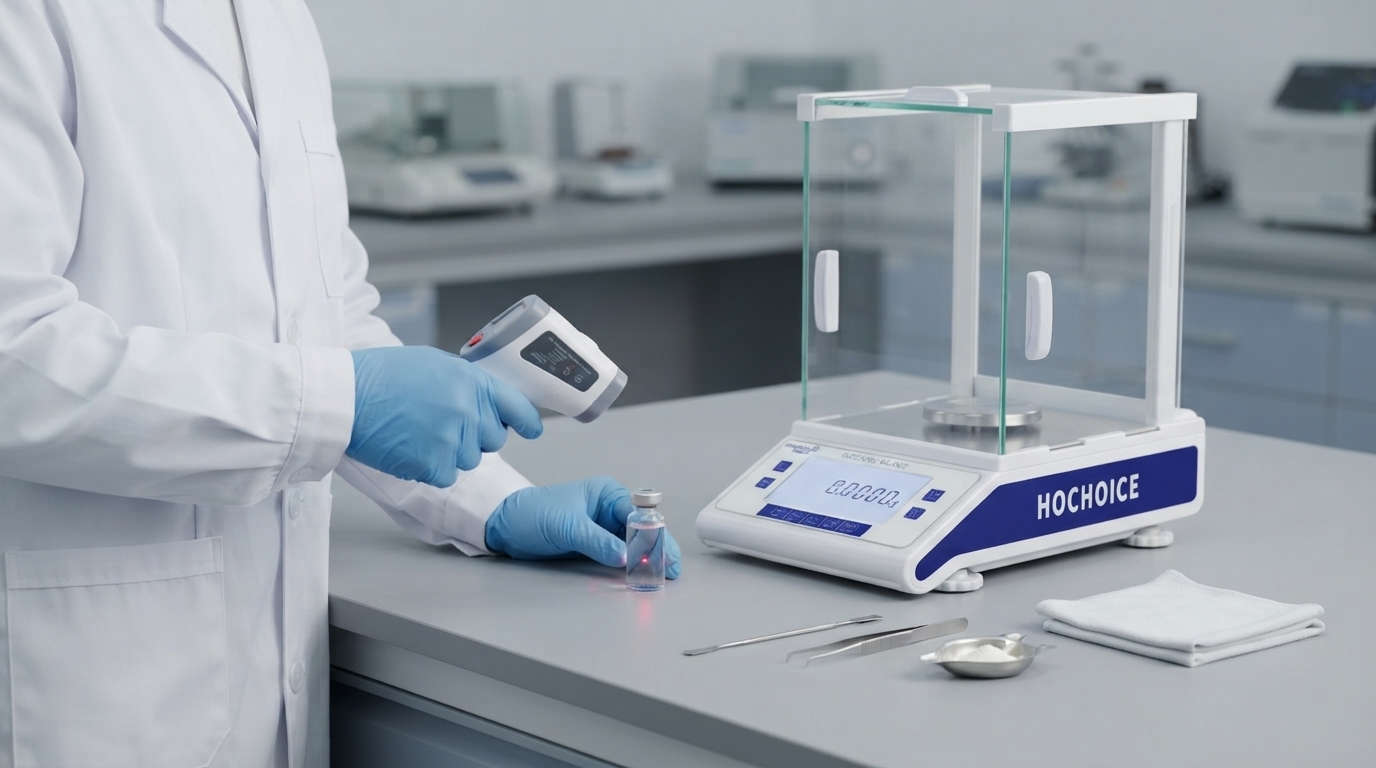
Sample temperature mismatchSamples taken directly from ovens, fridges or freezers create convection currents inside the weighing chamber. Warm samples generate upward airflow that makes them appear lighter; cold samples draw air downward that makes them appear heavier. This effect is often mistaken for calibration drift.Fix: Always allow samples to fully equilibrate to room temperature before weighing.
Container adsorption and residueSample residue left inside weighing boats, beakers or vials adds invisible weight. For powders and viscous liquids, residual material can build up over multiple uses and create consistent offset error.Fix: Use clean containers for every critical weighing. Inspect and clean vessels regularly.
Static charge on samples and containersDry fine powders, plastic vessels and glassware wiped with dry cloth build electrostatic charge that exerts tiny forces on the weighing system. This causes erratic, unpredictable readings that jump in both directions.Fix: Maintain 40–60% room humidity. Use anti-static weighing vessels. Ground the balance properly.
Air convection and draftsEven air movement you cannot feel exerts measurable force on precision pans. Vents, open doors, fume hoods and even people walking past cause fluctuation and drift.Fix: Close all draft shield doors. Position the balance away from vents, windows and high-traffic walkways.
Floor and bench vibrationVibration from nearby machinery, centrifuges, pumps or foot traffic causes micro-movement of the weighing pan. This shows up as rapid small jumps on the display.Fix: Use an anti-vibration table or heavy stone slab. Relocate the balance away from heavy equipment.
Off-level placementEven a slight tilt forces the load cell to weigh at an angle, creating systematic offset error. This is often overlooked after cleaning, moving or bumping the bench.Fix: Check and adjust leveling feet before every critical weighing session.
Insufficient warm-up timeSensor components expand microscopically as they reach operating temperature. Zeroing or calibrating before thermal equilibrium produces a baseline that shifts as temperature rises.Fix: Allow 15–60 minutes of warm-up depending on accuracy class. Follow proper procedure for how to reset digital scale to zero only after full stabilization.
Sample property changesVolatile liquids evaporate, hygroscopic powders absorb moisture, and reactive samples change mass during weighing. This causes steady, continuous drift in one direction.Fix: Use sealed weighing vessels. Work quickly for sensitive samples. Use the difference weighing method.
Work from simplest to most complex:
Follow correct zero reset procedure
Check sample temperature and handling
Inspect and clean pan and chamber
Verify draft shields and environment
Check level adjustment
Confirm full warm-up
Perform full balance calibration
Contact service if issues persist
Related Guide:Calibration of Electronic Balance: Complete Step-by-Step Procedure
Related Product:Hochoice Precision Balances with Draft Shield & Anti-Static Design
Get Support:Professional on-site troubleshooting and calibration service
Most issues with digital scale not reading weight correctly are easy to resolve. Systematic troubleshooting identifies the root cause quickly and avoids unnecessary calibration.