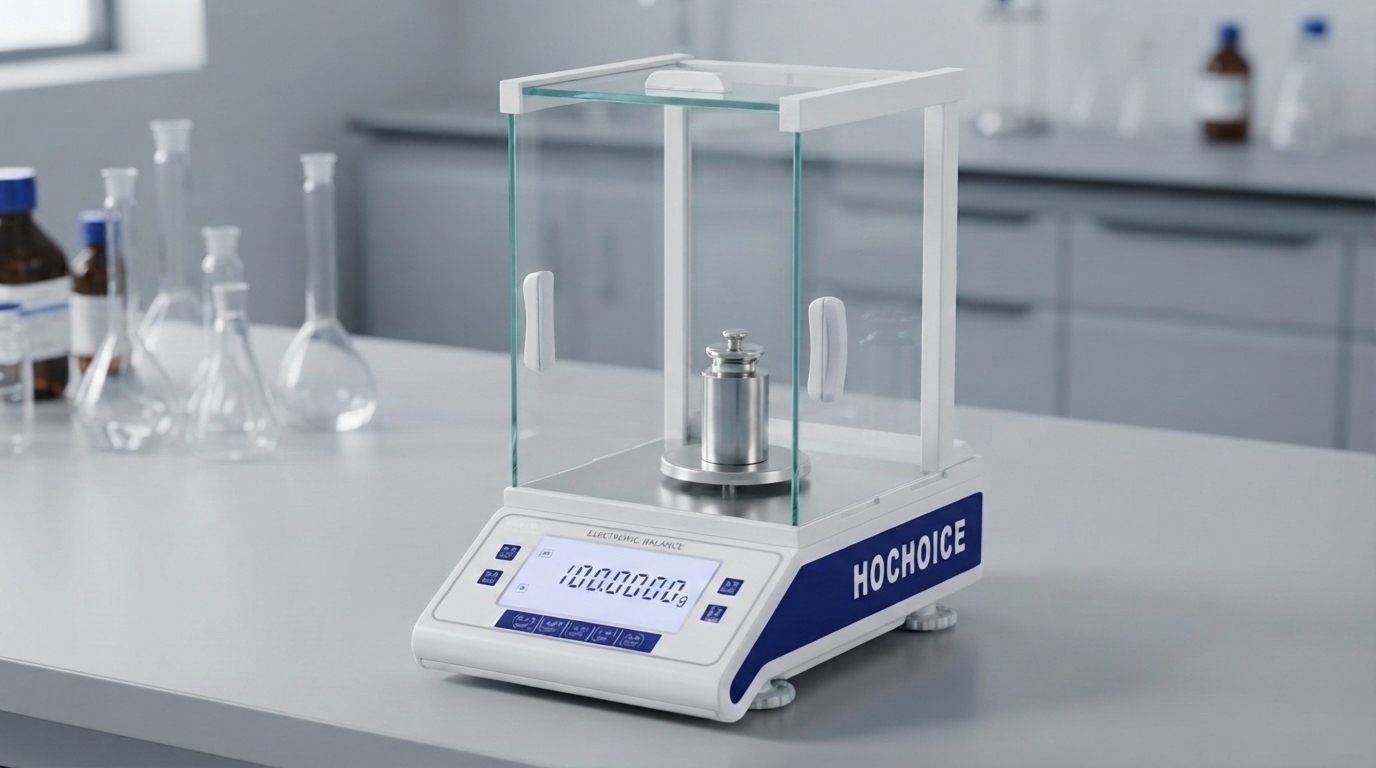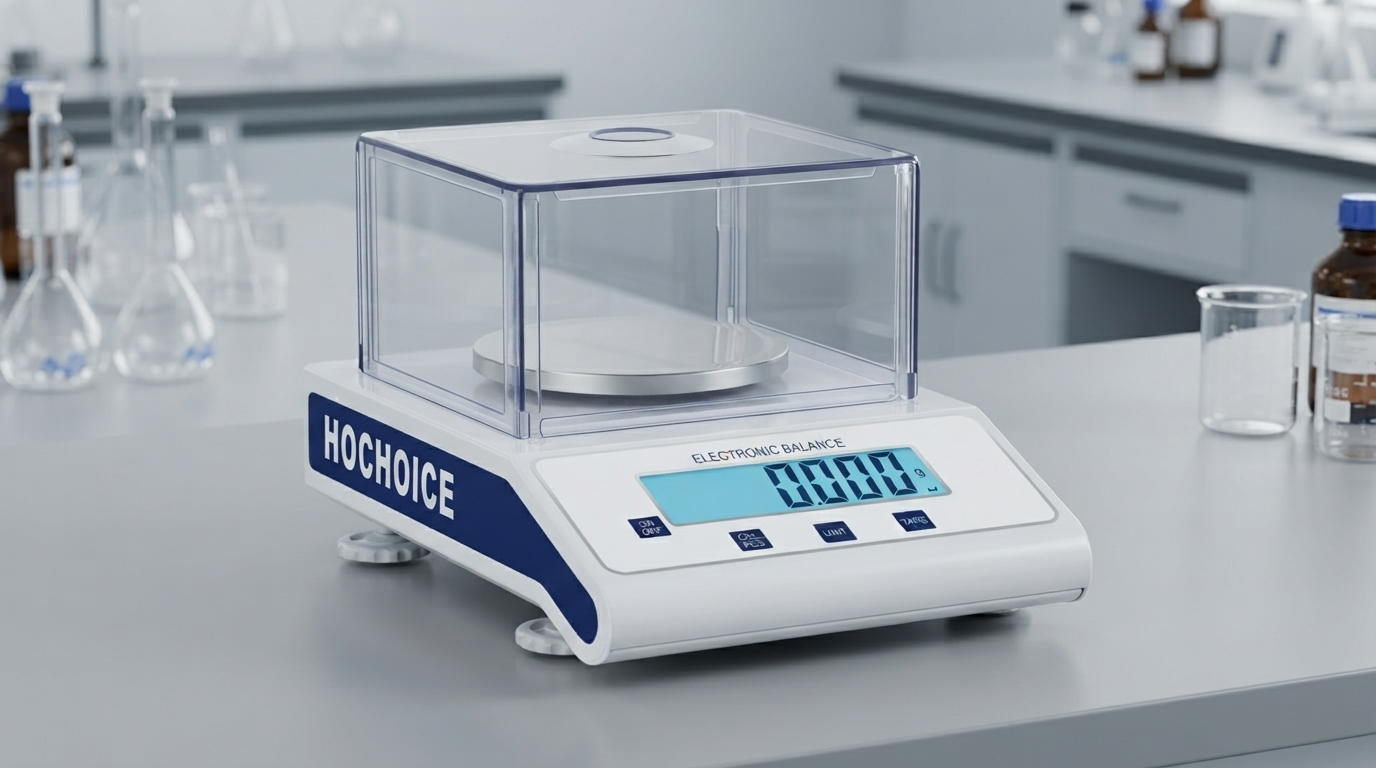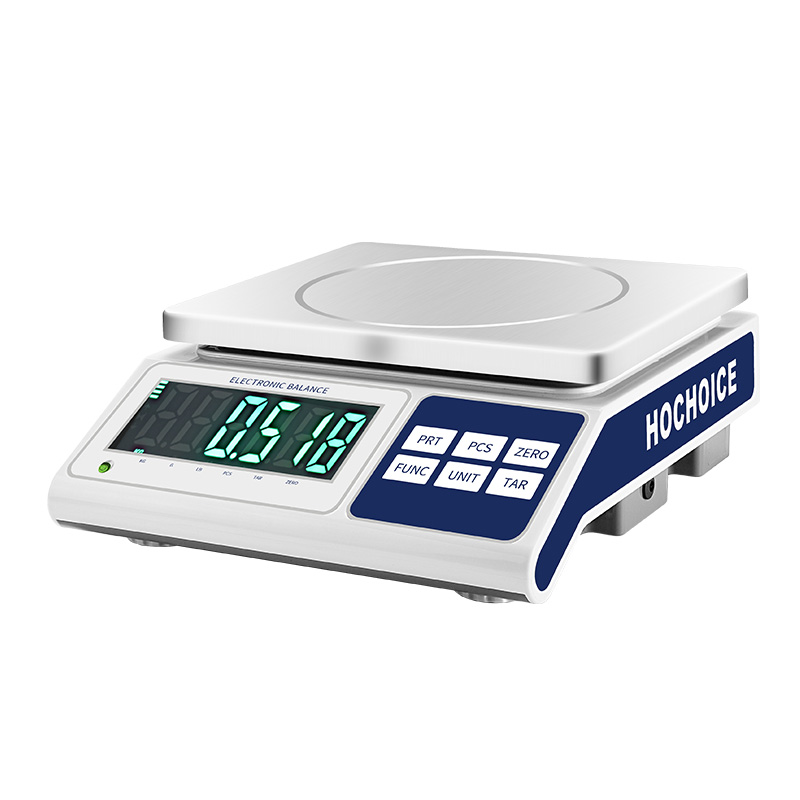

When your balance calibration fails to fix inaccurate readings, or your digital scale not reading weight consistently day to day, it’s easy to assume sensor damage. But field service data across the electronic weighing scale market shows that over 75% of these issues stem from operational or environmental factors — not hardware failure — and most can be resolved in under 15 minutes.
Many operators repeat calibration over and over without addressing the root cause. This wastes time and often makes drift worse. Working through a systematic troubleshooting checklist identifies most issues before you need service.

Incorrect zero reset procedurePressing zero repeatedly before the display stabilizes sets a drifting baseline. This is the single most common cause of offset error that calibration cannot fully correct.Fix: Follow standard procedure for how to reset digital scale to zero: empty clean pan, close draft shields, wait for full stability, press zero once only.
Debris trapped under the weighing panSpilled sample, dust and fine residue build up invisibly under the pan, adding ghost weight and causing friction. This creates inconsistent drift that is often blamed on bad calibration of electronic balance.Fix: Remove and clean the pan, pan support and weighing chamber thoroughly.
Off-level installationEven a fraction of a degree of tilt forces the load cell to weigh at an angle, producing systematic offset error. This is frequently overlooked after moving, cleaning or bumping the bench.Fix: Adjust leveling feet until the unit is perfectly level. Verify before every critical weighing session.
Insufficient warm-up timeInternal sensor components expand microscopically as they reach operating temperature. Calibrating before thermal equilibrium sets a baseline that shifts as the unit continues to warm.Fix: Allow 15–60 minutes of warm-up depending on accuracy class. Calibrate only after temperature stabilizes.
Wrong calibration weight gradeUsing weights of insufficient accuracy sets an inaccurate reference point. The error in the weight becomes the error in every subsequent reading.Fix: Use certified weights at least one accuracy class higher than the balance specification.
Draft shield open during calibrationAir currents inside the weighing chamber create tiny forces that skew the calibration reference point. The error multiplies with actual sample weight.Fix: Always close all draft shield doors fully before zeroing and calibration. Wait for the stability indicator.
Environmental interferenceAir drafts, vibration, temperature swings and static electricity all cause fluctuation and drift. These factors produce symptoms that mimic sensor failure.Fix: Move the scale away from vents, windows and heavy machinery. Maintain stable room temperature and 40–60% humidity.
Sample-related errorsHot/cold samples, evaporating liquids, static powders and hygroscopic materials all cause measurement drift. These are sample issues, not scale issues.Fix: Allow samples to reach room temperature. Use sealed containers for volatile and hygroscopic materials. Use anti-static vessels for powders.
Previous overload sensor strainAccidental overloads can permanently strain the load cell, causing consistent offset that digital balance calibration cannot fully correct.Fix: Perform a power reset and full recalibration. If offset persists, contact service for sensor inspection.
Work from simplest to most complex:
Follow correct procedure to reset digital scale to zero
Inspect and clean pan and chamber
Verify level adjustment
Confirm full warm-up
Eliminate environmental interference
Check sample handling technique
Perform full balance calibration with certified weights
Contact technical support if issues persist
Related Guide:Calibration of Electronic Balance: Complete Step-by-Step ProcedureRelated Product:Hochoice Precision Balances with Stable Calibration DesignGet Support:Professional on-site troubleshooting and calibration service
Most issues with digital scale not reading weight correctly are easy to resolve. Systematic troubleshooting identifies the root cause quickly and avoids unnecessary downtime.