
When your balance calibration passes but readings stay wrong, repeating calibration rarely helps. The key is to identify the error pattern first — different error shapes point to completely different root causes. Many operators waste hours re-calibrating without addressing the actual issue, leading to recurring digital scale not reading weight reliably.
Across the electronic weighing scale market, field service data shows that 90% of post-calibration accuracy issues fall into three distinct error patterns. Recognizing the pattern cuts troubleshooting time by 70% on average.
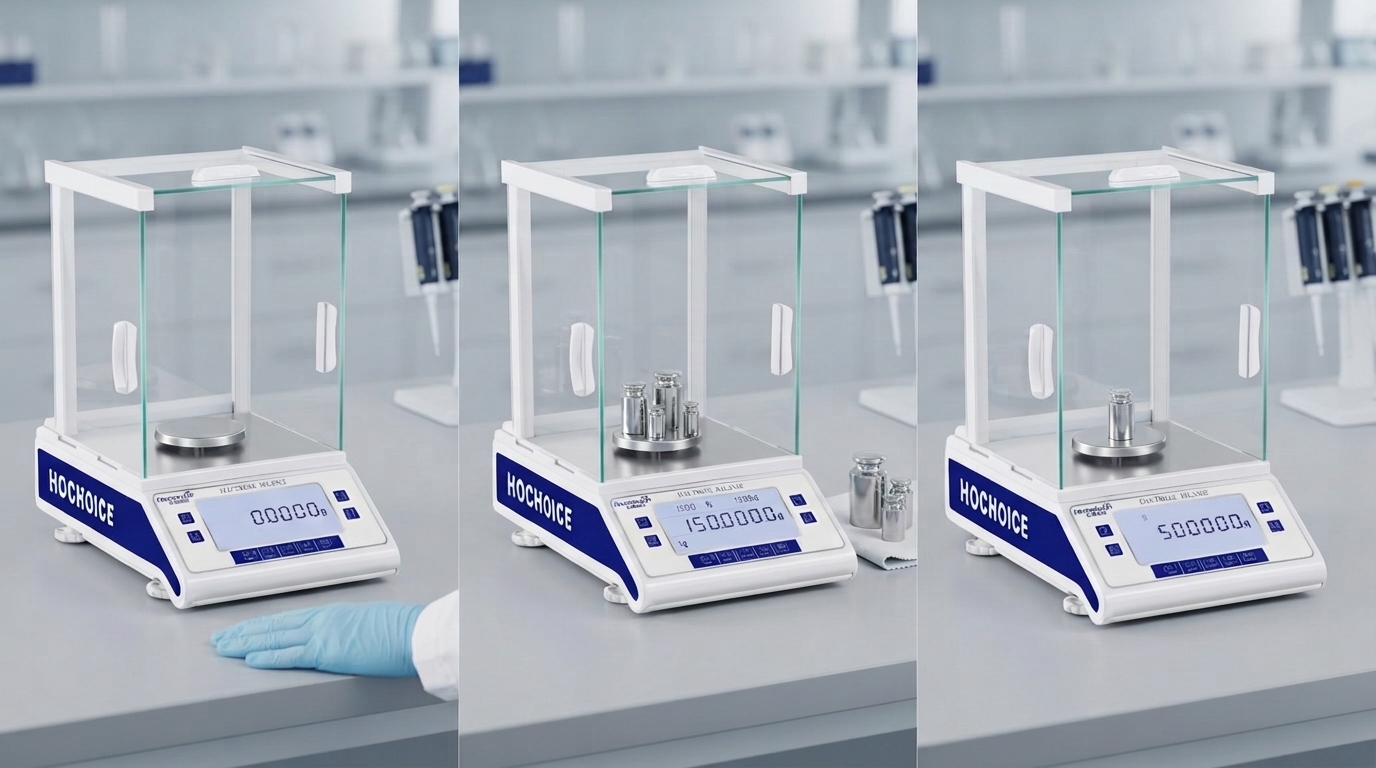
How it appears: The display slowly drifts away from zero when empty. All readings are off by a consistent amount that changes over time.Most common causes:
Debris or sample residue building up under the weighing pan
Static electricity buildup on the pan or chamber
Slow temperature changes affecting the sensor
Mechanical creep from prolonged load on the sensor
Step-by-step fix:
Remove the weighing pan and support. Clean all surfaces thoroughly to remove invisible residue.
Follow standard procedure for how to reset digital scale to zero: empty pan, closed shields, full stabilization, press once.
Monitor zero stability for 10 minutes. If drift continues, check for static charge and room temperature changes.
If drift persists after cleaning and environment adjustment, perform full calibration of electronic balance.
How it appears: Readings are accurate at mid-range, but significantly off at very low or very high weights. Calibration at one point passes, but other weights are wrong.Most common causes:
Single-point calibration only — no full-range verification
Sensor wear or degradation over time
Mechanical suspension binding at extreme travel
Incorrect weight class used for calibration
Step-by-step fix:
Test accuracy at low, mid and high range points to confirm linearity error.
Perform full electronic balance weight calibration using multiple certified weights across the full range.
If linearity error remains after full calibration, inspect the suspension mechanism for binding or wear.
For regularly used balances, build multi-point verification into routine precision balance preventive maintenance schedules.
How it appears: Readings change depending on where you place the sample on the pan. Center position reads correctly, but off-center positions give different results.Most common causes:
Pan support misalignment after moving or cleaning
Suspension mechanism damage or wear
Level error combined with off-center loading
Damaged or bent weighing pan
Step-by-step fix:
Test weight at four positions around the pan (front, back, left, right) to confirm the pattern.
Remove and reseat the pan and pan support. Check for bending or damage.
Re-level the balance completely.
If eccentric error remains, perform full calibration of electronic weighing balance and inspect the mechanical suspension.
Consistent offset across all weights = zero issue
Error changes with weight size = linearity issue
Error changes with position on pan = eccentric load issue
Related Guide:Complete Electronic Balance Calibration Step-by-Step Procedure
Related Product:Hochoice Precision Balances with Excellent Linearity Performance
Get Support:Professional error diagnosis and on-site calibration service
Identifying the error pattern first makes troubleshooting far faster and more effective than repeating balance calibration blindly. Most issues are resolved with targeted fixes, not more calibration.