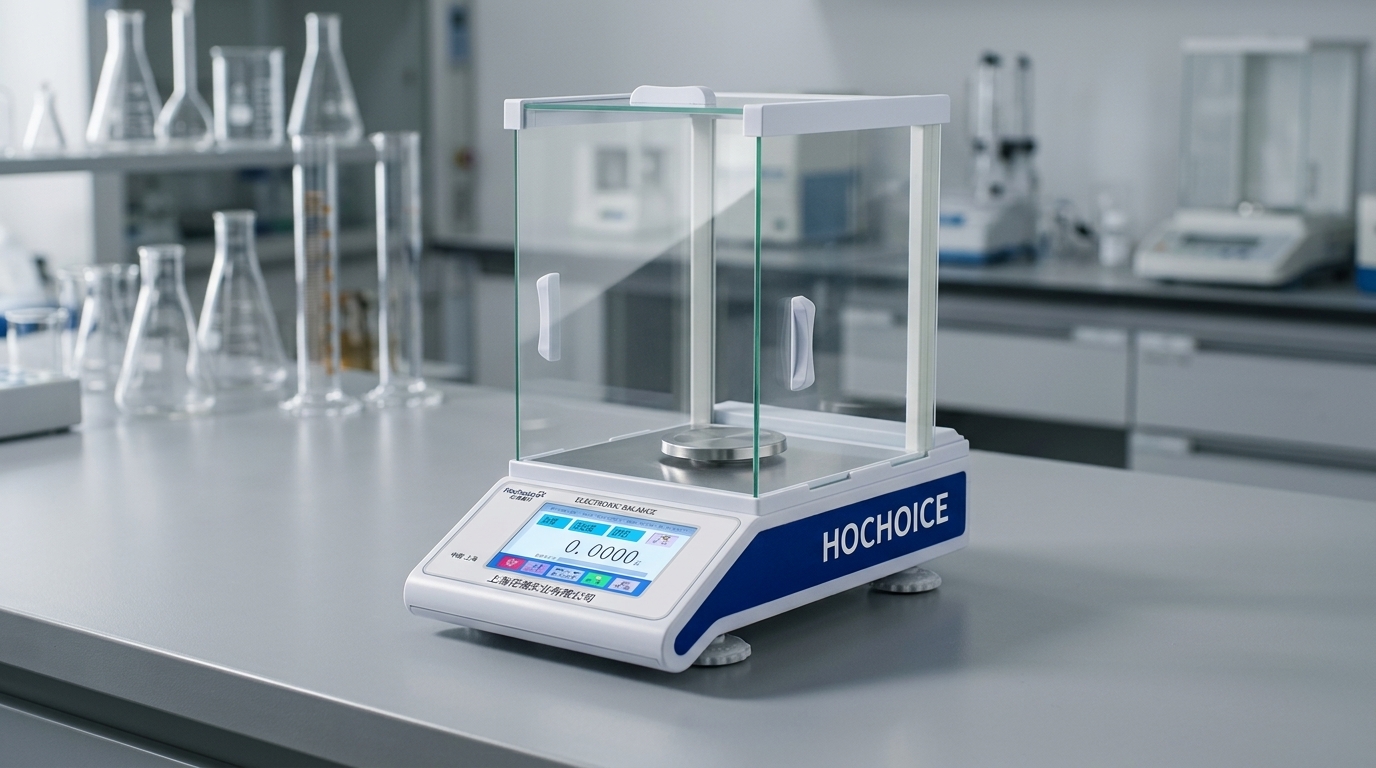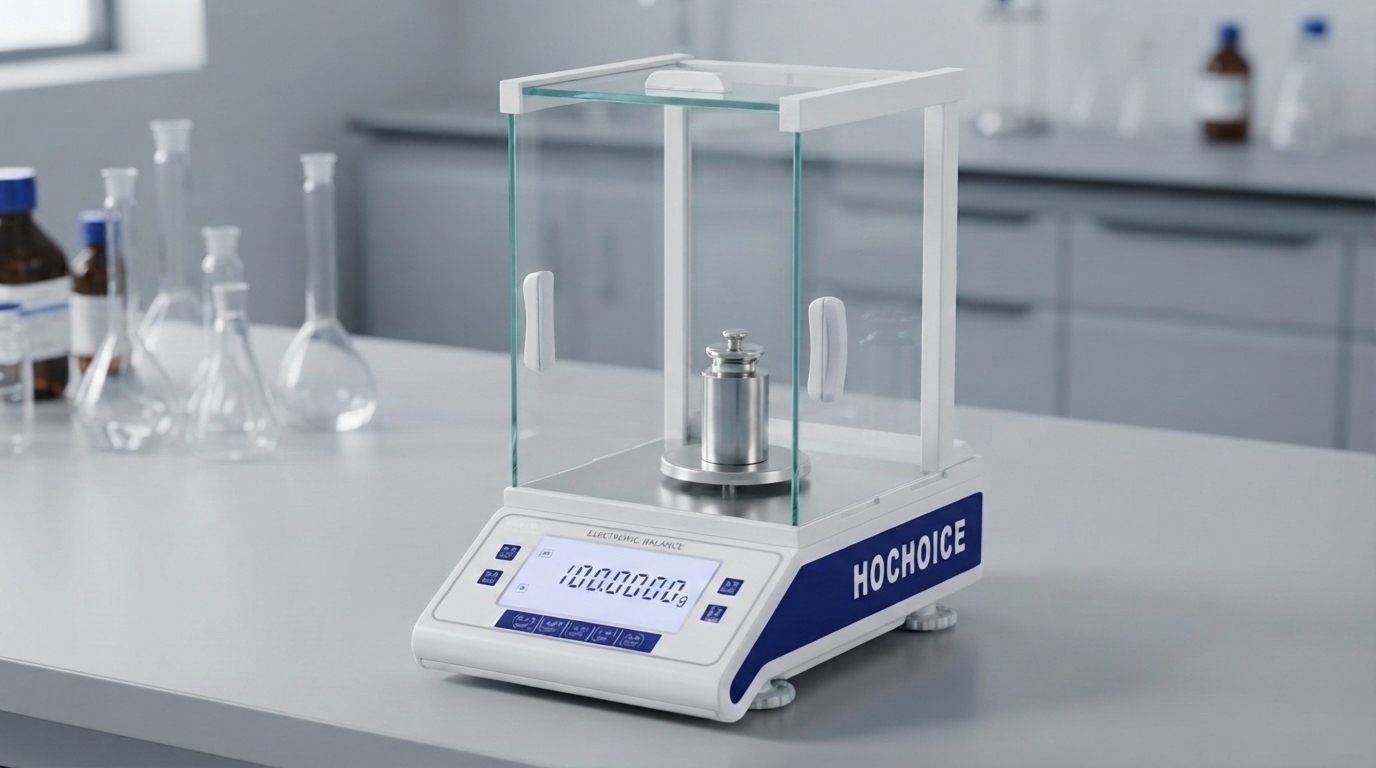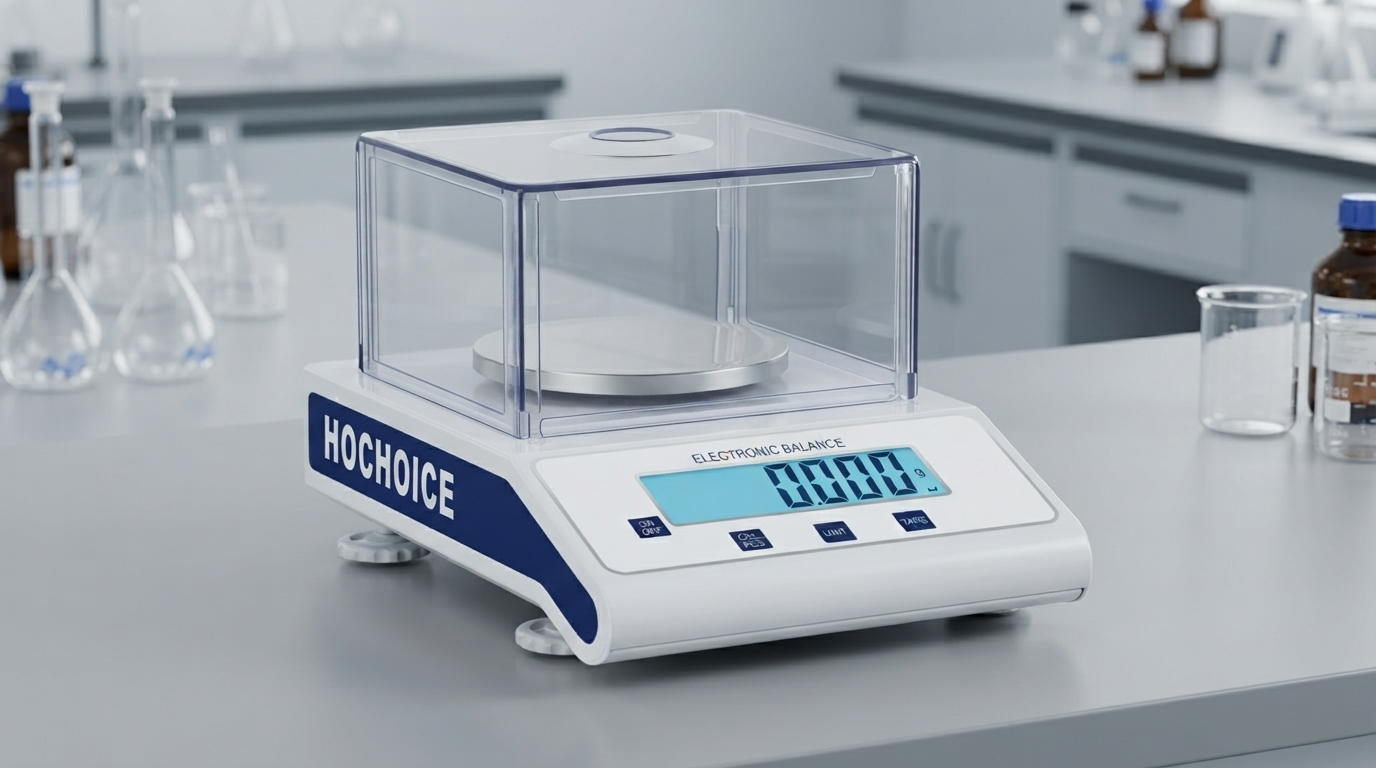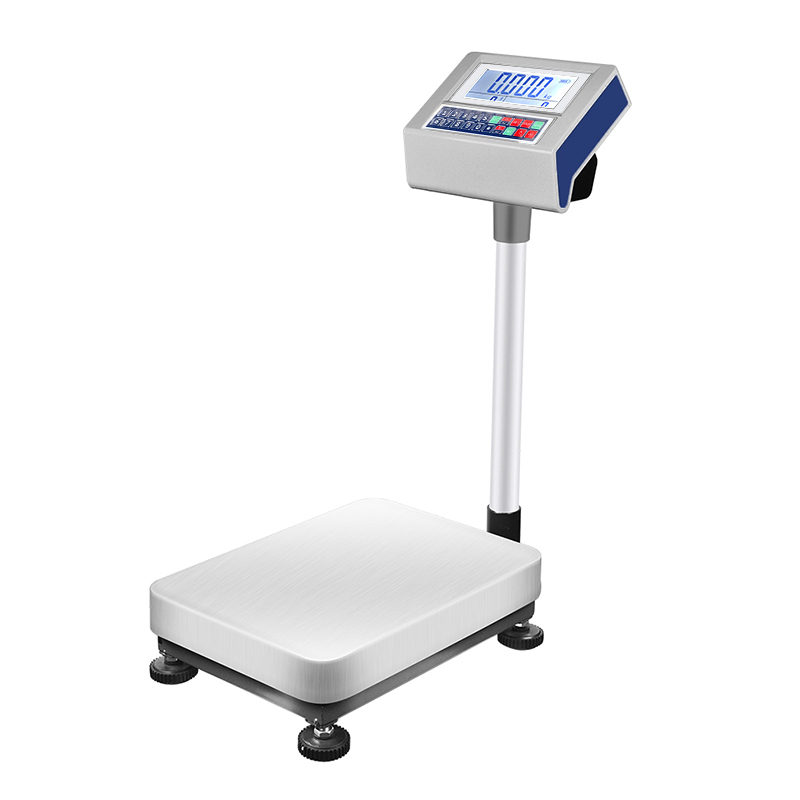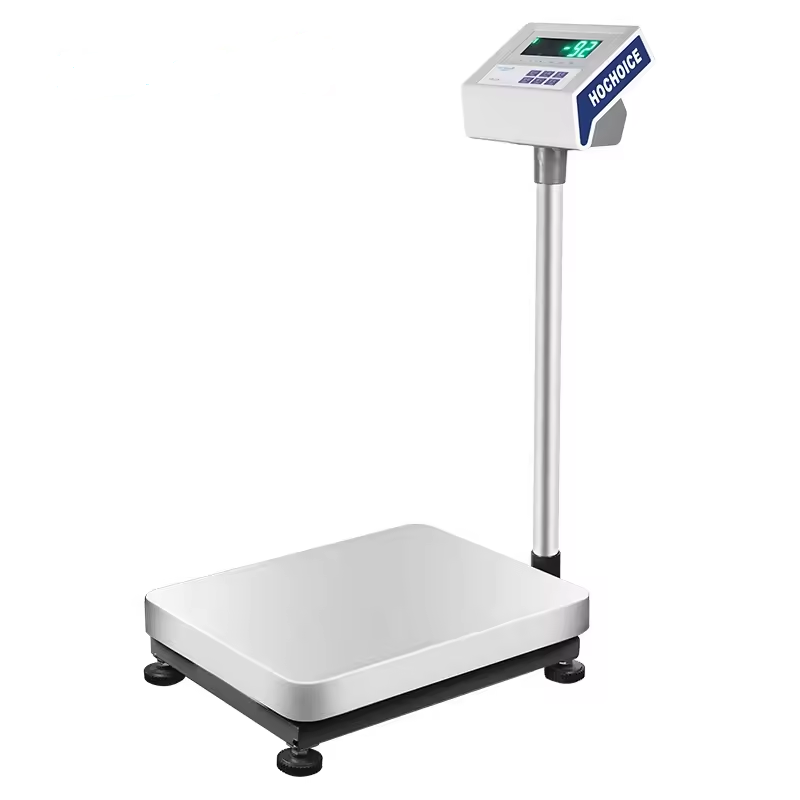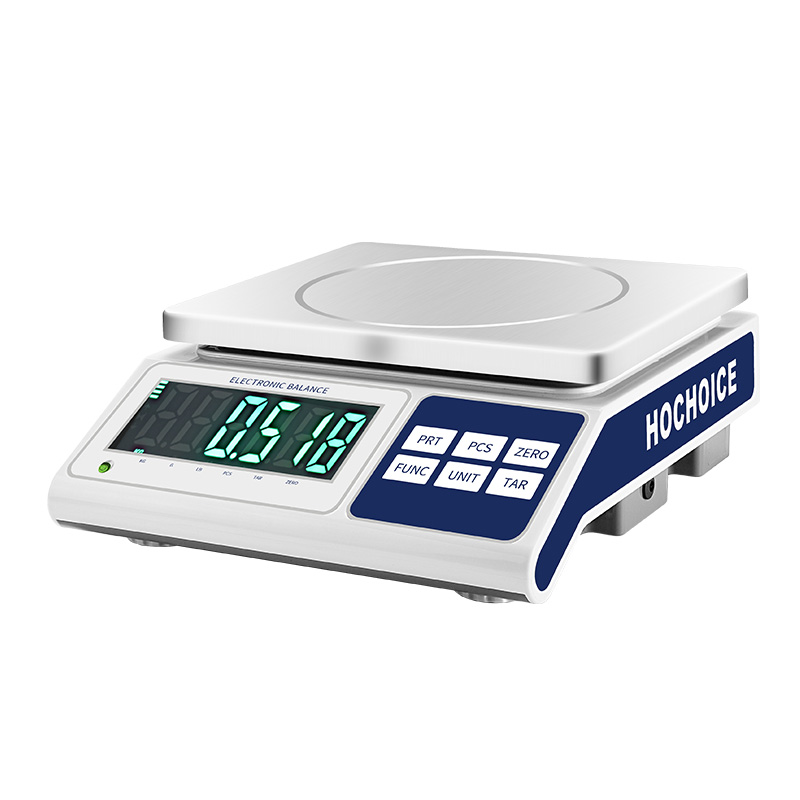

A stable zero reading is one of the basic requirements for reliable electronic weighing.
If a digital scale does not return to zero after the weighing pan is empty, the problem may be caused by incorrect operation, residual material, environmental conditions or calibration.
Fortunately, many zero-reading problems can be checked systematically.
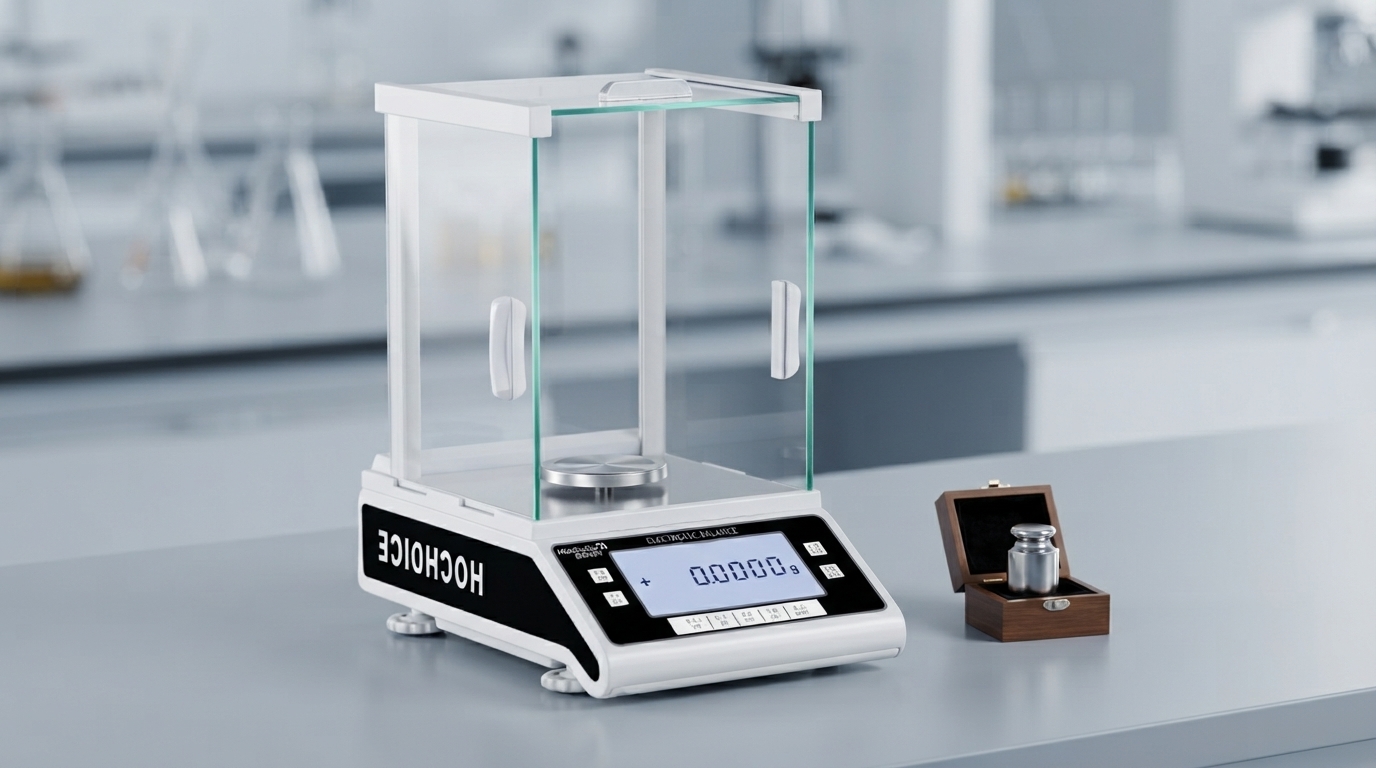
Start by completely clearing the weighing platform.
Make sure there are no:
Samples
Containers
Packaging materials
Dust
Powder
Other objects
Even a small amount of residue can prevent the scale from returning to zero.
After removing the load, wait for the display to stabilize.
Do not immediately press the zero key if the displayed value is still fluctuating.
Environmental disturbances such as airflow and vibration can cause temporary changes.
If the weighing platform is empty but the display does not show zero, use the scale's zero function according to the manufacturer's operating instructions.
On many electronic scales, the zero function is designed to bring the displayed value back to zero within the permitted zero-setting range.
The exact operation depends on the model.
Zero and tare are related but different functions.
Zero
Used to establish a zero reference when the weighing platform is empty.
Tare
Used to remove the weight of a container or other item so that only the net sample weight is displayed.
For example:
Container = 120g
Sample = 80g
After applying tare to the container:
Displayed sample weight = 80g
Understanding this difference helps prevent operating errors.
If the digital scale does not remain at zero, check its surroundings.
Common causes include:
Air conditioning
Open doors or windows
Vibrating equipment
Unstable workbench
Temperature changes
Static electricity
For high-resolution precision balances and analytical balances, these factors can have a greater effect.
Inspect the weighing platform carefully.
Make sure it is:
Properly installed
Clean
Free from mechanical obstruction
Not touching the housing
Correctly positioned
A foreign object touching the weighing platform can prevent the balance from returning to zero.
If the zero problem continues, calibration may need to be checked.
However, calibration should not be the first response to every unstable reading.
If the real problem is vibration, airflow or mechanical interference, recalibration may not solve it.
For some electronic weighing instruments, powering the instrument off and restarting it according to the manufacturer's procedure may help identify temporary operating abnormalities.
After restarting, allow the instrument to stabilize before testing again.
If the digital scale repeatedly fails to return to zero after environmental and operational checks, further inspection may be necessary.
Possible causes include:
Calibration problems
Load-cell issues
Mechanical interference
Sensor damage
Electronic faults
At this point, follow the manufacturer's troubleshooting procedure or contact a qualified service technician.
Resetting a digital scale to zero is simple, but the correct procedure depends on the instrument design.
The recommended sequence is:
Empty the platform → Allow stabilization → Check the platform → Use zero/tare correctly → Check the environment → Verify calibration
For higher-precision laboratory applications, users should also consider environmental stability, repeatability and calibration requirements.
HOCHOICE provides electronic balances, precision balances and laboratory weighing equipment for professional weighing applications.