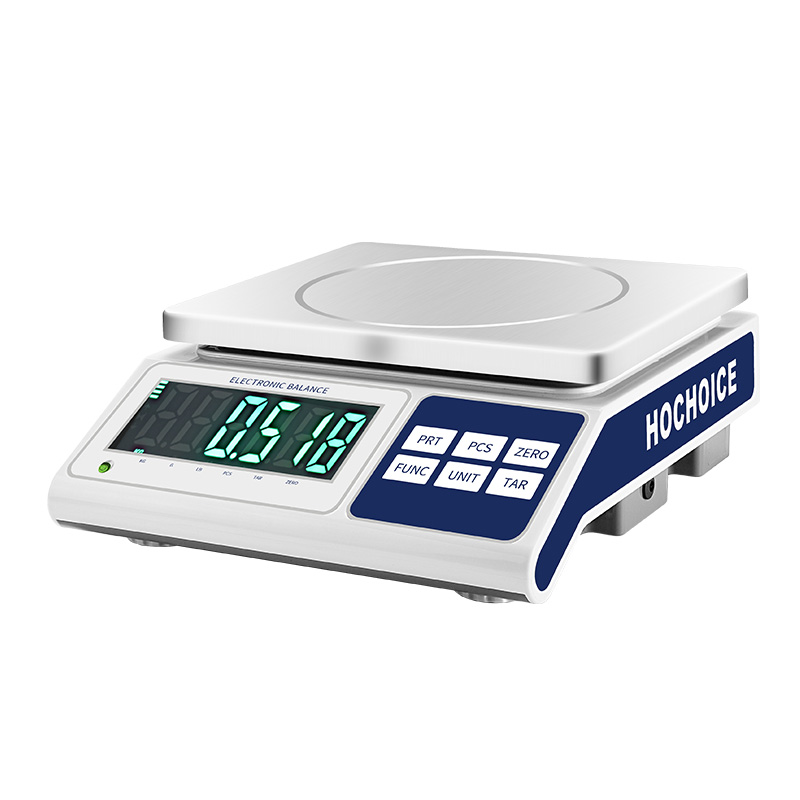

When a digital scale does not display the expected weight, many users immediately assume that the sensor is damaged.
In practice, incorrect weighing can have many different causes.
Before replacing the instrument, it is useful to check the problem systematically.
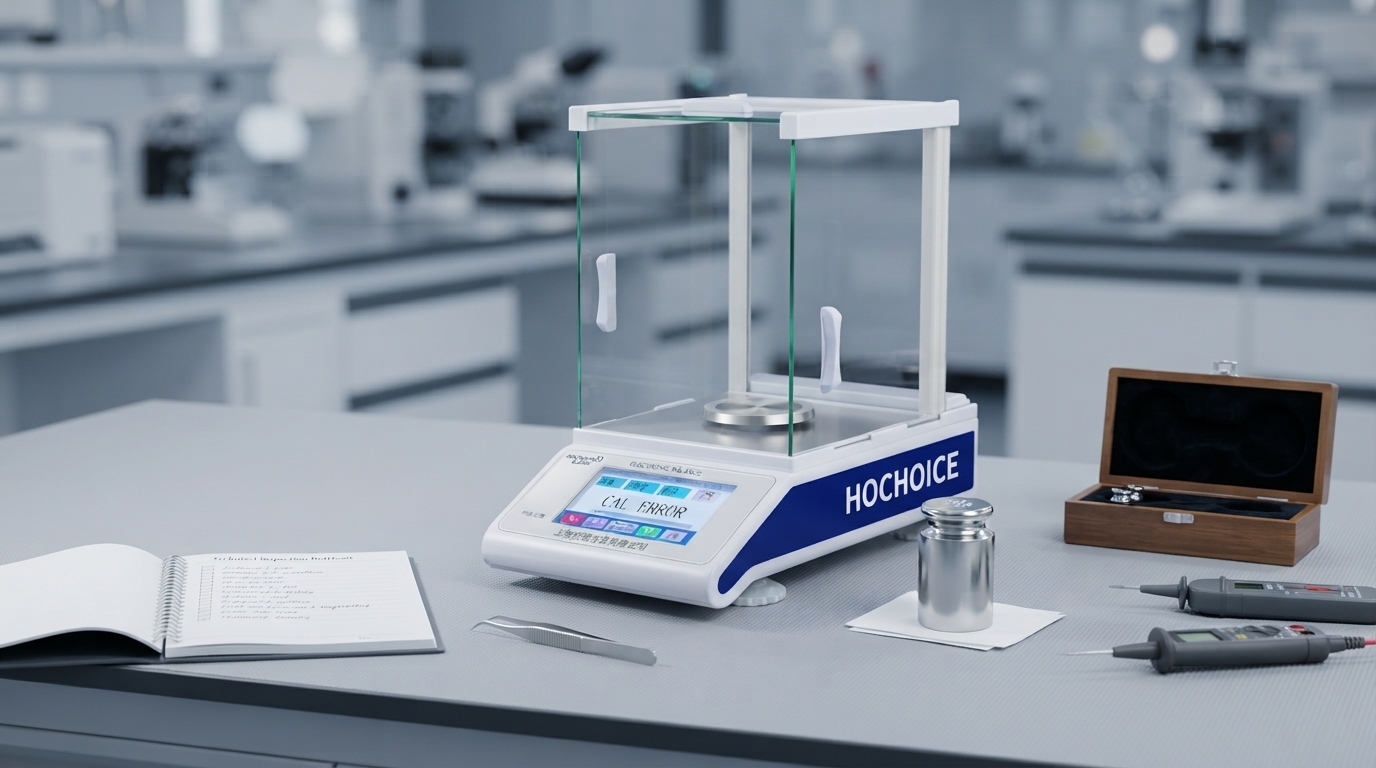
The first thing to check is the zero reading.
Remove all objects from the platform and allow the display to stabilize.
If the scale does not return to zero, check the zero function and look for mechanical or environmental causes.
The weighing platform must move freely.
Check whether:
Dust is trapped underneath
The platform is touching the housing
A foreign object is stuck around the mechanism
The platform was installed incorrectly
Even small mechanical interference can affect the displayed weight.
Calibration is another possible cause.
Changes in operating conditions, transportation or long-term use may affect weighing performance.
Depending on the model, calibration may be performed using an appropriate standard weight.
Always follow the manufacturer's calibration procedure.
A digital scale should be installed on a stable surface.
Vibration from nearby machinery can cause:
Fluctuating readings
Slow stabilization
Inconsistent results
This is particularly important for precision electronic balances.
Air movement can affect sensitive weighing instruments.
Common sources include:
Air conditioners
Fans
Laboratory ventilation
Open windows
Frequently opened doors
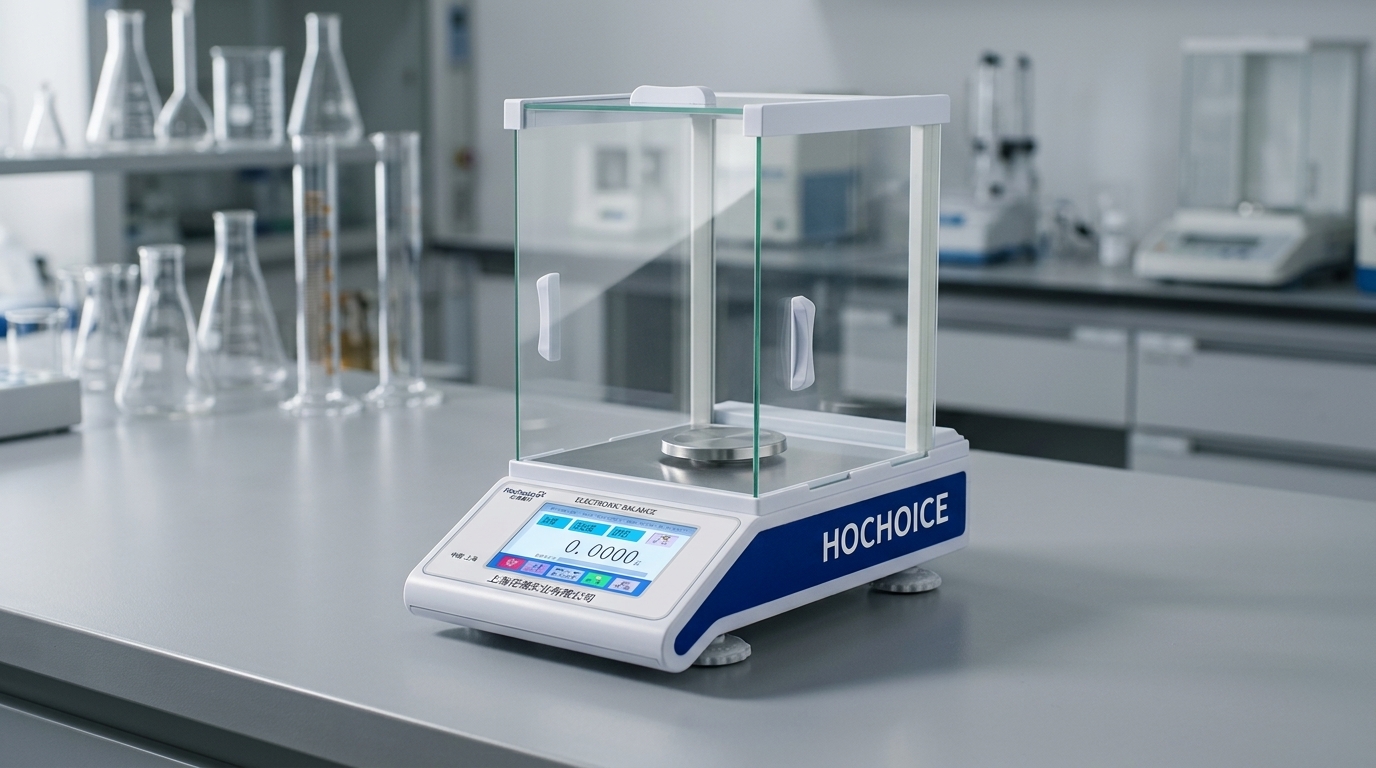
For analytical balances, the draft shield should normally be used correctly during weighing.
Not every changing display indicates a problem with the balance.
Some samples can:
Evaporate
Absorb moisture
Release moisture
React with the surrounding environment
If the sample mass itself is changing, the displayed value may also change.
Every electronic scale has a specified weighing capacity.
Do not exceed the rated capacity.
Overloading may cause incorrect measurements and can potentially damage the weighing system.
For precision instruments, using a suitable capacity range also helps maintain measurement performance.
If the basic checks do not solve the problem, the instrument may require professional inspection.
Potential technical causes include:
Load-cell damage
Sensor problems
Electronic faults
Cable connection problems
Mechanical damage
In these cases, repeated calibration attempts are unlikely to solve the underlying problem.
When a digital scale is not reading correctly, check in this order:
1. Zero
↓
2. Platform
↓
3. Environment
↓
4. Sample
↓
5. Capacity
↓
6. Calibration
↓
7. Sensor / electronics
This approach helps identify simple operational causes before moving to technical service.
It is also important to distinguish between general digital scales and laboratory precision balances.
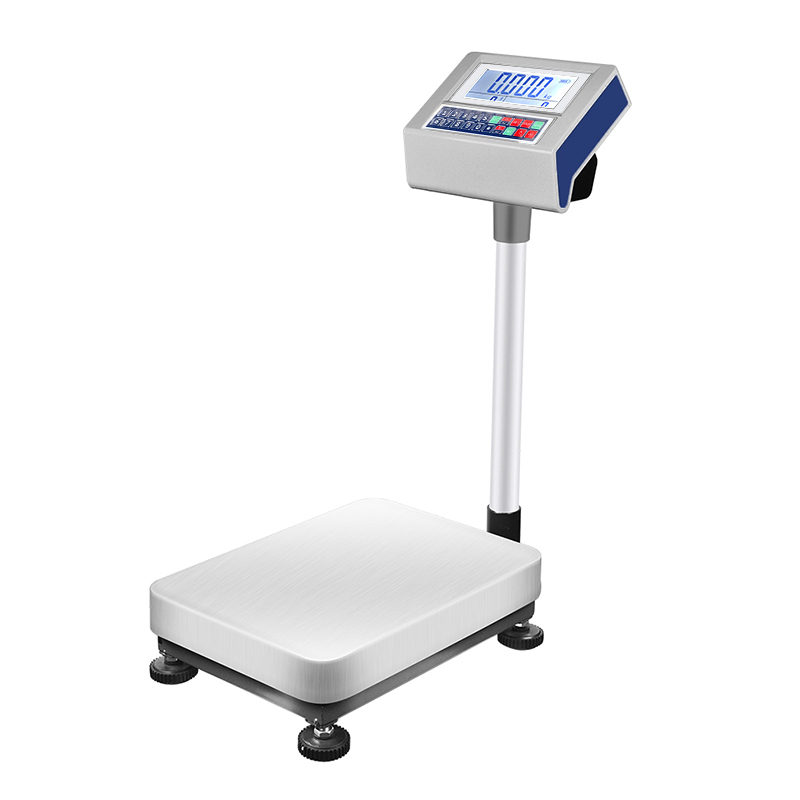
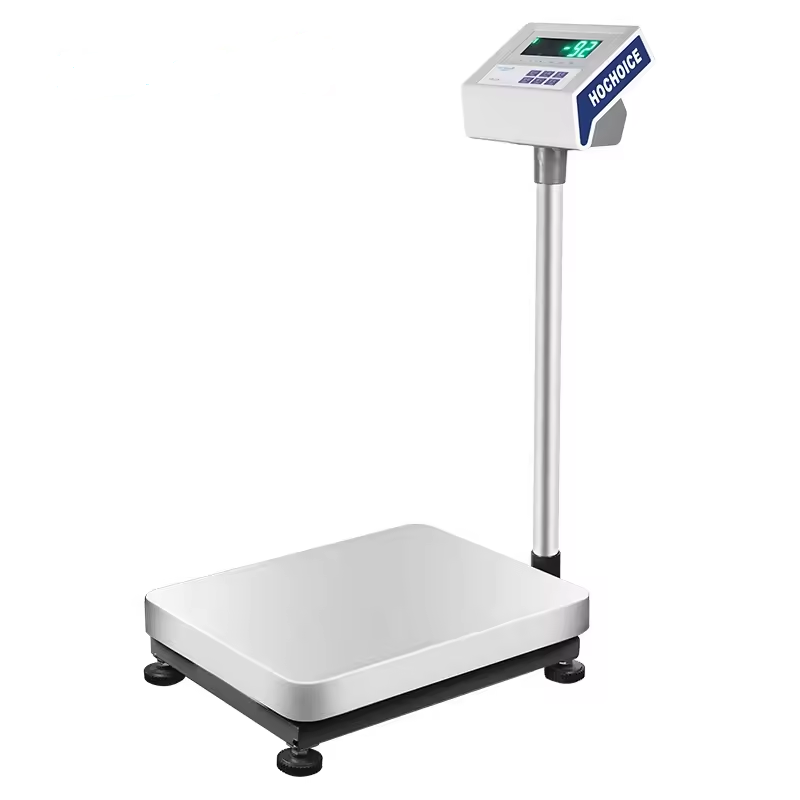
A standard electronic scale may be suitable for routine weighing.
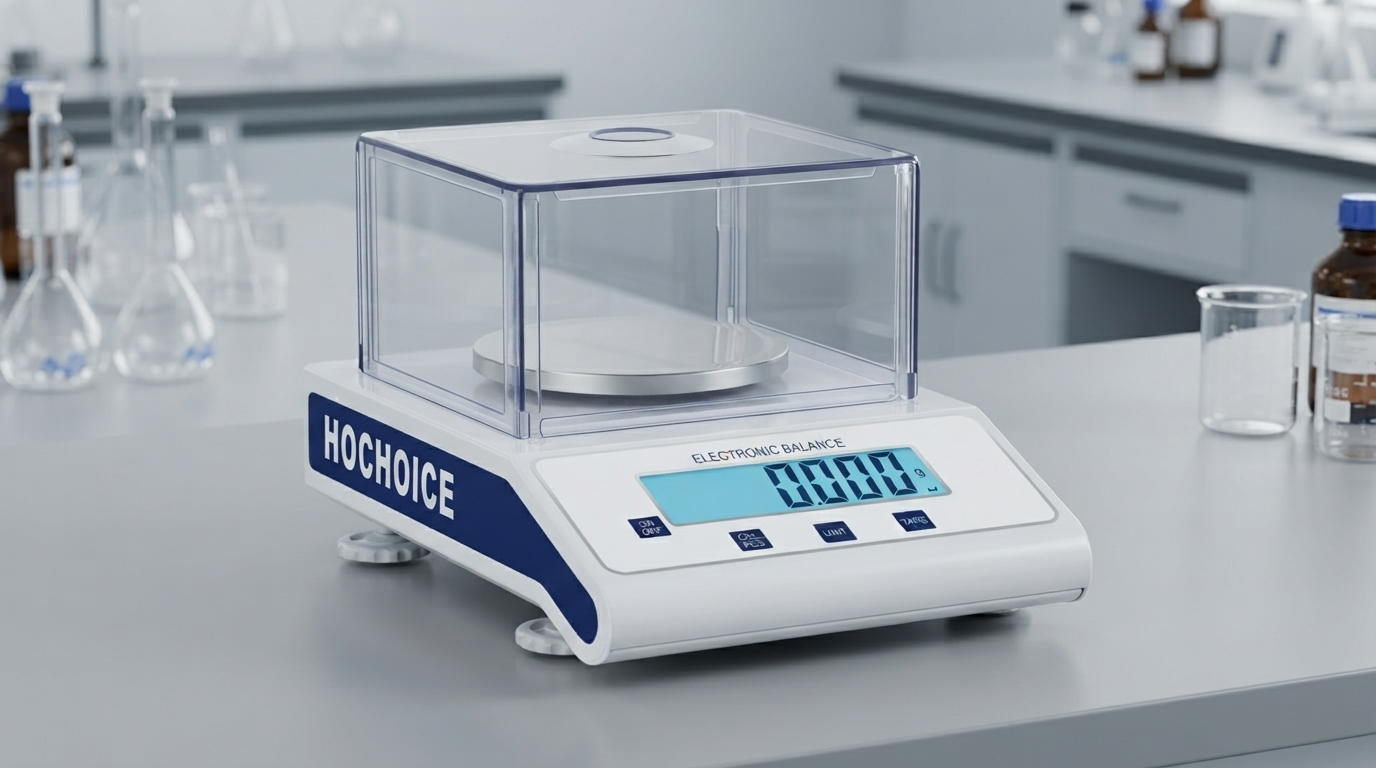
A precision balance is designed for applications requiring higher resolution and repeatability.
Analytical balances provide even higher sensitivity and are commonly used for laboratory applications requiring fine measurements.
Selecting the appropriate weighing instrument according to the application is therefore essential.
When a digital scale is not reading weight correctly, the cause is not necessarily a damaged sensor.
Zero setting, platform installation, environmental conditions, sample characteristics, capacity and calibration should all be checked first.
A systematic troubleshooting process can save time and prevent unnecessary replacement of equipment.
HOCHOICE manufactures electronic balances, precision balances and laboratory weighing equipment for professional weighing applications.