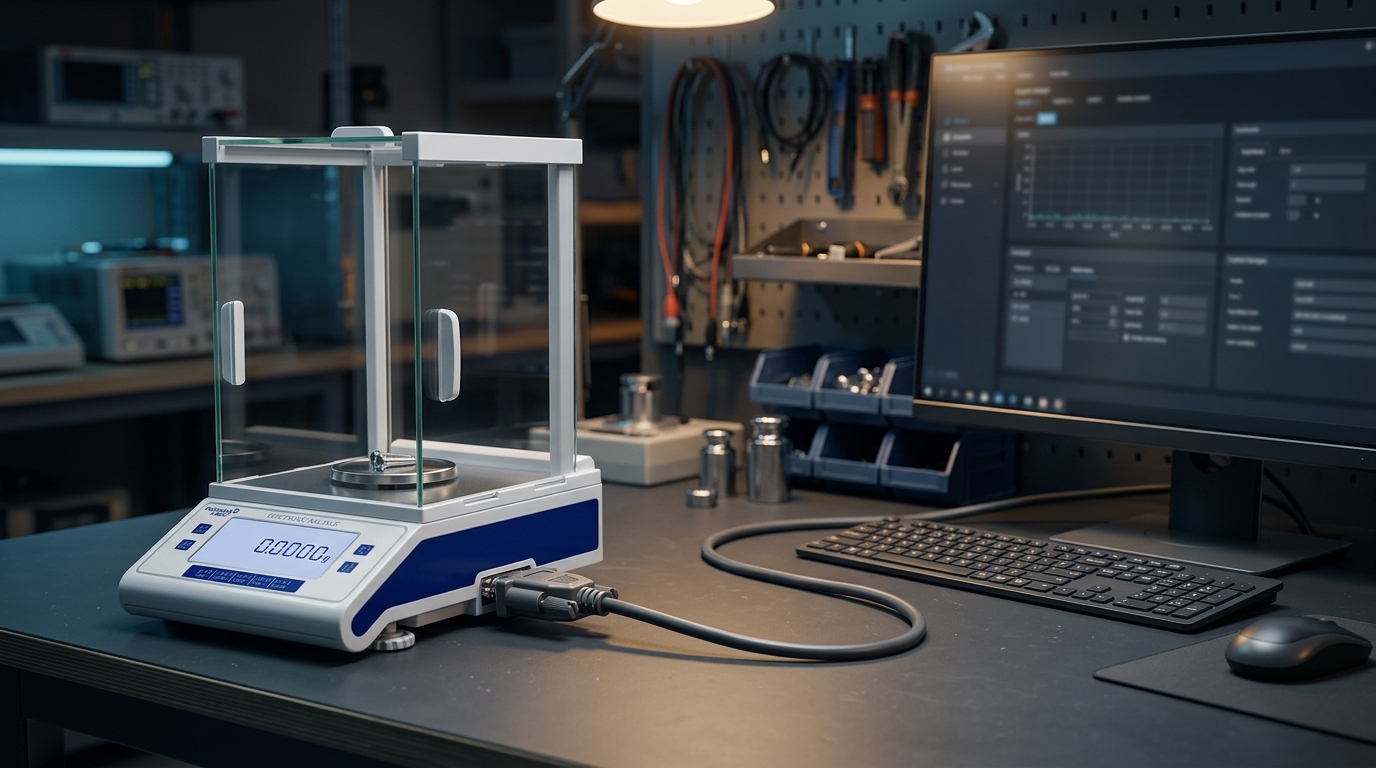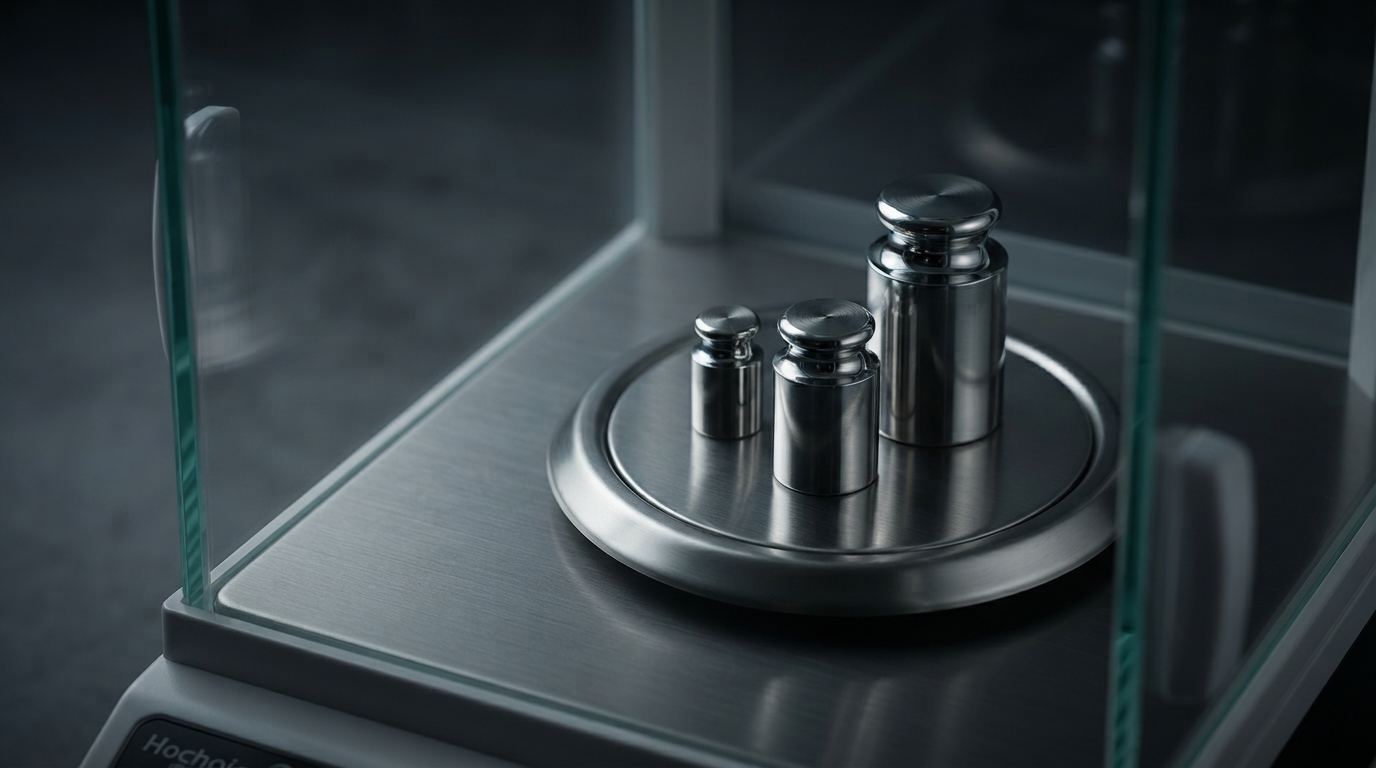

The tare function is one of the most frequently used features on an electronic balance. It allows users to exclude the weight of a container so that the displayed result represents the net mass of the material being measured.
Although the operation is simple, understanding how tare works can help prevent mistakes during routine laboratory weighing.
When an empty container is placed on the weighing pan, the balance detects the combined load of the container and anything else on the pan.
Pressing the tare key sets the displayed value to zero while the container remains in place. When a sample is added, the display indicates the sample's net mass, provided the balance is operating within its limits.
The relationship is:
Net mass = Gross mass − Tare mass
Here, gross mass refers to the combined mass of the container and sample, while tare mass is the container mass excluded from the displayed result.
A typical weighing procedure is straightforward:
Ensure the weighing pan is clean and the balance is stable.
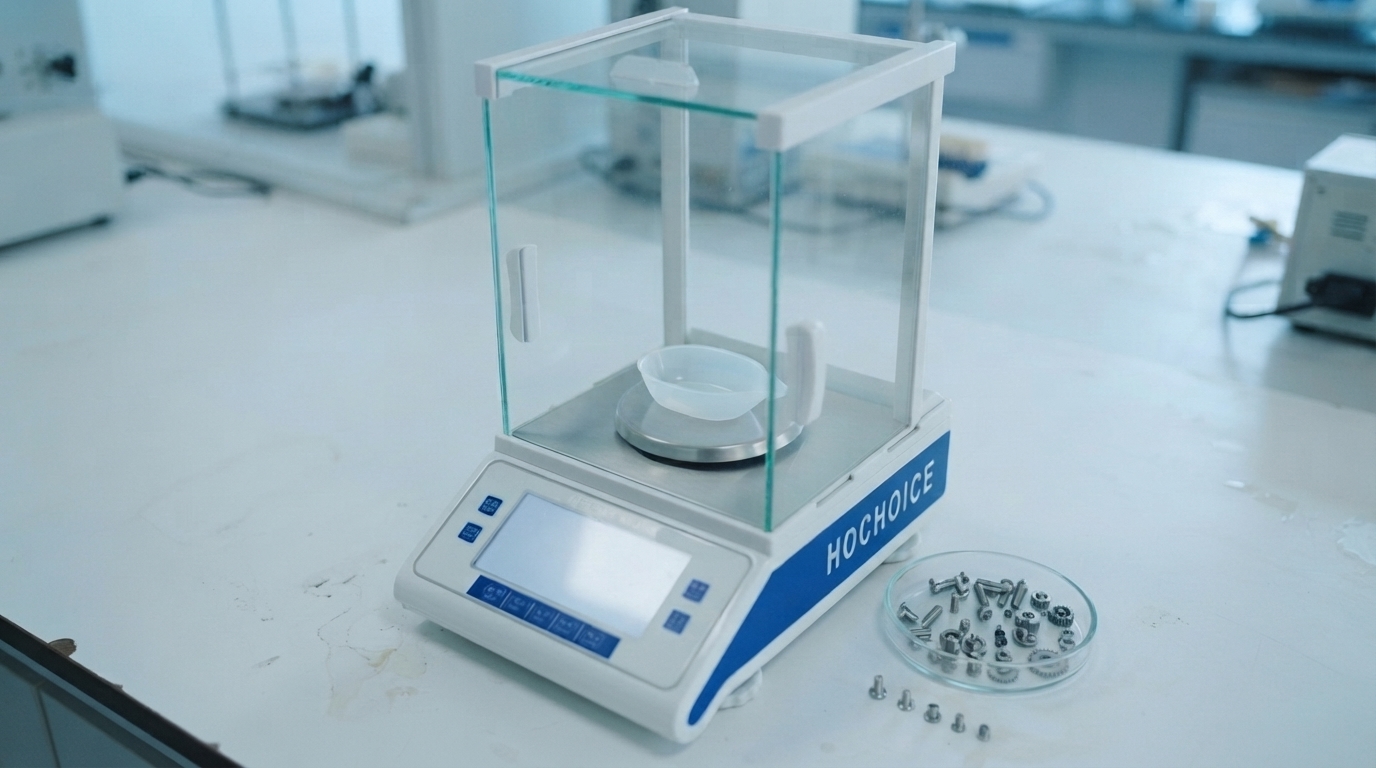
Place the empty container in the center of the pan.
Wait for the reading to stabilize.
Press the tare key and confirm that the display returns to zero.
Add the sample without touching or disturbing the container.
Wait for a stable reading and record the net mass.
For very small samples, use a suitable container and handling tools to minimize contamination, static effects, and sample loss.
Tare changes the displayed reference point for a weighing operation. Calibration, by contrast, evaluates or adjusts the relationship between the balance indication and known reference values, depending on the instrument's calibration procedure.
Pressing tare does not correct an inaccurate balance, compensate for a faulty sensor, or replace routine performance checks.
The display does not return to zero. The load may exceed the tare range, the reading may still be unstable, or the balance may require a different operating procedure.
The reading drifts after taring. Air currents, vibration, temperature changes, static electricity, or an unstable container may affect the measurement.
The container is removed after taring. The display may show a negative value because the balance is still using the previous tare reference. Follow the instrument's procedure to clear or reset the tare state.
The total load exceeds capacity. The container and sample together must remain within the balance's allowable weighing capacity, even when the display shows only the net mass.
Tare is especially useful for weighing powders, liquids, ingredients, and small laboratory samples in containers. It simplifies the weighing process, but the final result still depends on the balance's performance, correct handling, and suitable environmental conditions.
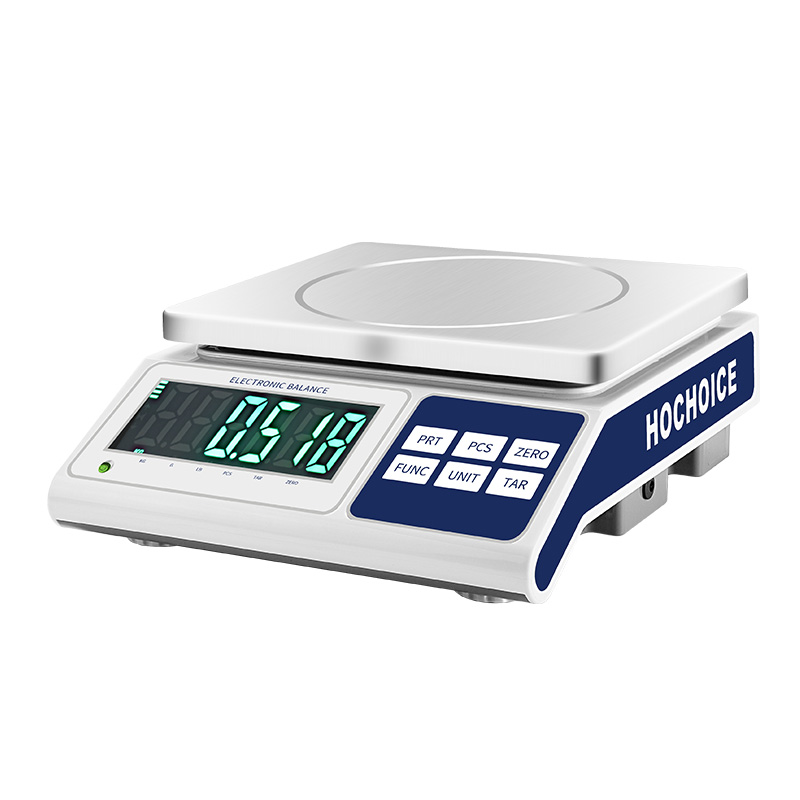
HOCHOICE analytical balance specifications include tare functionality, alongside other features such as counting and unit conversion on applicable models. Check the exact model documentation for its supported functions.
Conclusion
The tare function makes net weighing easier by excluding the container's mass from the displayed result. Used correctly, it supports a more efficient workflow—but it should never be mistaken for calibration or a substitute for good weighing practice.