
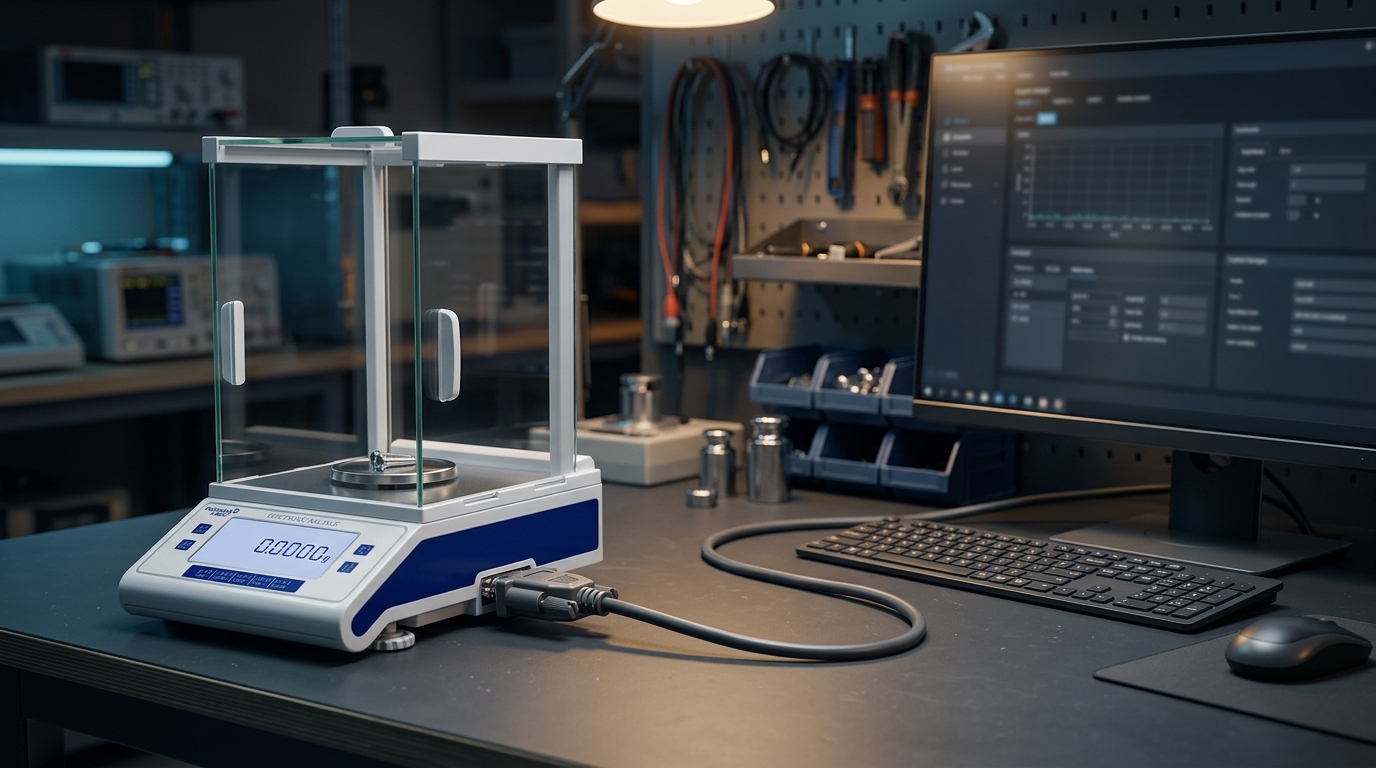
Electronic balances are often used in laboratories and production environments where weighing results need to be recorded, processed, or transferred to another system. An RS232 interface can provide a direct serial communication connection between a compatible balance and a computer or other receiving device.
Successful communication depends on more than connecting a cable. The interface, cable, communication parameters, and receiving software must all be compatible.
RS232 is a serial communication standard used by electronic instruments and computers to exchange data. On a compatible balance, the interface can transmit weighing results to an external device such as a computer or printer.
The exact connector type, pin arrangement, and supported commands vary by instrument. RS232 should not be assumed to use the same connector or settings on every balance.
Prepare the following:
An electronic balance with an RS232 interface.
A compatible serial cable, with the correct connector and wiring.
A computer with a suitable serial port or a compatible USB-to-serial adapter.
The balance's communication manual.
Software that can receive and interpret the balance's output.
Check whether the balance sends data continuously, sends data when a key is pressed, or responds to a command from the computer. This behavior is model-dependent.
Both devices must use compatible communication settings. Depending on the instrument, these may include:
Baud rate: The serial data transmission speed.
Data bits: The number of data bits in each character.
Parity: An optional error-checking setting.
Stop bits: The framing bits used to indicate the end of a character.
Flow control: Whether the devices use hardware or software flow control.
Use the values specified in the balance manual rather than guessing. A mismatch can cause unreadable characters, missing readings, or no response.
Turn off or disconnect equipment if required by the manufacturer's instructions before attaching cables.
Connect the balance to the computer using the correct interface and cable.
Identify the correct serial port on the computer.
Configure the receiving software to match the balance's communication settings.
Trigger a test transmission using the instrument's documented method.
Confirm that the received data is complete and correctly formatted.
Compare the transmitted value with the balance display before using the data in a record or workflow.
If results are being stored in a laboratory information system or other database, test the full data path—not just the initial serial connection.
No data is received. Check power, cable compatibility, port selection, and the instrument's transmission mode.
Unreadable characters appear. Confirm the baud rate, data bits, parity, and stop bits at both ends.
Data appears only occasionally. The balance may transmit only after a key press or a supported command rather than continuously.
The wrong value or format is recorded. Check the output format, units, line endings, and how the receiving software parses the data.
A USB adapter does not work. Confirm that the adapter is recognized by the operating system and that the correct port and driver are selected.
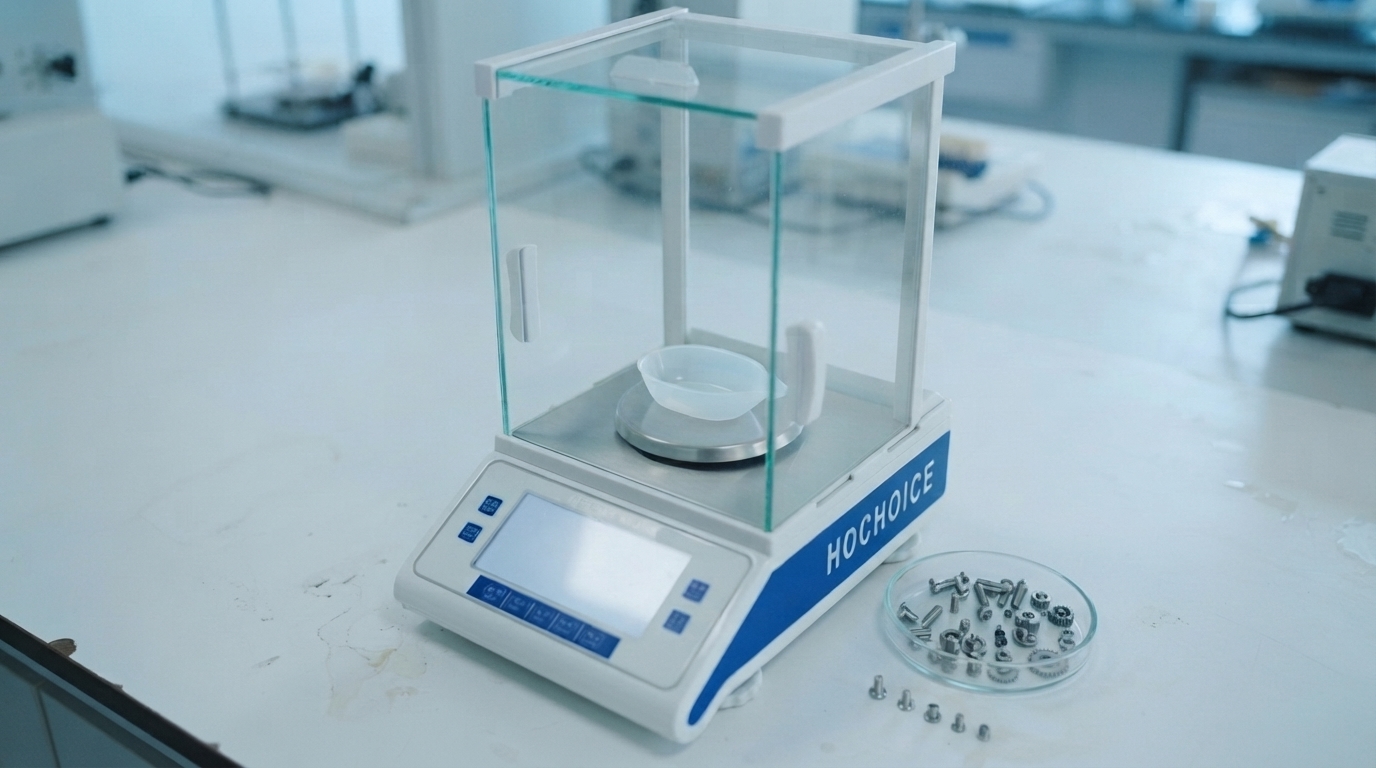
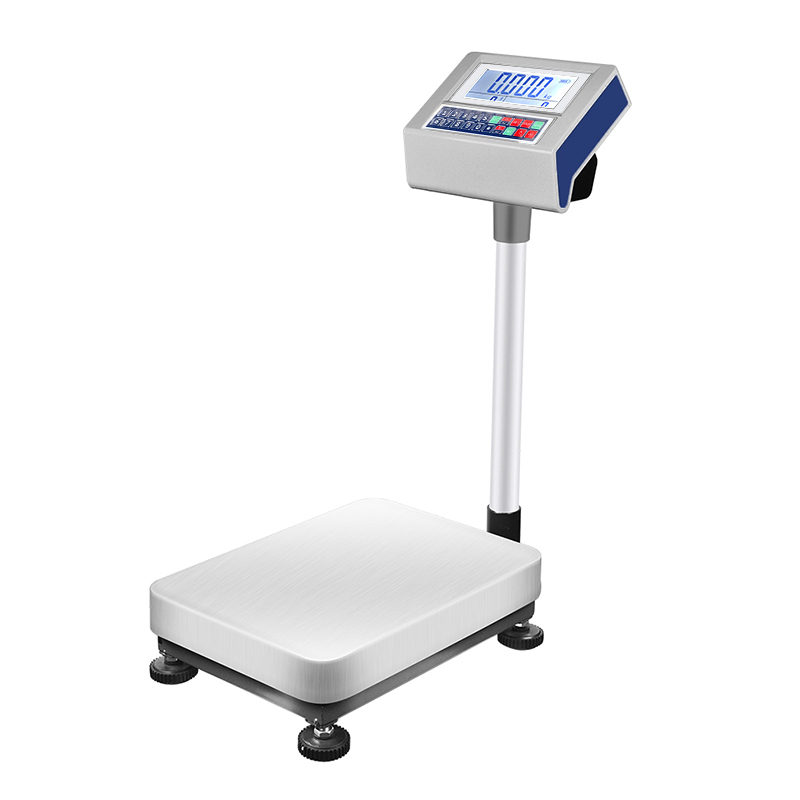
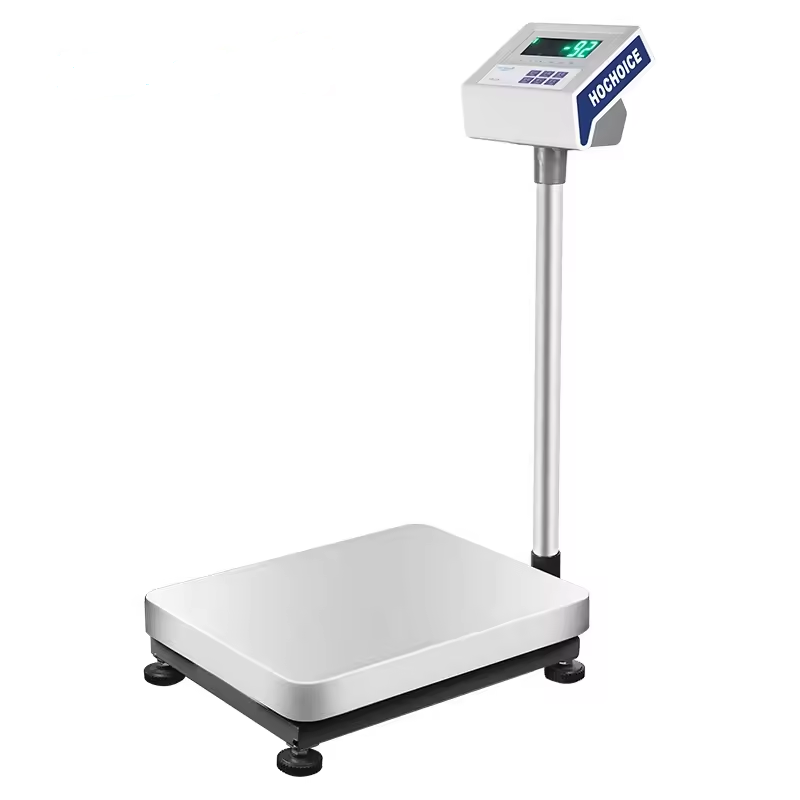
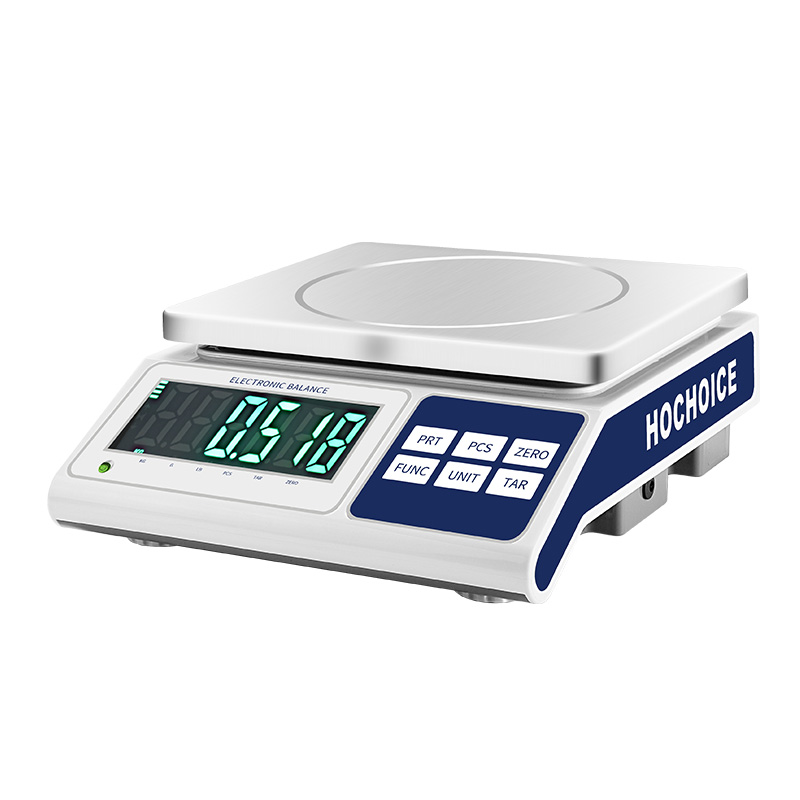
Some HOCHOICE analytical balances list a standard RS232 interface, while other electronic balance models list it as optional. Confirm the interface configuration and communication protocol for the specific model before designing a data collection setup.
Conclusion
An RS232 connection can make weighing data transfer more convenient and reduce manual transcription. Reliable operation requires compatible hardware, matching communication settings, and a verified receiving workflow.