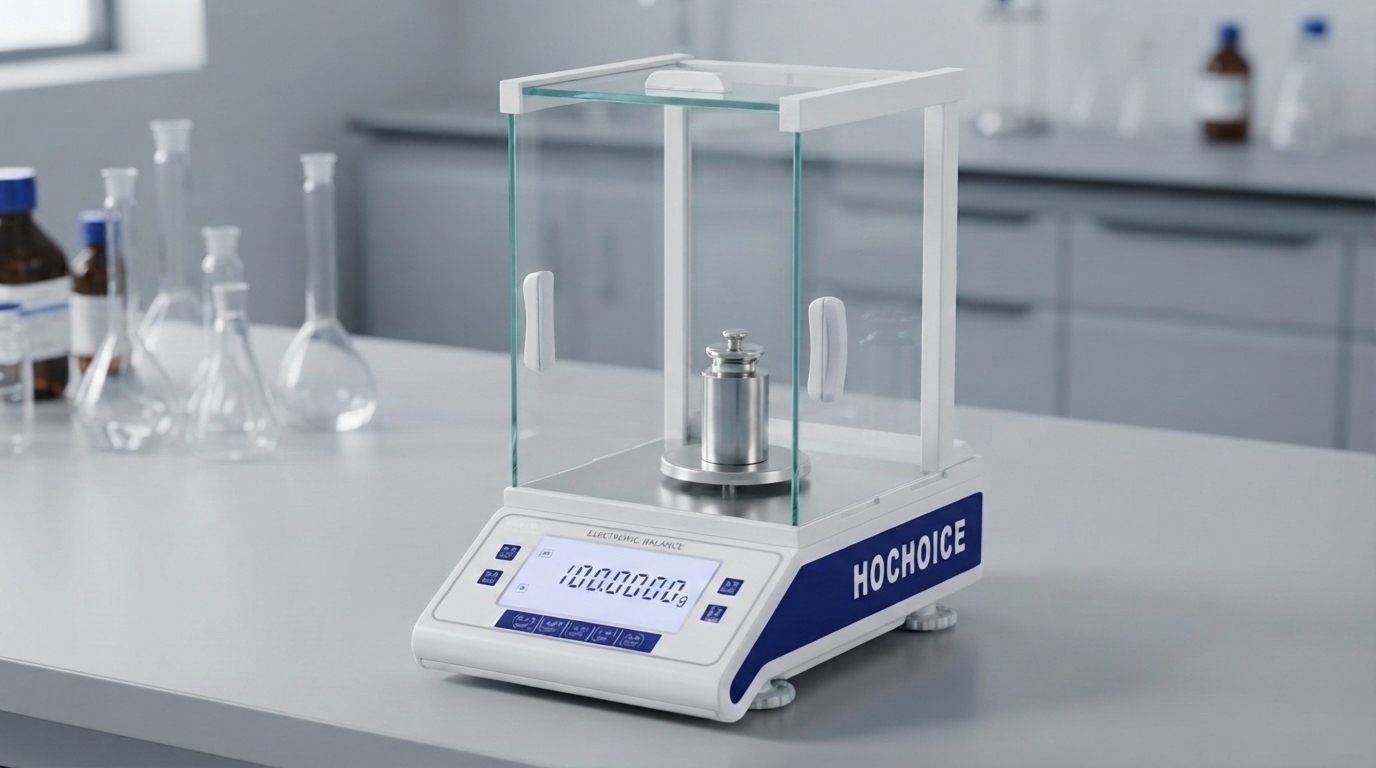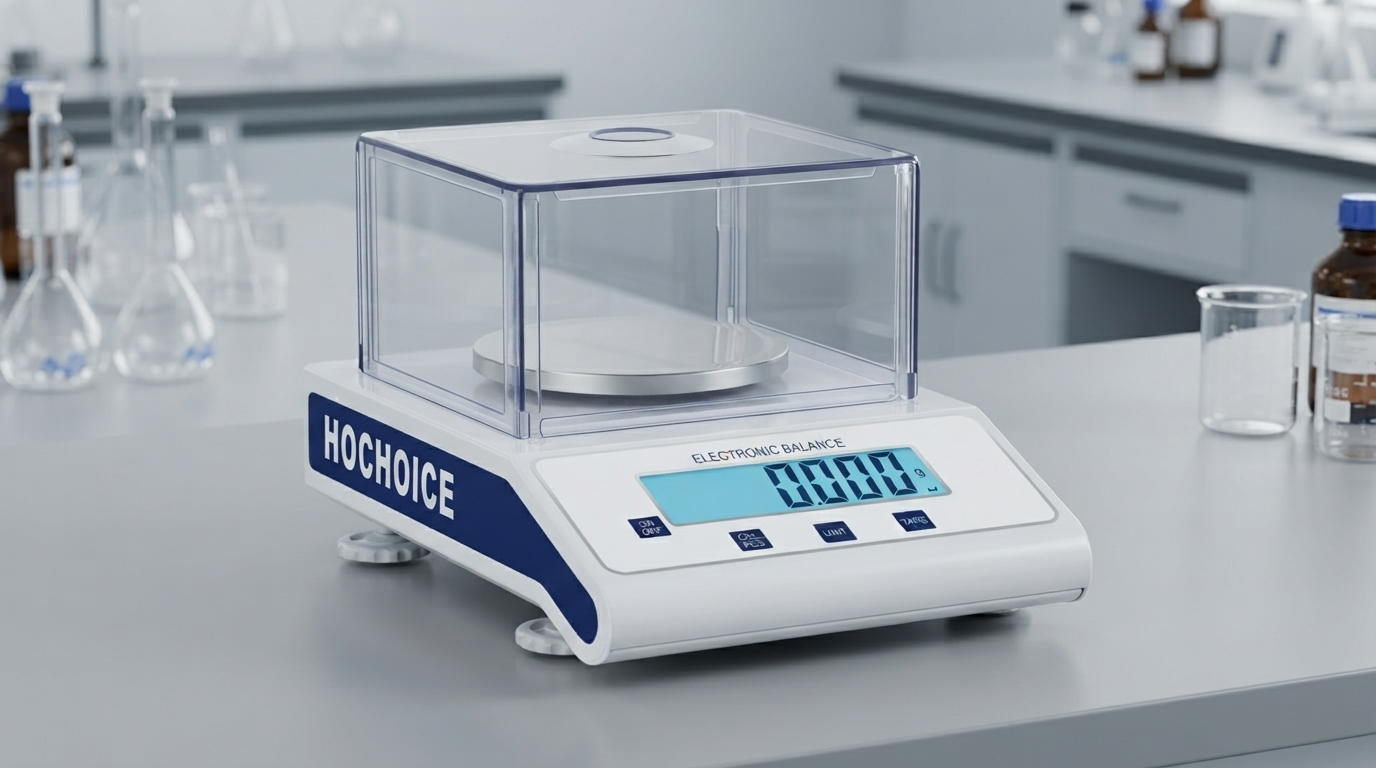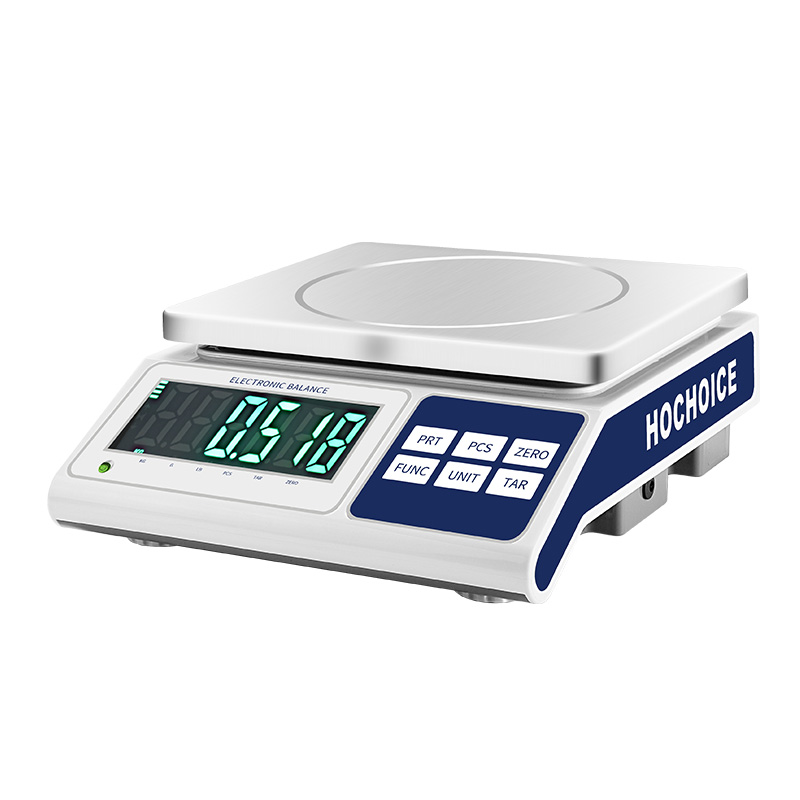

How to reset digital scale to zero is the most frequently asked basic operation question for new users of electronic balances and digital scales. Although zeroing seems simple, incorrect operation and neglected underlying faults will lead to persistent zero drift and systematic deviation of all weighing results.
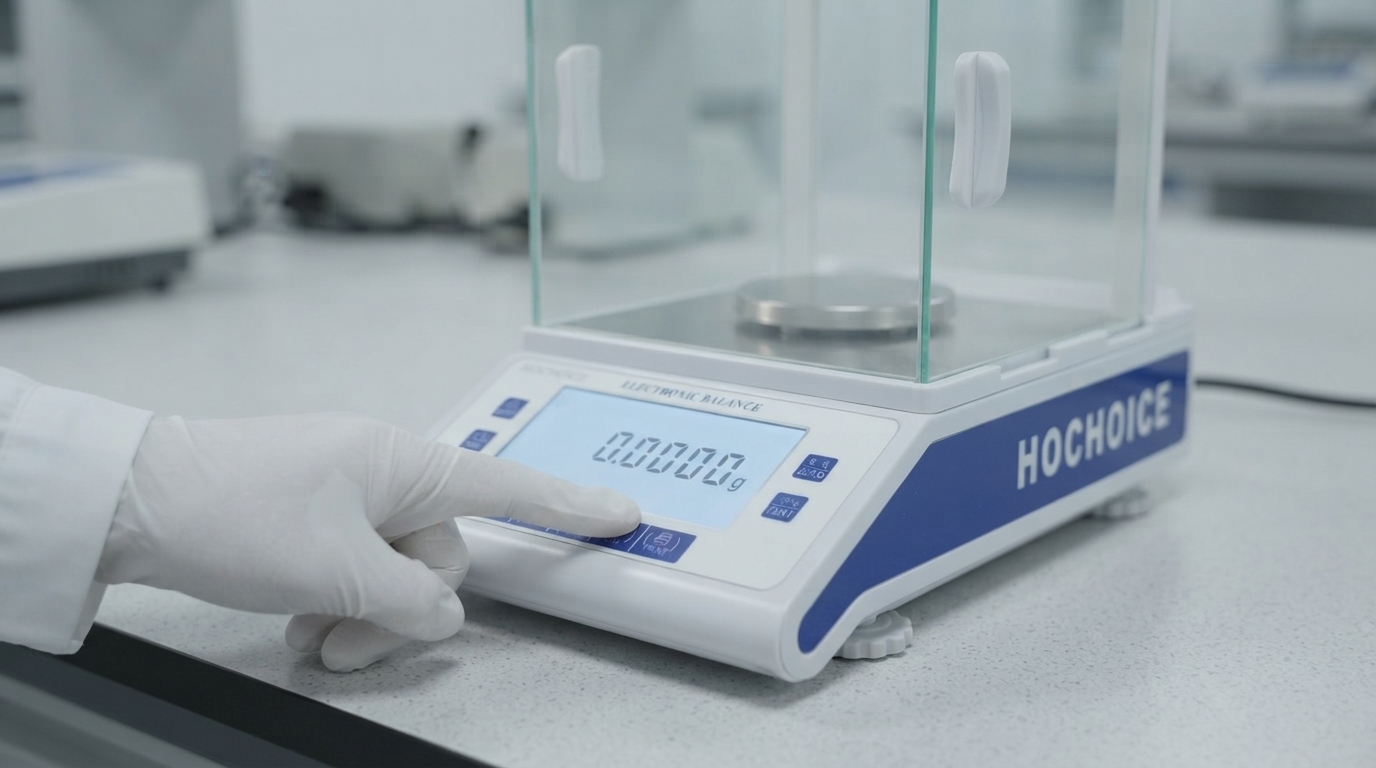
Many users confuse zeroing (reset to zero) and taring, but they are completely different functions:
Zeroing (Zero Reset):Used to correct the zero baseline of the balance. It is performed when the weighing pan is empty, to eliminate the zero point deviation caused by environment and sensor drift. It should be done before the first use every day and after long-term operation.
Taring (Tare):Used to deduct the weight of the container. After placing the weighing container, press tare to reset the display to zero, so that only the net weight of the sample is displayed. It can be used repeatedly during weighing.
Ensure the balance is powered on and fully preheated, and the weighing pan is clean and empty.
Close all windshield doors to avoid air flow interference.
Wait for the display to stabilize, then press the ZERO/TARE key.
Wait until the display shows 0.0000 g and the stability indicator lights up.
If the zero point still deviates after zeroing, repeat the operation once. Do not press the zero key frequently and continuously.
Air flow and vibration interference:Air from air conditioners, fume hoods or open windows, and micro-vibration from surrounding equipment will make the zero point unstable and unable to reset normally.
Dirt and residue on weighing pan:Spilled samples, dust and liquid residue will add extra weight, resulting in the zero point cannot return to the true zero position.
Out-of-level placement:If the balance is not placed horizontally, the sensor force direction is deviated, resulting in persistent zero offset.
Sensor drift after long-term use:After long-term continuous operation, the sensor will have thermal drift, resulting in slow zero point drift.
Overload history:Previous overload weighing may cause micro damage to the sensor, resulting in zero point deviation that cannot be eliminated by ordinary zero reset.
Clean the weighing pan and weighing chamber thoroughly to remove all residues and dust
Check and adjust the level bubble to ensure the balance is completely horizontal
Move the balance away from air vents and vibration sources
Perform a full calibration to correct the sensor baseline
If zero drift persists after calibration, contact the manufacturer for professional inspection
For daily use, developing the habit of checking and resetting zero before each weighing can effectively avoid systematic errors. Hochoice series of precision balances have built-in zero tracking function, which can automatically compensate tiny zero drift during use, reduce the frequency of manual zero reset, and ensure the stability of weighing baseline.