
When a digital scale reads wrong weight consistently or displays frequent errors, many operators immediately assume permanent sensor damage. In reality, over 80% of accuracy issues stem from operational mistakes, environmental factors or temporary calibration drift — and can be fixed with systematic troubleshooting.
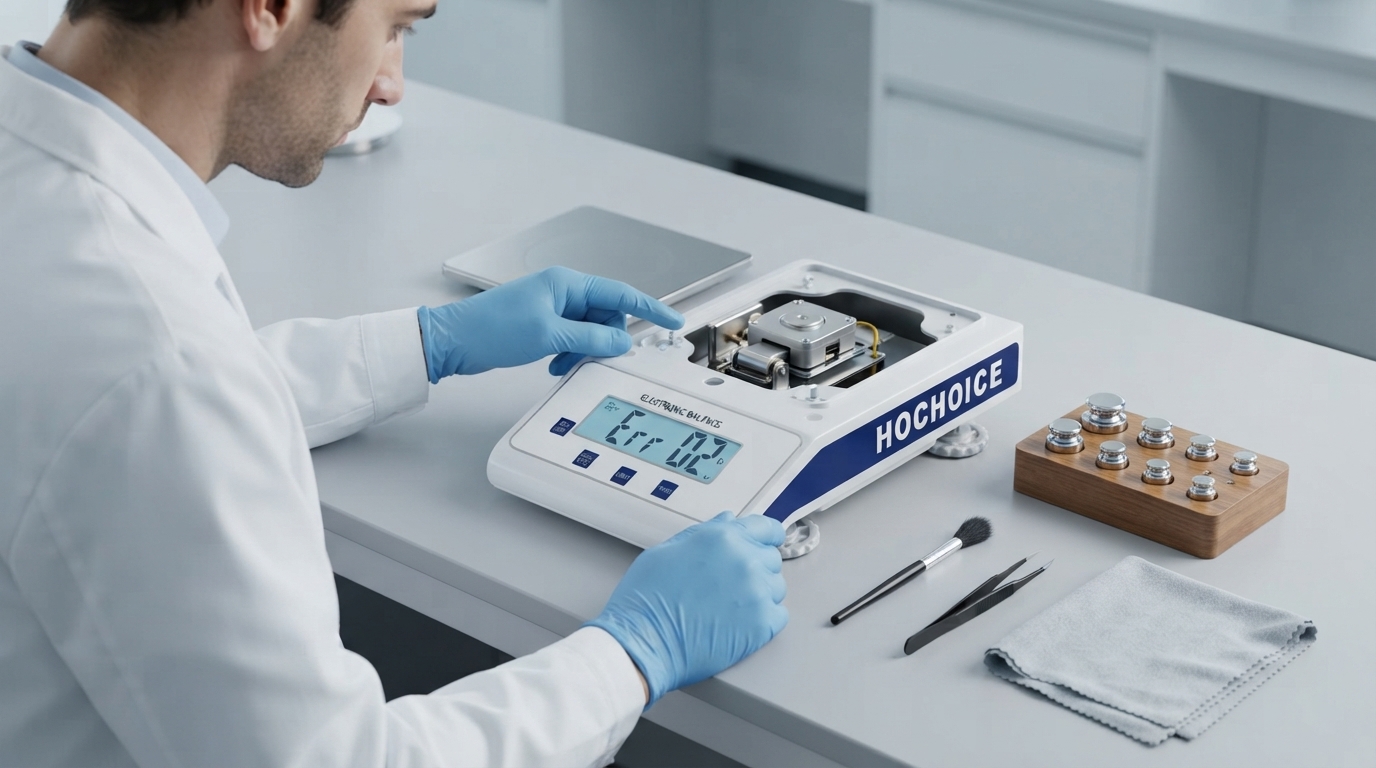
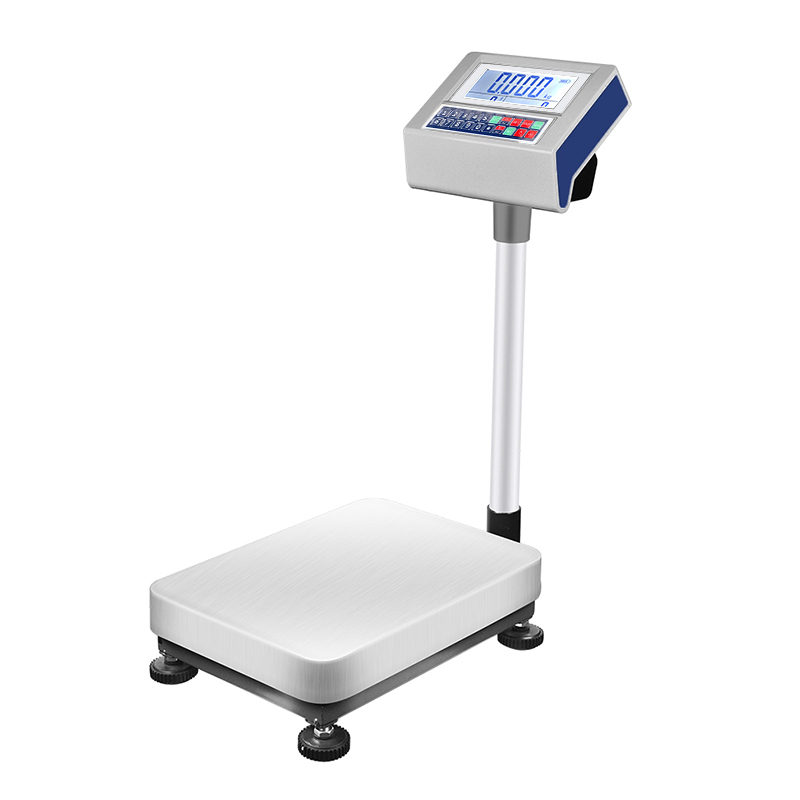
Hidden overload sensor strainRepeatedly exceeding maximum capacity, even briefly, can permanently strain the load cell, causing consistent offset error without showing an error code. Low-cost uncertified scales often use underspecified sensors that fail prematurely.Fix: Remove all weight, perform a power reset, then run full calibration. If error persists, contact service for inspection.Tip: Choose quality scales with relevant international certifications and built-in overload protection for longer service life.
Off-center eccentric load errorPlacing samples away from the pan center causes uneven force distribution, so readings change based on placement. This is often mistaken for sensor failure.Fix: Always center samples and weights on the pan. Standardize operator technique across shifts.
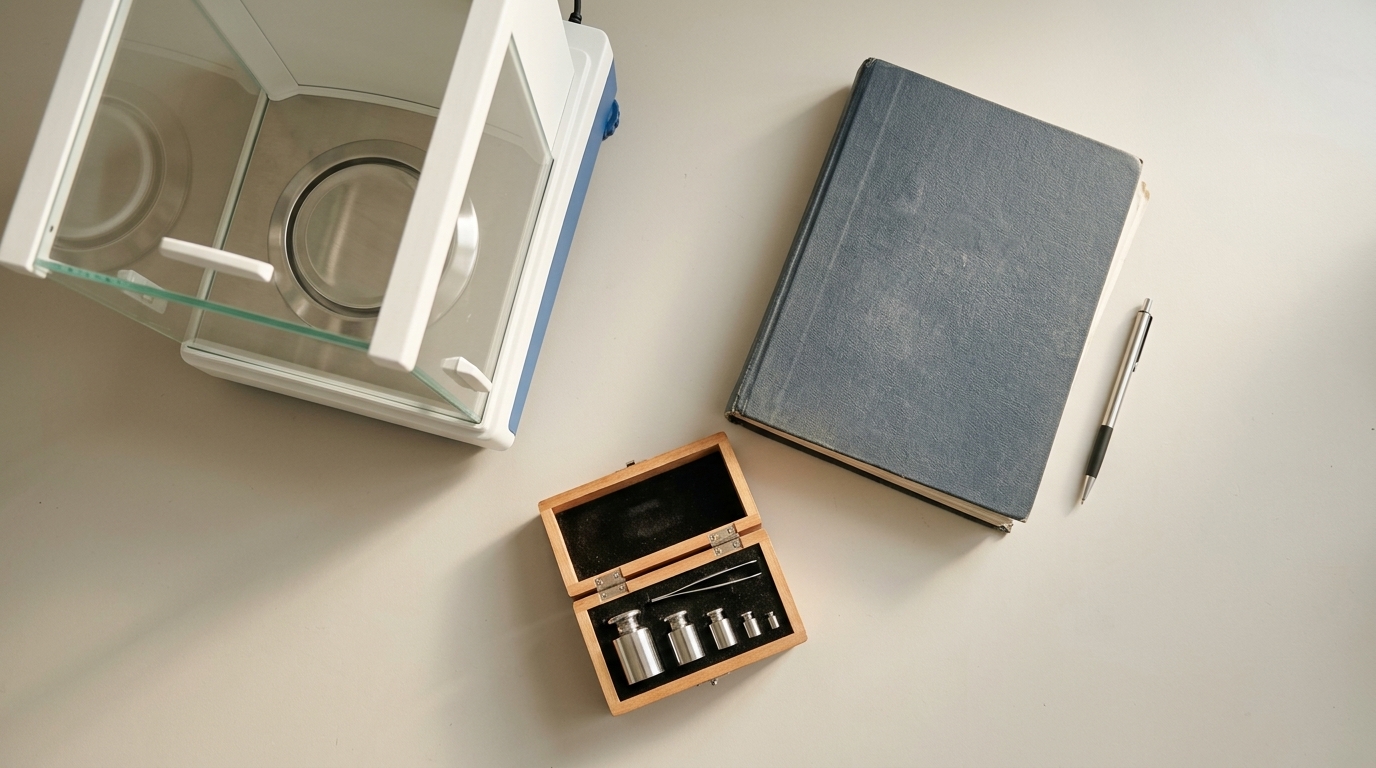
Expired or mismatched calibrationCalibration drifts naturally over time. Using incorrect weights or procedures sets an inaccurate reference point.Fix: Recalibrate with traceable certified weights. Follow recommended calibration frequency based on usage.
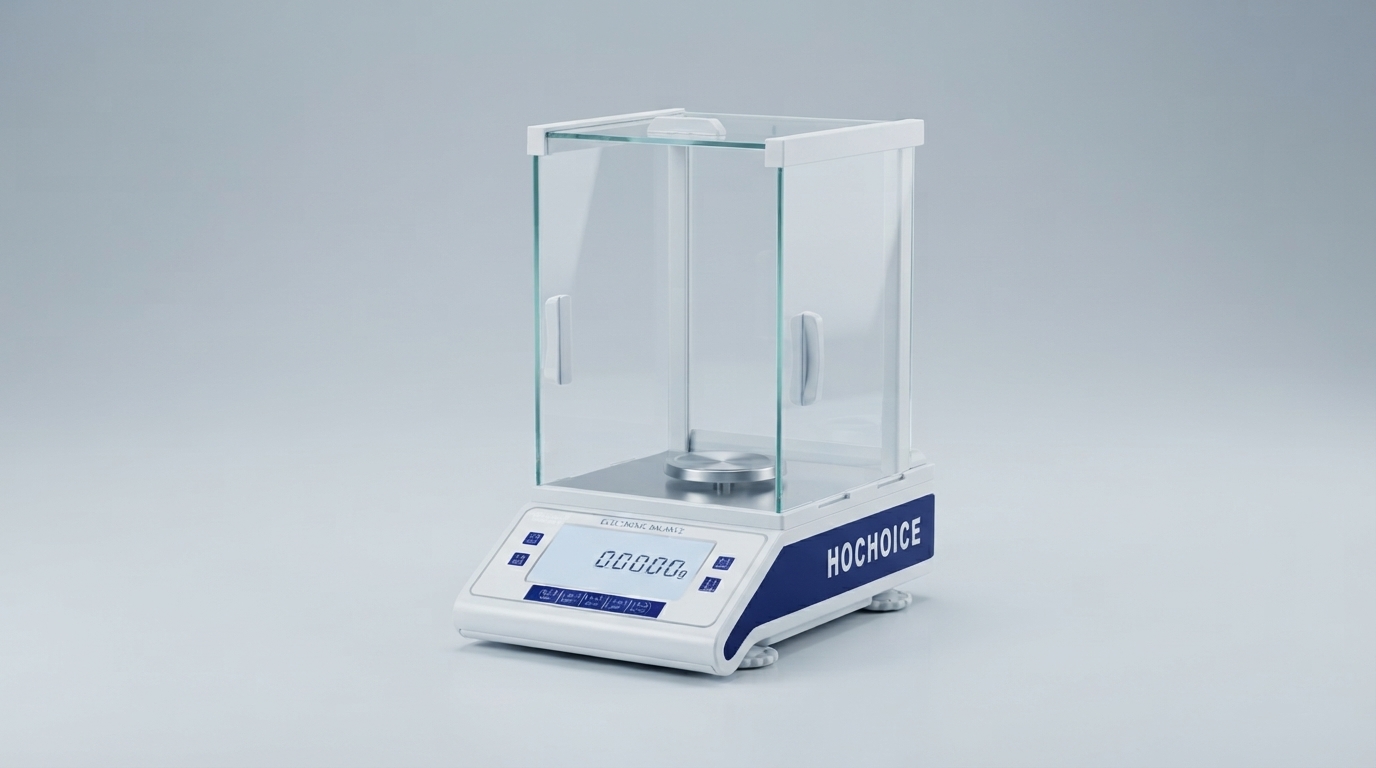
Environmental interferenceAirflow, vibration, static electricity and temperature shifts all exert measurable force on the weighing pan, causing drift or fluctuation.Fix: Close draft shields, move away from vibration sources, control room humidity and temperature.
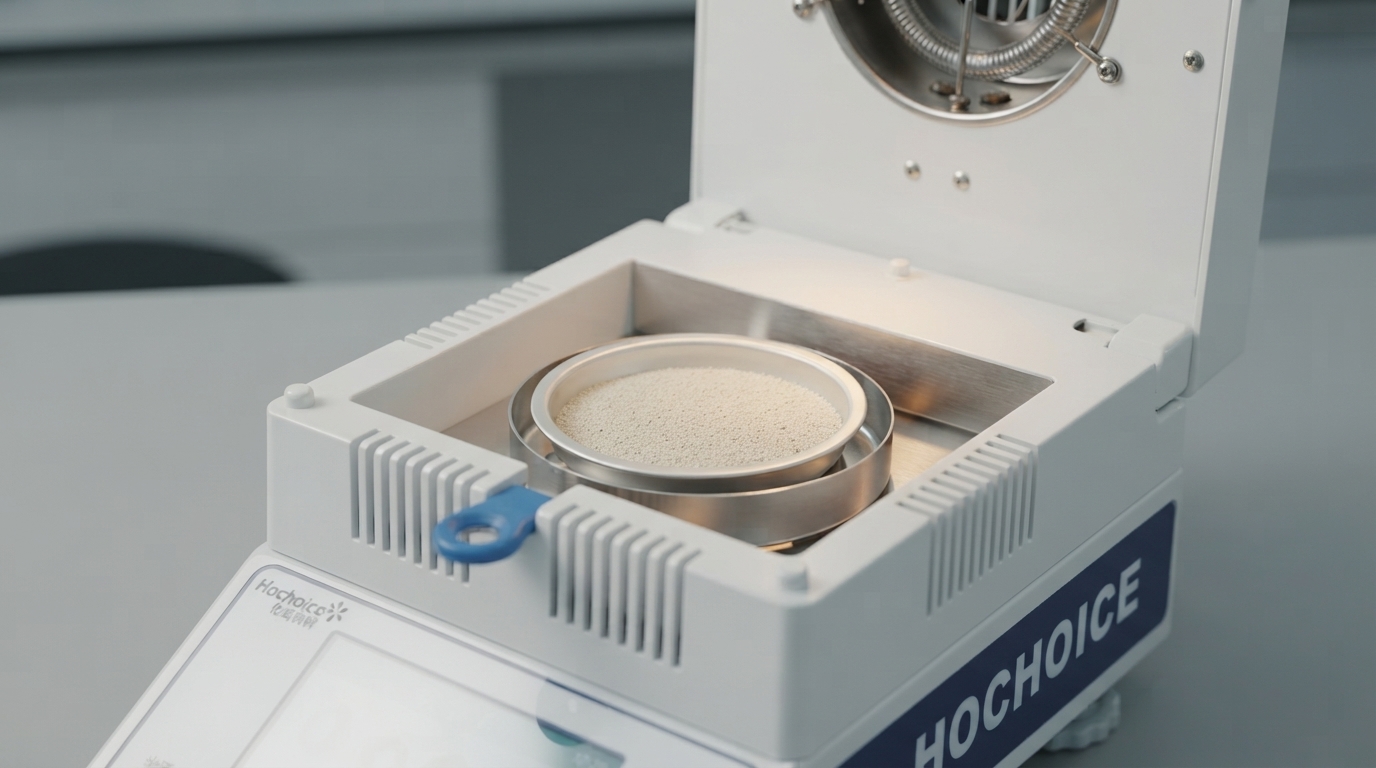
Mechanical obstructionDebris under the pan, spilled sample residue or a misaligned pan can physically interfere with the sensor mechanism, causing consistent offset error.Fix: Remove and clean the weighing pan thoroughly. Check for debris or damage under the pan.
Follow this sequence to eliminate simple causes first:
Remove all weight and check for overload error
Clean and reseat the weighing pan
Verify level adjustment
Perform zero reset
Run full calibration
Contact service if error persists
Related Guide:Traceable Calibration & Lab Compliance Overview
Related Product:Hochoice Precision Balances with Overload Protection
Get Support:Contact technical support for persistent accuracy issues
All Hochoice balances carry full international certifications and built-in overload protection, with strict accuracy testing before delivery for reliable, repeatable daily performance.