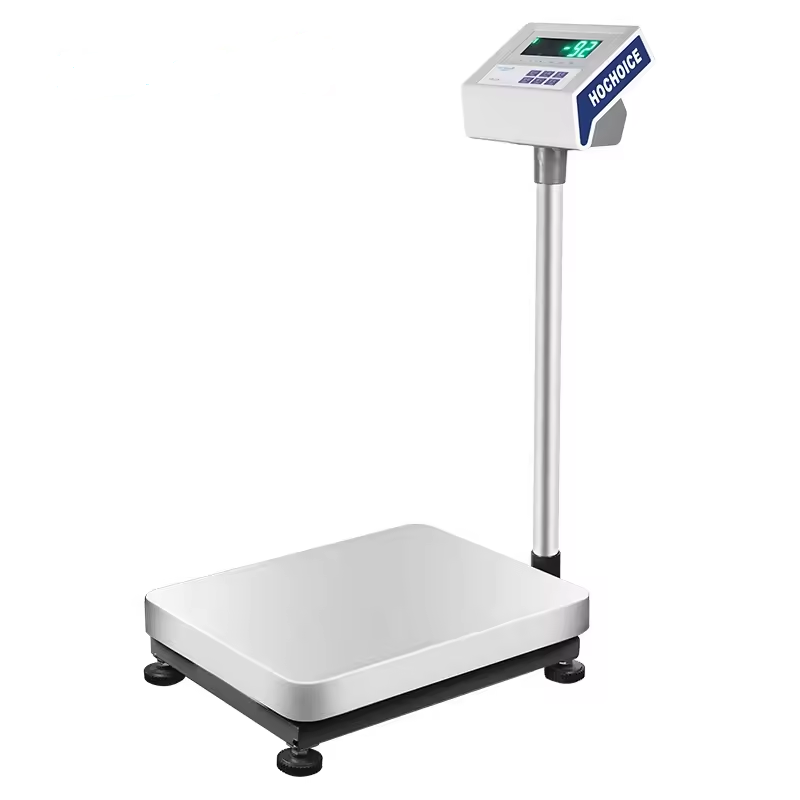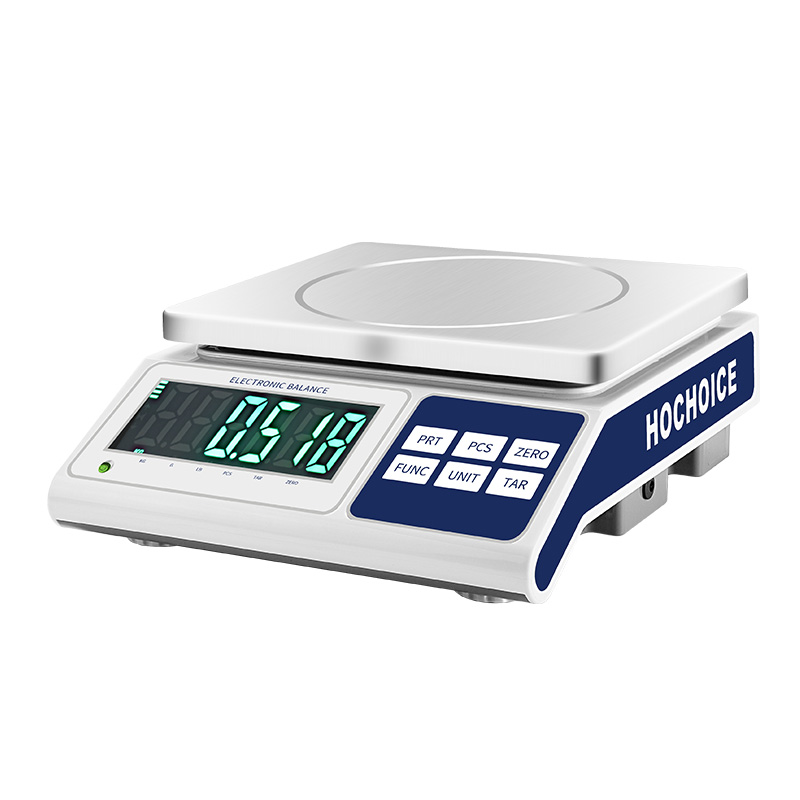

When a digital scale not reading weight correctly, or numbers jump around unexpectedly, most people immediately assume the sensor is broken. But real-world after-sales data shows over 80% of these issues come from simple operational or environmental factors — and you can fix most of them in under 10 minutes without a technician.
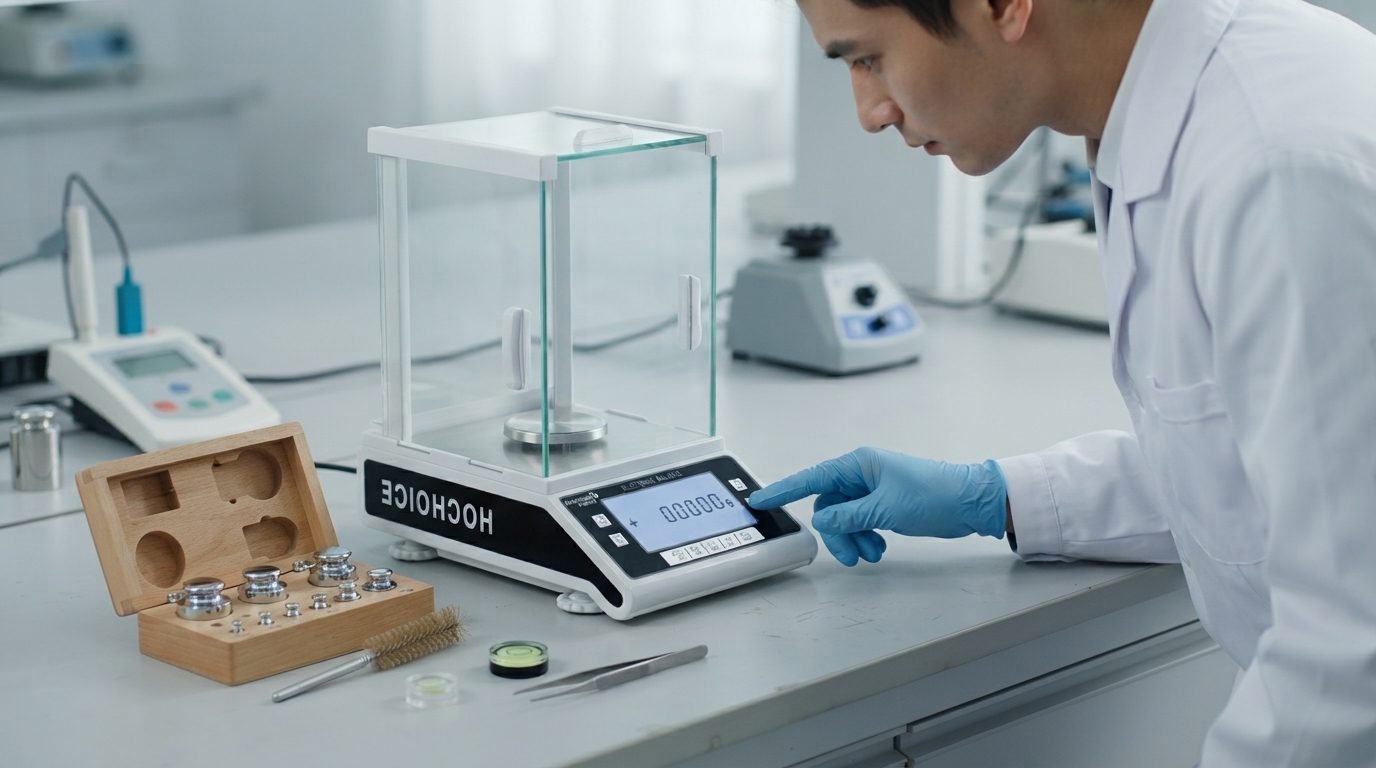
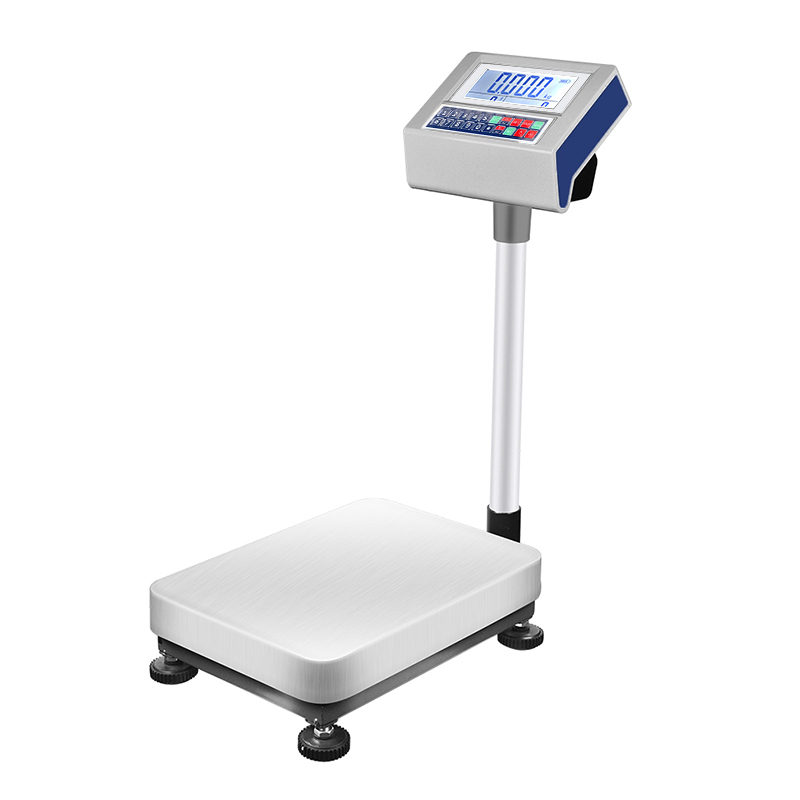
Balance overload error is the most obvious fault, but hidden partial overload damage is often overlooked. Repeatedly exceeding maximum capacity, even briefly, can cause consistent offset error without triggering an error code. Loose power connections or low battery also cause unstable or missing readings.Fix: Remove all weight, power off for 30 seconds, then restart and re-zero. If error continues, run a full calibration.Tip: Choose scales with built-in overload protection to reduce long-term sensor damage risk.
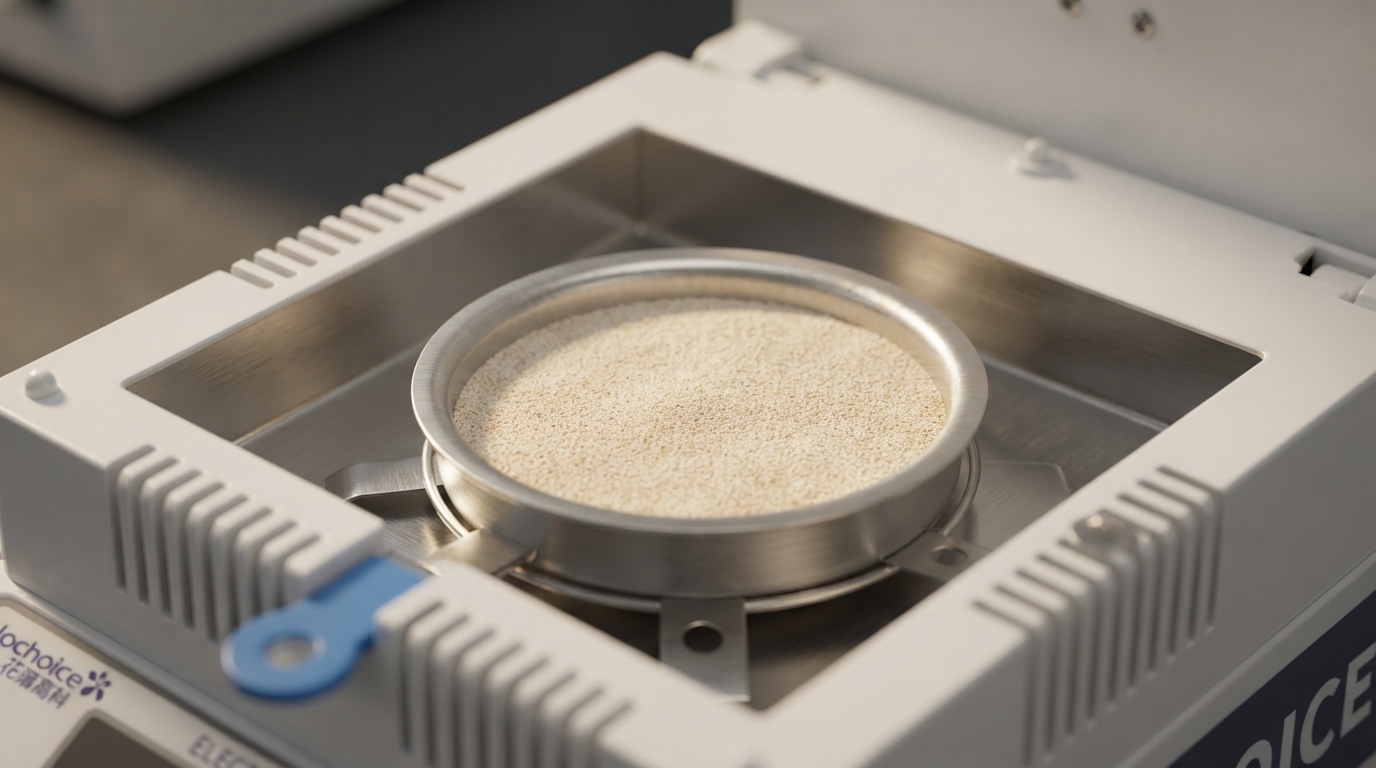
Spilled sample, dust, debris stuck under the pan, or a misaligned pan can physically interfere with the sensor mechanism, causing consistent wrong readings.Fix: Remove the pan, clean it thoroughly with a soft lint-free cloth, clear any debris from the weighing chamber, and reseat the pan properly.
Even a slight tilt causes systematic error. Airflow from AC vents, vibration from nearby equipment and static electricity affecting balance readings are also top causes of fluctuation, especially for high-precision models.Fix: Adjust the foot screws to center the level bubble. Move the scale away from vents and heavy machinery. Increase room humidity if static charge is a recurring issue.
A rushed zero reset is one of the most common causes of baseline drift. Many users press zero repeatedly before the display stabilizes, making it worse.Fix: With an empty clean pan and closed windshield, wait for the display to fully stabilize, then press ZERO once. Wait for the stability indicator to confirm.
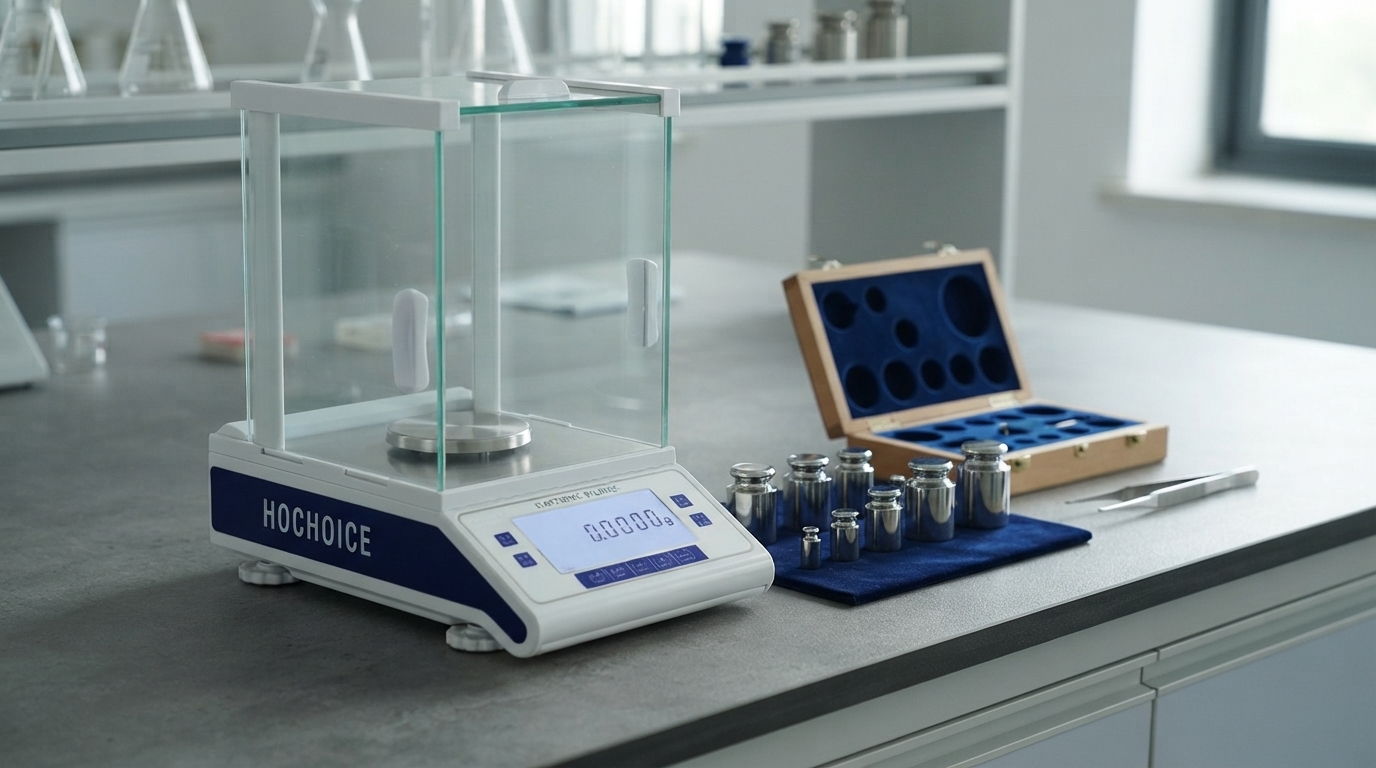
If none of the above resolve the issue, sensor drift is likely the cause.Fix: Perform full balance calibration with traceable certified weights. Verify accuracy across multiple weight values across the full range.
Follow this sequence to eliminate simple causes first and avoid wasted work:
Remove weight & power reset
Clean & reseat pan
Check level & environment
Reset zero properly
Full calibration
Contact technical support if issues persist
Related Guide:How to Calibrate Electronic Balance Step-by-Step
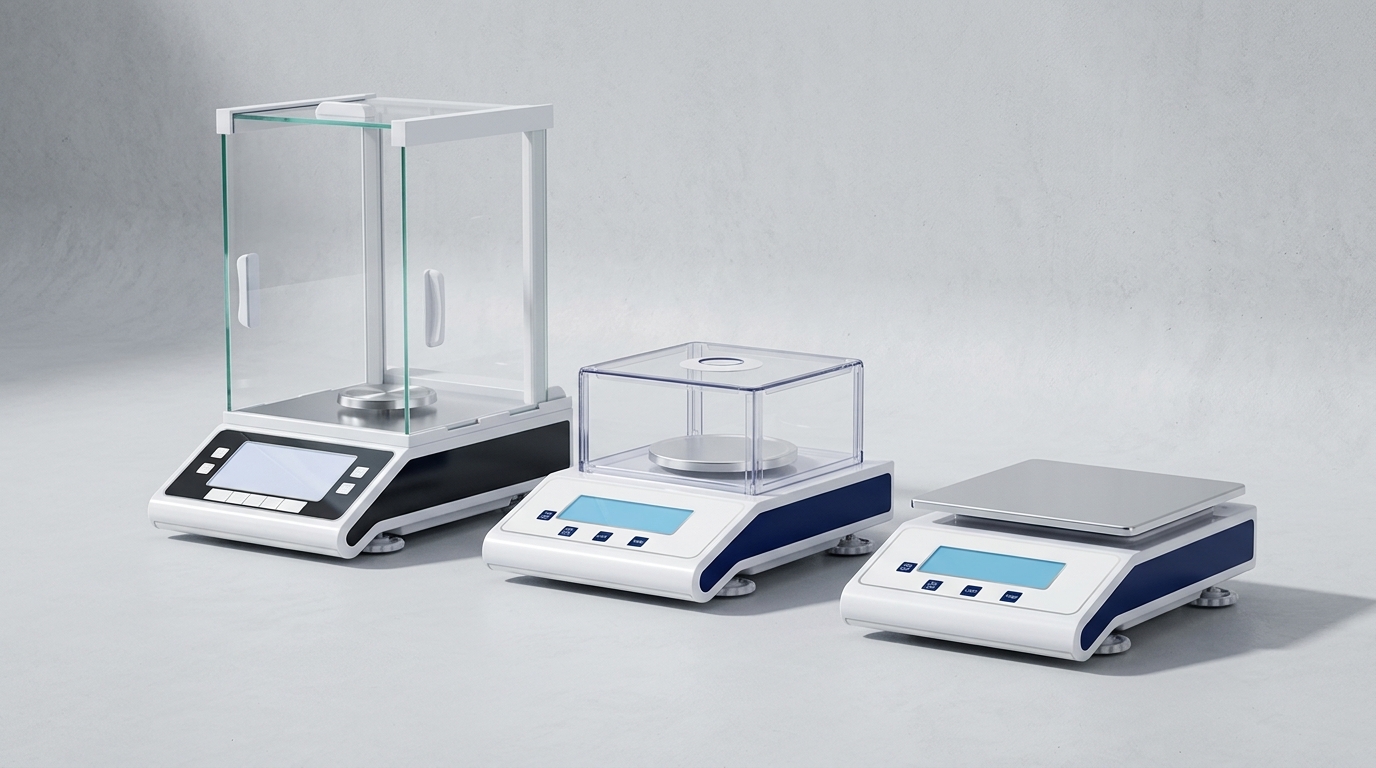
Related Product:Hochoice Precision Balances with Overload Protection
Get Support:Contact technical support for persistent accuracy issues
All Hochoice scales come with full international certifications and built-in overload protection, delivering stable, reliable performance for daily lab and QC use.