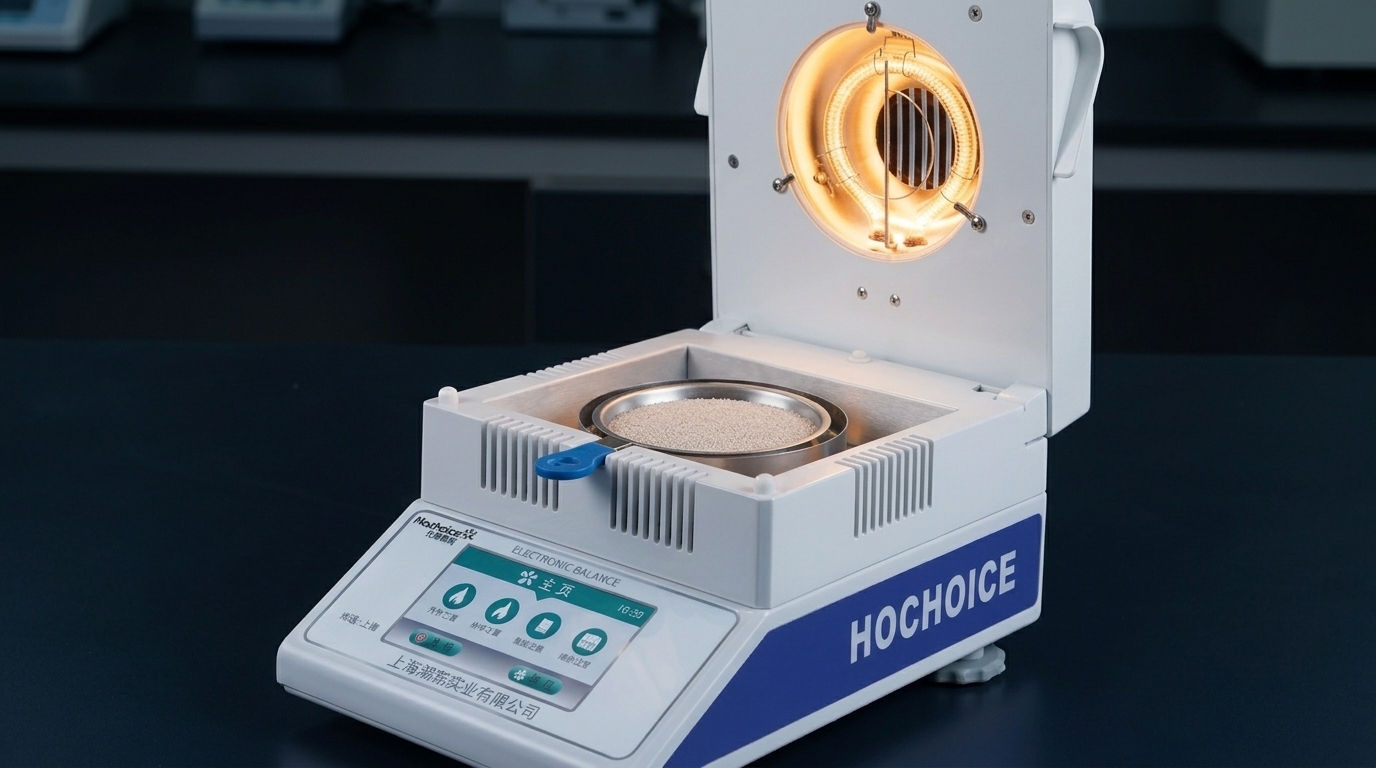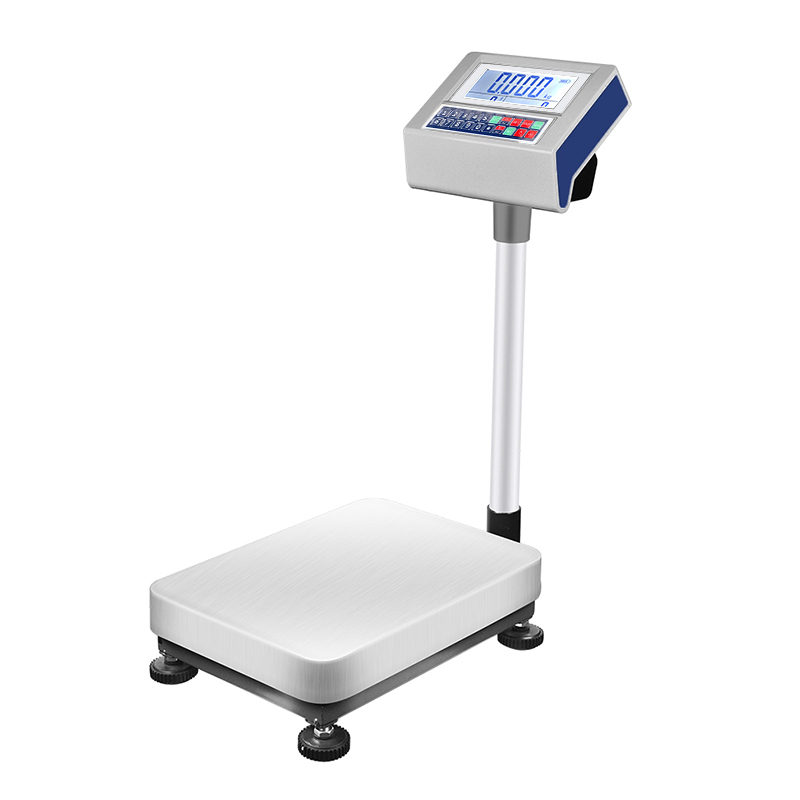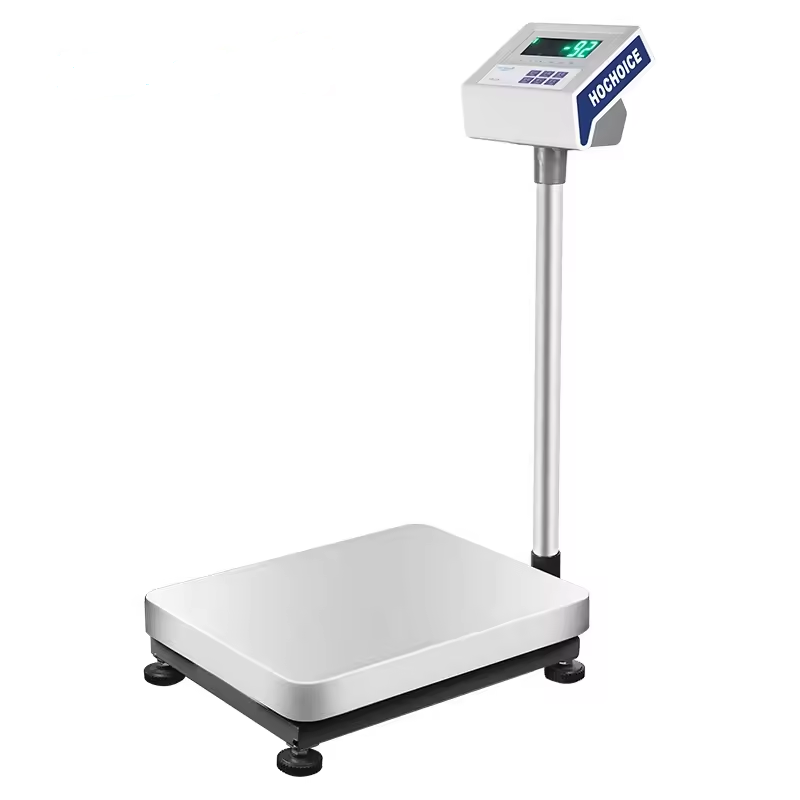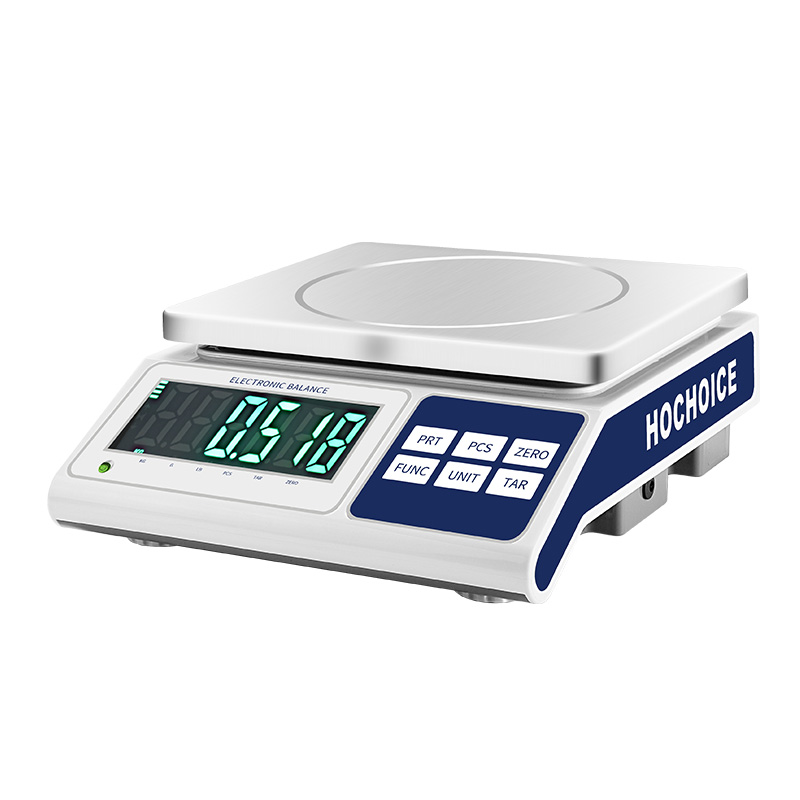

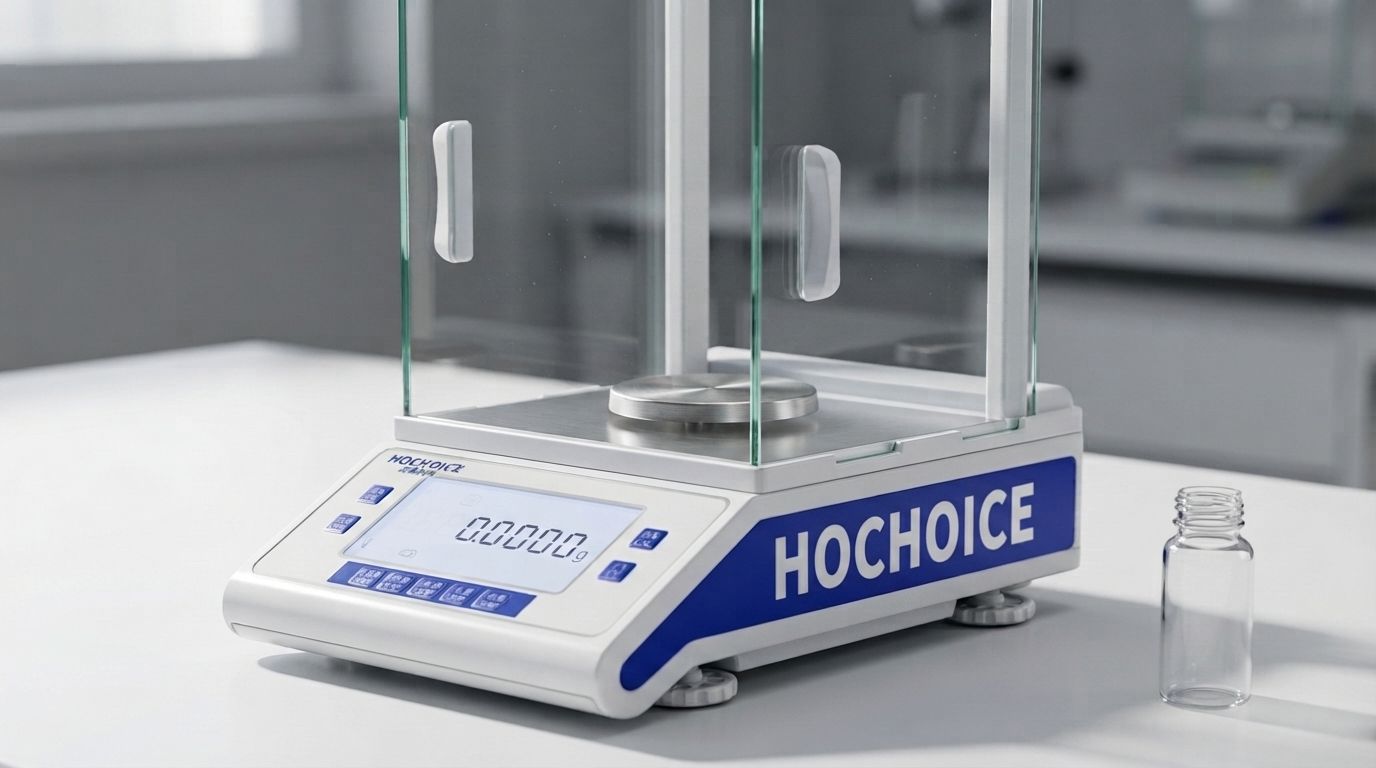
Electronic balance overload and underload errors are common situations that laboratory users may encounter during weighing. These warnings indicate that the load detected by the balance is outside its permitted operating range or that the instrument cannot establish a valid weighing condition.
Understanding the difference between overload and underload messages helps users identify the source of the problem, protect the weighing mechanism, and return the instrument to normal operation safely.
An overload error generally occurs when the load applied to the weighing pan exceeds the balance's permitted weighing capacity. For example, placing a container and sample with a combined mass greater than the instrument's maximum capacity may trigger an overload indication.
The relevant load is not always the sample alone. It can include the container, weighing boat, accessories, and any other object supported by the pan.
Common causes include:
The combined mass of the sample and container exceeds the balance capacity.
An object is accidentally placed on the pan during operation.
The weighing pan or supporting structure is obstructed.
The load is applied suddenly or incorrectly.
The instrument has a mechanical or electronic fault.
What to do: Remove the load carefully and check the instrument's specified capacity. If the display returns to normal, repeat the measurement with a suitable load. If the error remains with an empty pan, consult the operating manual before proceeding.
An underload indication usually means that the balance is detecting a load below its acceptable measurement range or that its weighing system cannot establish the expected zero-load condition.
Depending on the model, the display may show a negative value, a low-load warning, or another error code.
Possible causes include:
The weighing pan has been removed or installed incorrectly.
The pan is not seated correctly on its support.
A mechanical component is obstructed or displaced.
The balance has not completed its startup process.
The load sensor or associated electronics require inspection.
What to do: Check that the weighing pan and any removable accessories are installed correctly. Ensure that nothing is touching or pulling on the pan. If the error continues, follow the model-specific instructions rather than attempting to adjust internal components.
A systematic inspection is more effective than repeatedly switching the instrument on and off.
Confirm the maximum weighing capacity stated in the specifications. Include the mass of the container and accessories when evaluating the total load.
Check that the pan is properly seated and free from residue or foreign objects. Make sure it does not contact the surrounding housing or draft shield.
If an overload is displayed, remove the sample and container carefully. Avoid applying unnecessary force to the pan or weighing mechanism.
After removing the load, allow the display to stabilize. If the instrument does not return to its expected zero condition, check the manual for the appropriate zeroing procedure.
Vibration, strong airflow, an unstable workbench, and temperature changes may interfere with normal weighing behavior. Check the installation environment before concluding that the instrument has failed.
If the warning remains with the pan empty and correctly installed, stop using the balance for critical measurements. Contact qualified service personnel if the manufacturer's troubleshooting instructions do not resolve the issue.
Taring and calibration serve different purposes.
Taring establishes a new zero reference for weighing a sample in a container. It does not increase the balance's maximum capacity or remove a mechanical obstruction.
Calibration evaluates or adjusts the relationship between the balance's indicated value and a reference mass, according to the instrument's calibration method. It is not a substitute for investigating persistent overload or underload messages.
If an error occurs repeatedly, identify the underlying cause before attempting any calibration procedure.
Good operating practices can reduce unnecessary interruptions:
Select a balance with sufficient capacity for the complete weighing setup.
Place samples and containers gently on the weighing pan.
Keep the pan and surrounding area clean.
Install the instrument on a stable, level surface.
Follow the manufacturer's instructions for startup, zeroing, and handling.
Record recurring error codes and the conditions under which they occur.
Overload and underload messages indicate that an electronic balance cannot operate within its expected weighing conditions. Overload commonly relates to excessive applied mass, while underload may involve an incorrectly installed pan, an abnormal zero-load condition, or an instrument issue.
By checking the capacity, pan installation, surrounding environment, and displayed error according to the instrument manual, laboratory users can troubleshoot these warnings more systematically and avoid unnecessary equipment replacement.